Upstream
Upstream
  • Product
  • Features
  • Platforms
  • Resources
  • Pricing
Login Sign up for free
Blog

How To Get 1000 Subscribers On YouTube (+ Secret Tip)

Written by Ivor April 28, 2023 · Updated October 15, 2026 · 5 min read
  1. 1. Create High-Quality Content
  2. 2. Optimize Your Channel
  3. 3. Use Keywords in Your Titles and Descriptions
  4. 4. Promote Your Channel on Social Media
  5. 5. Collaborate with Other YouTubers
  6. 6. Engage with Your Audience
  7. 7. Use Call-to-Actions
  8. 8. Offer Incentives for Subscribing
  9. 9. Consistency is Key
  10. 10. Optimize Your Videos for SEO
  11. 11. Use YouTube Ads
  12. 12. Participate in YouTube Communities
  13. 13. Monitor Your Analytics
  14. 14. Be Authentic and Unique
  15. 15. Have Fun and Enjoy the Process
  16. Secret Tip: Create a 24/7 Live Stream With Upstream.so:
  17. Conclusion

Are you tired of pouring countless hours into creating amazing video content for your YouTube channel, only to be met with lackluster results? As a content creator or social media manager, for you to get 1000 subscribers on YouTube is essential for increasing engagement, driving traffic, and ultimately growing your brand.

We have proven tactics and strategies that can improve your YouTube channel and help you reach a wider audience than ever before. In this blog post, we’ll show you how to get 1000 subscribers on YouTube. At the end, we’ll share a secret tip that will help you improve your YouTube results.
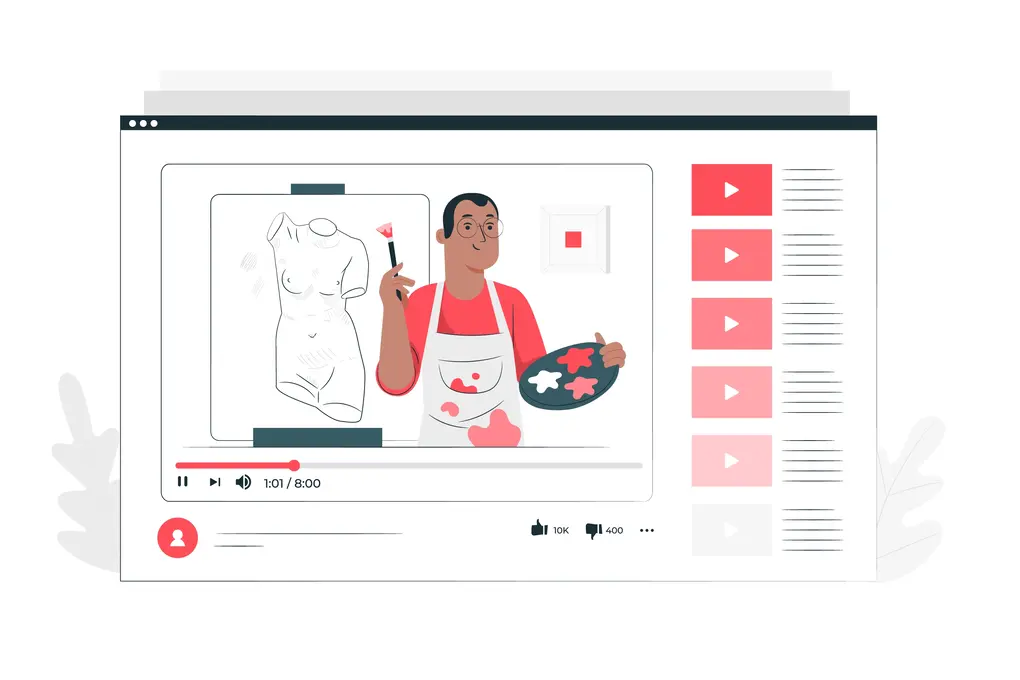
get 1000 subscribers on youtube - upstream.so

So, buckle up and get ready to learn the tips and tricks that will help you skyrocket your YouTube subscriber count and achieve your content creation goals. Let’s get started!

1. Create High-Quality Content

Creating high-quality content is the foundation of a successful YouTube channel. Your content should be engaging, informative, and visually appealing. You can use different video editing software to improve the quality of your videos. Your videos should be shot in high-definition and have good lighting and sound quality. You can also add captions to your videos to make them more accessible to your audience.

24/7 live streaming

Keep a live channel running 24/7.

Upload files, build a playlist, and let Upstream run continuous live playout from the cloud without OBS, a VPS, or an always-on computer.


Sign up for free Explore 24/7 streaming
Manage backgroundLoop duration: 02:26:1403:08:42
1 Night owl40:04
2 Country train daydream53:32
3 Late night sax52:38
4 Windmill sunset42:28
SettingsChatDestinationsTriggers
Background Settings

Background playlist order

Ordered loopShuffled loop
Ordered will play the background files in their order.Shuffle will play a random background file from the list.

Video Fit

CropFit
Background will be cropped to fill the entire canvas if the aspect ratio doesn't match.

2. Optimize Your Channel

Optimizing your channel can help you attract more subscribers. You should use a clear and concise channel name and create a professional-looking profile picture and cover photo. Also, write a compelling channel description that describes your content and what your channel is all about. You should also organize your videos into playlists to make it easier for your audience to find and watch your content.

3. Use Keywords in Your Titles and Descriptions

Using keywords in your video titles and descriptions can help your videos rank higher in YouTube search results. You should use relevant keywords in your titles and descriptions to help your videos appear in relevant search results. In addition, you can use keyword research tools like Google Keyword Planner and Ahrefs to find the best keywords for your videos.

Benefits Of 24/7 YouTube Live Stream: Get More Views

4. Promote Your Channel on Social Media

Promoting your channel on social media platforms like Twitter, Facebook, and Instagram can help you attract more subscribers. You should share your videos on your social media profiles and ask your followers to subscribe to your channel. You can also join social media groups and communities related to your niche and share your videos there.

5. Collaborate with Other YouTubers

Collaborating with other YouTubers can help you reach a broader audience and attract more subscribers. You can collaborate with YouTubers in your niche and create videos together. You can also ask other YouTubers to feature your channel in their videos and vice versa.

promote your youtube videos to get more subs

6. Engage with Your Audience

Engaging with your audience can help you build a loyal subscriber base. You should reply to comments on your videos and ask your audience to leave feedback and suggestions for future videos. You can also create polls and surveys to get feedback from your audience.

7. Use Call-to-Actions

Using call-to-actions (CTAs) can help you encourage your viewers to subscribe to your channel. You should add a CTA at the end of your videos asking your viewers to subscribe to your channel. You can also add CTAs in your video descriptions and on your channel page.

8. Offer Incentives for Subscribing

Offering incentives for subscribing can help you attract more subscribers. You can offer exclusive content, such as behind-the-scenes videos or early access to your videos, to your subscribers. You can also offer giveaways and contests to your subscribers to incentivize them to subscribe to your channel.

9. Consistency is Key

Consistency is key when it comes to growing your YouTube channel. You should upload videos regularly and at consistent intervals. This can help your subscribers know when to expect new content from you and keep them engaged with your channel.

10. Optimize Your Videos for SEO

Optimizing your videos for SEO can help you rank higher in YouTube search results and attract more subscribers. You should use relevant keywords in your video titles, descriptions, and tags. You should also add relevant hashtags to your videos to make them more discoverable.
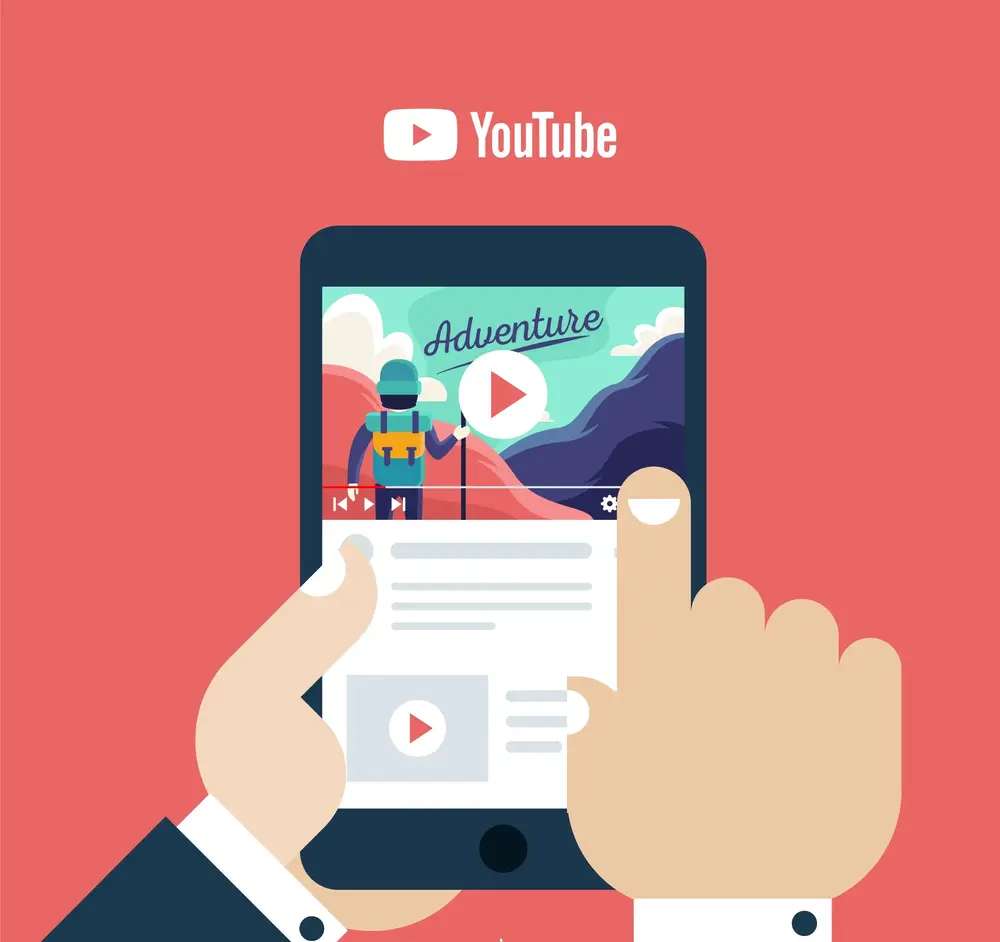
youtube get 1000 subscribers

11. Use YouTube Ads

Using YouTube ads can help you reach a broader audience and attract more subscribers. You can use YouTube ads to promote your channel to specific demographics and interests. You can also use YouTube ads to promote specific videos or playlists to attract more subscribers.

12. Participate in YouTube Communities

Participating in YouTube communities can help you connect with other YouTubers and attract more subscribers. You can participate in YouTube forums and communities related to your niche and share your videos there. You can also participate in YouTube events and meetups to network with other YouTubers.

13. Monitor Your Analytics

Monitoring your analytics can help you understand your audience and improve your content. You should regularly check your YouTube analytics to see which videos perform well and which ones don’t. You can use this information to improve your content and attract more subscribers.

14. Be Authentic and Unique

Being authentic and unique can help you stand out from other YouTubers and attract more subscribers. You should create content that is authentic to your personality and unique to your niche. This can help your audience connect with you on a deeper level and become loyal subscribers.

15. Have Fun and Enjoy the Process

Finally, it’s important to have fun and enjoy the process of growing your YouTube channel. Creating content can be challenging, but it can also be rewarding and fulfilling. You should enjoy the process of creating content and connecting with your audience, and your subscribers will come naturally.


Secret Tip: Create a 24/7 Live Stream With Upstream.so:

By using Upstream, you can create a 24/7 live stream of your content, which can help increase engagement with your audience and drive more views to your channel. With interactive features such as live chat, polls, and Q&A sessions, you can create a more immersive experience for your viewers.

One of the benefits of 24/7 streaming is that it can help increase engagement with your audience. By providing a continuous stream of content, you can keep viewers engaged and encourage them to stay on your channel for longer periods of time. This can help increase your watch time and improve your overall ranking on YouTube.

Did you know that YouTube prioritizes Live videos over Regular videos in Search results page. So, when viewers stumble upon your live stream while browsing YouTube, they may be more likely to check out your other content and subscribe to your channel if they like what they see.

Conclusion

Building a strong subscriber base on YouTube is essential for any content creator or social media manager looking to grow their brand. With Upstream.so innovative software, you can take your YouTube channel to the next level and reach a wider audience than ever before. By using the tactics and strategies outlined in this blog post, you’ll be well on your way to achieving your content creation goals and growing your subscriber count to 1000 or beyond.

If you’re ready to improve your YouTube results, sign up for Upstream today and start building a custom 24/7 YouTube channel that will help you drive more engagement and ROI for your brand.

Or, check how to create your own 24/7 live stream step-by-step.
Published April 28, 2023
Ivor

About the author

Ivor

Contributor

Ivor contributed early Upstream articles and product updates, with a focus on 24/7 streaming setup, creator workflows, and practical guidance for getting streams online and keeping them running.

Keep exploring

Further reading

Browse all articles
Cheapest VPS for YouTube Streaming in 2026: Prices, Setup and Security
Oct 23, 2026 Guides

Cheapest VPS for YouTube Streaming in 2026: Prices, Setup and Security

Read article
Best 24/7 Live Streaming Software for YouTube in 2026
Oct 10, 2026 Guides

Best 24/7 Live Streaming Software for YouTube in 2026

Read article
Cheapest 24/7 YouTube Live Streaming in 2026: What $6 to $30 a Month Gets You
Oct 9, 2026 Guides

Cheapest 24/7 YouTube Live Streaming in 2026: What $6 to $30 a Month Gets You

Read article

Start streaming today

Go live to every platform, run a 24/7 channel, and produce live shows in your browser, with no software or server setup.

No credit card 24 hours/month free Full functionality
Start Streaming Free
24/7 Live Streaming Run cloud channels that stay live around the clock. Live Studio Invite guests, share screens, and add branded overlays in the browser. Multistreaming Send one live feed to YouTube, Twitch, Kick, and RTMP endpoints. Pre-recorded Live Streaming Upload pre-recorded videos & Go Live without the stress of live production. Free plan 24 hours a month with no watermark. Multi-channel streaming Separate live channels from one account. Enterprise Setups for teams, labels and agencies. About Upstream Who we are and how Upstream works.
Scheduling Streams that start and end on their own. Multichat Every platform's chat in one feed. Overlays Layers and widgets in Stream Designer. Stings, jingles and ads Inserts that play between your videos. Playback controls Skip or play any file while you stay live. Audio and video playlists Loop music and visuals separately. Media library & storage Organize files and cloud uploads. Team access Invite your team, each with their own role. RTMP server Stream in from OBS or any encoder. Live Streaming API Run streams, media and queues from code. MCP Server Manage streams from your AI assistant. All features Everything Upstream does, on one page.
YouTube live streaming Twitch live streaming Kick live streaming Facebook live streaming Instagram live streaming TikTok TikTok live streaming Rumble live streaming Mixcloud live streaming 30+ more Plus any custom RTMP or SRT destination.
Platform limits Bitrate and duration caps for each platform. Integrations Setup guides for OBS, vMix, cameras and more. VTuber Streaming Go live with your avatar on every platform.
Blog Guides, platform rules and news for anyone who goes live. Guides Setup guides for 24/7 streams, multistreaming and RTMP. Release Notes The new features in each Upstream update, in one place. Free Tools Video, audio, thumbnail and AI tools, plus camera and mic checks. Helpdesk Step by step setup help and troubleshooting for Upstream. Service status Current service health, uptime history and incident updates. Live Streaming FAQ Short answers to what people ask before they go live. Compare Upstream Upstream side by side with Restream, StreamYard and others. Latest post YouTube Dual Stream: What the Vertical Copy Does and How to Turn It Off
Always-on 24/7 Live Streaming Run cloud channels that stay live around the clock.
Explore
Real-time live Live Studio Invite guests, share screens, and add branded overlays in the browser.
Explore
One stream, 30+ platforms Multistreaming Send one live feed to YouTube, Twitch, Kick, and RTMP endpoints.
Explore
Schedule & Automate Pre-recorded Live Streaming Upload pre-recorded videos & Go Live without the stress of live production.
Explore
Free plan 24 hours a month with no watermark.
Multi-channel streaming Separate live channels from one account.
Enterprise Setups for teams, labels and agencies.
About Upstream Who we are and how Upstream works.
Scheduling Streams that start and end on their own. Multichat Every platform's chat in one feed. Overlays Layers and widgets in Stream Designer. Stings, jingles and ads Inserts that play between your videos. Playback controls Skip or play any file while you stay live. Audio and video playlists Loop music and visuals separately. Media library & storage Organize files and cloud uploads. Team access Invite your team, each with their own role. RTMP server Stream in from OBS or any encoder.
Live Streaming API Run streams, media and queues from code.
MCP Server Manage streams from your AI assistant.
All features Everything Upstream does, on one page.
YouTube live streaming. 24/7 channels with midroll ads. Twitch live streaming. Streams restart on their own at 48 hours. Kick live streaming. Stay live with your computer off. Facebook live streaming. Schedule lives that start on their own. Instagram live streaming. Go live from your browser or the cloud. TikTok TikTok live streaming. Go live on TikTok and Instagram at once. Rumble live streaming. Add Rumble to your YouTube or Kick stream. Mixcloud live streaming. DJ sets and radio shows from your browser. 30+ more Plus any custom RTMP or SRT destination.
Platform limits Bitrate and duration caps for each platform.
Integrations Setup guides for OBS, vMix, cameras and more.
VTuber Streaming Go live with your avatar on every platform.
Blog
Guides
Release Notes
Free Tools
Helpdesk
Service status
Live Streaming FAQ
Compare Upstream
YouTube Dual Stream: What the Vertical Copy Does and How to Turn It Off YouTube Dual Stream: What the Vertical Copy Does and How to Turn It Off
Upstream

Run your streams from the cloud

Free plan: 24 streaming hours a month, no card, no watermark.

4.6 · 245 reviews on Trustpilot
Legal entity
Zukunft d.o.o.
Registered address
Grožnjanska ulica 32, 10000 Zagreb, Croatia
Company VAT ID
Company VAT ID: HR62560895839
About | Contact us | Tools | Content standards | Security | Privacy Policy | Terms of Service | Affiliate terms | Legal notice |

Product

  • Pricing
  • Upstream Features Overview
    • Multistreaming
    • Media Library & Storage
    • Separate Audio and Video
    • Overlays: Stream Designer
    • Live Streaming Studio
    • Scheduling & Automation
    • Live Playback Controls
    • Play Stings, Jingles and Ads
    • Team Access
  • Enterprise Broadcasting Solutions

Resources

  • Helpdesk
  • Service status
  • Live Streaming FAQ
  • Blog
  • Release Notes
  • Live Streaming API
  • MCP Server
  • Free Live Streaming
  • YouTube Live Streaming
  • RTMP Server
  • Supported Platforms
  • Live Streaming Limits
  • Integrations

Compare Us

  • Compare Upstream
    • Upstream vs Runnel.live
    • Upstream vs OneStream
    • Upstream vs Live247
    • Upstream vs Gyre
    • Upstream vs Streaming Bots
    • Upstream vs Restream
    • Upstream vs StreamYard
    • Upstream vs LiveReacting
    • Upstream vs Playout.video

Free Tools

  • Design tools
  • Video tools
  • Audio tools
  • AI tools
  • Setup checks

Use cases

  • For Creators
  • For Music Labels
  • Church Streaming
  • VTuber Streaming
  • Multi-Channel Streaming

© 2026 Upstream. All rights reserved.

Keep a channel live 24/7 - no PC needed.

Sign up for free