Multistream to Twitch, YouTube or any Streaming Platform
Multistreaming means broadcasting one live stream to several platforms at once: YouTube, Twitch, Kick, Facebook, TikTok, Rumble, or any RTMP destination. Upstream does it from the cloud, so your CPU and upload bandwidth stay free while you go live everywhere, even 24/7.
Stream to 10 Platforms Simultaneously
Restream your OBS stream via dedicated cloud multistreaming servers. Reduce the load on your network and CPU while Upstream does the heavy lifting.
Embed Unified Chat Overlays
Use unified chat overlays to connect with viewers across platforms and control what shows on every channel from one creator workflow.
Verified by YouTube
Upstream is a YouTube verified software encoder, built for stable, high-performance live output.
Key facts about Upstream
- What it is
- Cloud streaming software that does four things in one plan: 24/7 streams from your videos, scheduled pre-recorded streams, live shows with guests, and multistreaming.
- Price
- $30 a month per 1080p stream, or $24 billed yearly. As low as $16 a stream with 4 or more, billed yearly.
- Free plan
- 24 hours of streaming every month, with no card and no watermark. The hours reset monthly.
- Platforms
- 30+ platforms, up to 10 at once from one stream.
- Live input
- Send from OBS or any RTMP encoder, or go live in the browser studio. Upstream sends it to every platform from the cloud.
- Guests
- Bring up to 10 guests on stage from a link, with no account, and send the show to all your platforms at once.






Add your platforms, go live on all of them
Add each platform once with its stream key. Pick which ones go live, start the stream, and Upstream sends it to every one of them from the cloud.
Lofi Radio 24/7
Stopped 0 / 3 More actions18.2 / 100GB Preview ⌘ P Save ⌘ S
Background playlist order
Shuffle will play a random background file from the list.
Video fit
Background will be cropped to fill the entire canvas if the aspect ratio doesn't match.
TRUSTED BY THE BIGGEST NAMES IN INDUSTRY
Used across broadcast, streaming, and entertainment
Upstream helps teams schedule, manage, and deliver reliable live channels without adding operational overhead.


Is multistreaming better than restreaming?
Live stream your OBS stream to multiple platforms like Twitch, Kick, YouTube, TikTok, or any RTMP destination. Grow your audience instantly with Upstream, with unmatched prices and features.
Connect your encoder
Open Upstream's Live Studio, copy the RTMP ingest URL and stream key, and paste them into OBS, Wirecast, or any external encoder as your destination.
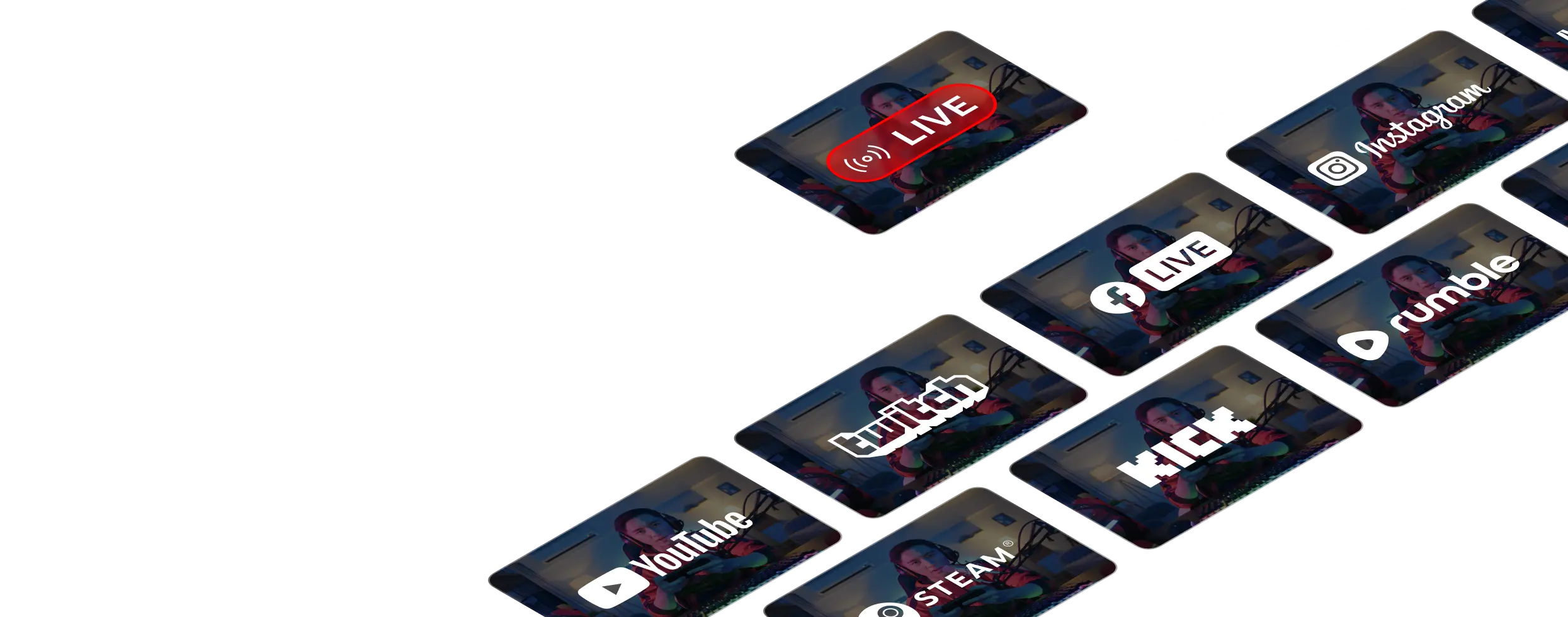
Add up to 10 simultaneous destinations
Enter the stream keys for YouTube, Twitch, Kick, Instagram, Facebook, and TikTok, and manage every platform from one Multistreaming Settings panel.
Hassle free, easy to integrate platforms! Always helpful support through chat. Secure payment.
Augustine Peter Trustpilot review
One cloud workflow for every way you stream.
Multistreaming is strongest when distribution is connected to the rest of production. Upstream also supports 24/7 live streaming, pre-recorded live streams, and Live Studio broadcasts from the same account.

Send one feed to every platform that matters.
Go live to YouTube, Twitch, Kick, Facebook, Rumble, and custom RTMP without making your upload connection carry every copy.
Explore multistreaming
Run a 24/7 live stream from your videos.
Upload once, build a playlist, and let Upstream run continuous live playout without OBS, a VPS, or an always-on computer.
Explore 24/7 streaming
Schedule finished videos as live events.
Turn recordings into scheduled live streams, premieres, loops, and recurring broadcasts from the same cloud workflow.
Explore pre-recorded streaming
Produce browser-based live shows with guests.
Invite speakers, share screens, manage scenes, and add branded overlays for podcasts, webinars, interviews, and launches.
Explore Live StudioGo live everywhere in sync
Start your stream and it fans out to every platform at once from Upstream's YouTube-verified servers. This keeps your CPU and network load low.
Combined cross-platform chat
Pull every platform's chat into one overlay, so you can talk to your whole audience at once. On Twitch, check the simulcast rules before you show it on stream.
Go live everywhere at once
Your stream goes out to YouTube up front and fans out to Facebook, Twitch and 30+ more, up to 10 at once. Flip destinations on and off.
Compare
How does Upstream compare to Restream and StreamYard?
Local encoders, cloud relays, and Upstream can all send a stream live. The difference is what stays included after you add scheduling, playlists, studio tools, and always-on workflows.
Where each multistreaming setup stops being enough.
- Local encoder OBS, Wirecast
- No
- Cloud relay Restream, StreamYard
- Yes
- Upstream All-in-one
- Yes
- Local encoder OBS, Wirecast
- No
- Cloud relay Restream, StreamYard
- Yes
- Upstream All-in-one
- Yes
- Local encoder OBS, Wirecast
- Limited
- Cloud relay Restream, StreamYard
- Yes
- Upstream All-in-one
- Yes
- Local encoder OBS, Wirecast
- No
- Cloud relay Restream, StreamYard
- Yes
- Upstream All-in-one
- Yes
- Local encoder OBS, Wirecast
- No
- Cloud relay Restream, StreamYard
- Limited
- Upstream All-in-one
- Yes
- Local encoder OBS, Wirecast
- No
- Cloud relay Restream, StreamYard
- No
- Upstream All-in-one
- Yes
- Local encoder OBS, Wirecast
- Limited
- Cloud relay Restream, StreamYard
- Limited
- Upstream All-in-one
- Yes
- Local encoder OBS, Wirecast
- No
- Cloud relay Restream, StreamYard
- No
- Upstream All-in-one
- Yes
Use cases
What people multistream
Gaming streams
Go live on Twitch, YouTube and Kick at once, so viewers can watch wherever they already follow you.
Podcasts and talk shows
One show out to YouTube, Facebook and any RTMP server, from OBS or from Live Studio in the browser.
Church services
Sunday services on YouTube and Facebook together, so members can join on either one.
Webinars and launches
Reach your audience on every channel you post to, without running a second encoder.
DJ sets and concerts
Music streams to YouTube, Twitch and Kick side by side, from one feed.
News and live events
Breaking news, sports and events on every platform your viewers use, from one cloud stream.
Reviews
What multistreamers say on Trustpilot
Excerpts from Trustpilot reviews by people who multistream with Upstream.
4.6 245 reviews on Trustpilot Marc Ryan
One free stream. Paid gets cheaper as you scale.
Start with 1 paid stream at $30/mo, scale to 1000+, and pay less as you add streams: 2 streams are $50/mo, 3 streams are $70/mo, then 4+ streams are $20/stream/mo or $16/stream/mo when billed yearly.
1 concurrent stream · 24 hr/month
1080p at 30 FPS
$30/stream/mo · 4+ volume rate is $20
* Free-plan capacity may be limited during unusual demand.
FAQ
Multistreaming FAQ
Direct answers for creators comparing multistreaming software, simulcasting, cloud restreaming, and OBS workflows.
Multistreaming, also called simulcasting, means broadcasting one live video to several platforms at the same time. With Upstream, you send one feed to the cloud and Upstream distributes it to YouTube, Twitch, Kick, TikTok, Facebook, Rumble, and custom RTMP destinations in sync.
Each Upstream stream can send to up to 10 of 30+ supported platforms simultaneously. You can mix major platforms like YouTube, Twitch, Kick, TikTok, Facebook, Instagram, Rumble, LinkedIn, and any destination that accepts RTMP.
No. Your computer uploads one stream to Upstream. Upstream handles the fan-out from cloud servers, so adding destinations does not multiply your local CPU load or upload bandwidth.
Yes. Copy the Upstream RTMP ingest URL and stream key into OBS or any external encoder, then add your platform stream keys in Upstream. You can also go live from the browser with Live Studio.
Yes. Upstream includes a browser-based Live Studio for camera shows, guest streams, screen sharing, overlays, and mixed live/pre-recorded broadcasts. OBS is optional.
Yes, but you still need to follow each platform’s policy. Twitch allows simulcasting. As of October 2026, its written Terms still bar merged chat from other platforms on the Twitch stream, though Twitch said in February 2026 it would no longer enforce that rule. YouTube allows live streaming to other destinations as long as your stream follows YouTube live rules.
Yes. Upstream has a free plan with 1 stream, 24 live streaming hours every month, 1080p at 30fps, 100 GB storage, multistreaming to 10 destinations, no watermark, and no credit card required.
Multistreaming is included on every Upstream plan. Paid plans start at $30/month for one stream with unlimited 24/7 streaming, and the price per stream gets cheaper as you add more concurrent streams.
You can prepare a backup stream, BRB screen, or pre-recorded safety loop in Upstream so your channel has a fallback if your local encoder or connection drops.
Multistreaming and simulcasting mean the same thing: broadcasting one live stream to several platforms at the same time (YouTube, Twitch, Kick, and more). “Simulcasting” is the term YouTube and Twitch use in their official rules. “Restreaming” usually means relaying that feed through a cloud service so your own computer never has to encode a separate output for each platform. That is exactly how Upstream’s cloud multistreaming works.
Platform limits change over time. YouTube, Twitch, Kick, Rumble, Mixcloud, and TikTok are common choices for long or 24/7 streams. Facebook, Instagram, and LinkedIn may enforce shorter session limits, so check the destination rules before you schedule a long broadcast.
Switching from Restream or StreamYard?
See how Upstream's cloud multistreaming software stacks up: 24/7 always-on playback, true looping and pre-recorded-as-live, no OBS or local CPU, and up to 10 of 30+ supported platforms on every plan.
Start multistreaming from one cloud feed.
Create a free Upstream account, connect your source, and send one live stream to every destination that matters.