Loop your music and visuals separately
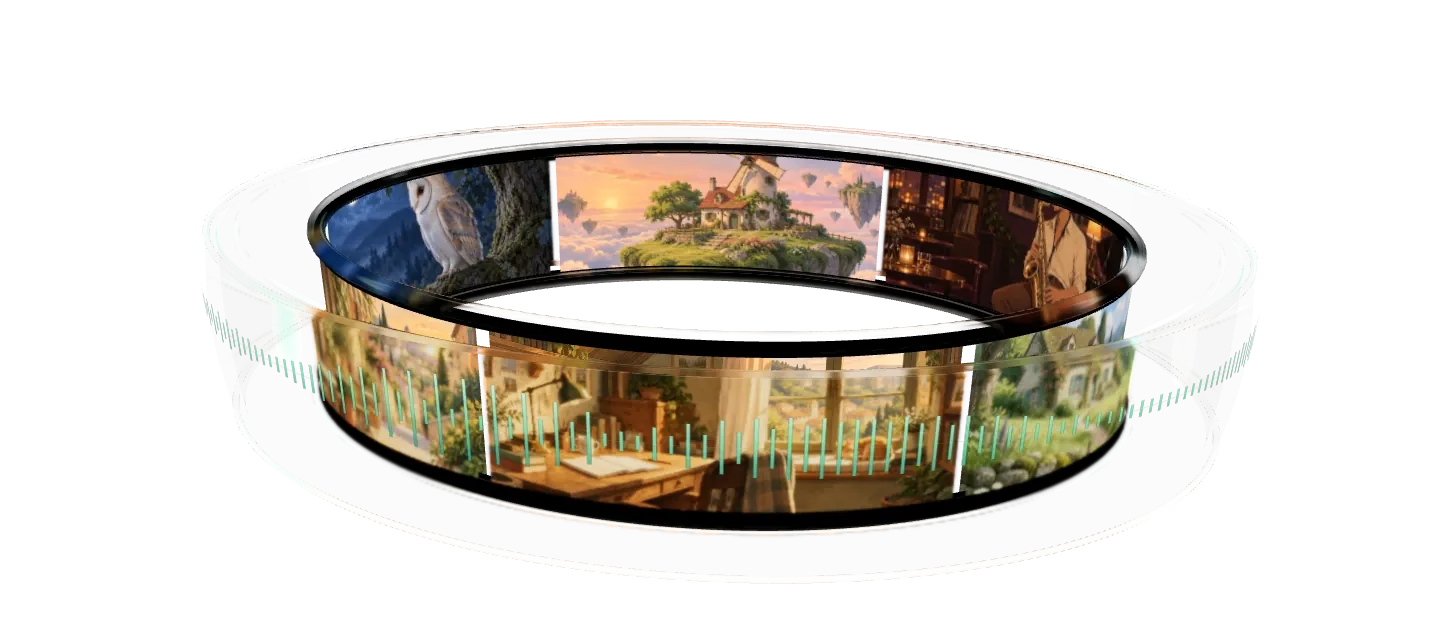
Songs on one playlist, videos or images on another, each looping on its own. Add rain or a crackling fire underneath on a second channel. No more long renders with the audio baked in.
Two audio channels, one mix
The songs play on the main channel and rain or a fireplace on a second one, each at its own volume.
A second channel for ambience
Move rain, a fireplace or a voiceover to the secondary channel and it loops under the songs, on its own.

Mix it like a radio
Set the volume of each channel and a crossfade between songs, up to 20 seconds. Your files stay untouched.
Trusted by teams in broadcast and entertainment


Visuals on their own loop
Clips, stills and GIFs play on the background playlist, and either playlist changes while the stream runs.
Videos, images and GIFs
Mix clips and stills in one background playlist. Give images a duration and pick how each one fades into the next.

Change it while it's live
Add songs, swap the visuals or reorder either playlist while the stream plays. Publish when you're ready and the stream keeps running.

The value you get per dollar is amazing. Many features are available at no cost when other similar services charge for them or do not have them available at all.
Trustpilot review
FAQ
Audio and video playlist questions
Related features
Every feature is included on every plan, the free plan too.
Put your music on a loop, not in a render
Upload songs and visuals, set the order and go live. The free plan includes 24 hours of streaming every month.