Working in Teams

Team Access: Multiple Users Per Account

Team Access lets you and your team easily manage all your streams across multiple Upstream accounts.

View, Moderate or Manage

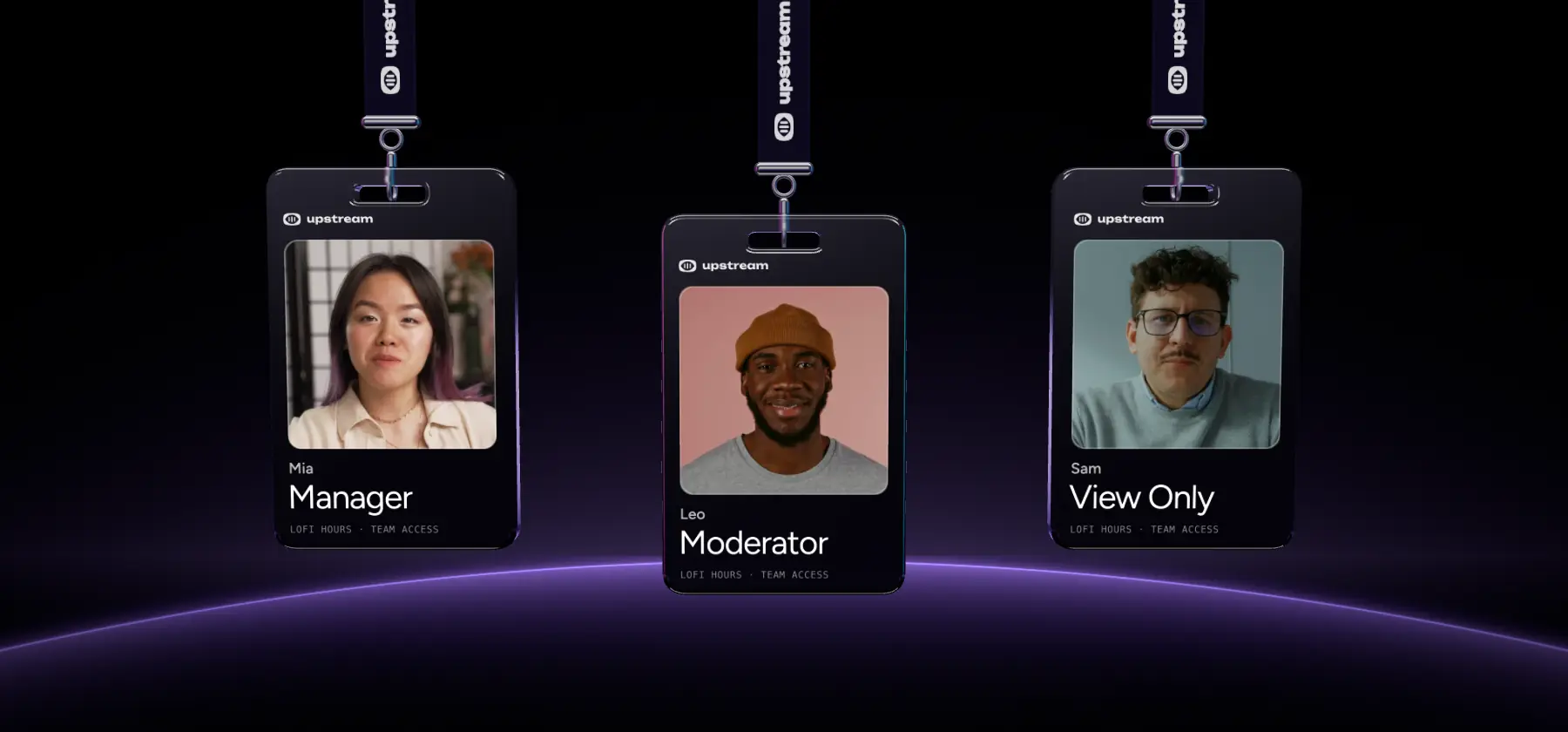
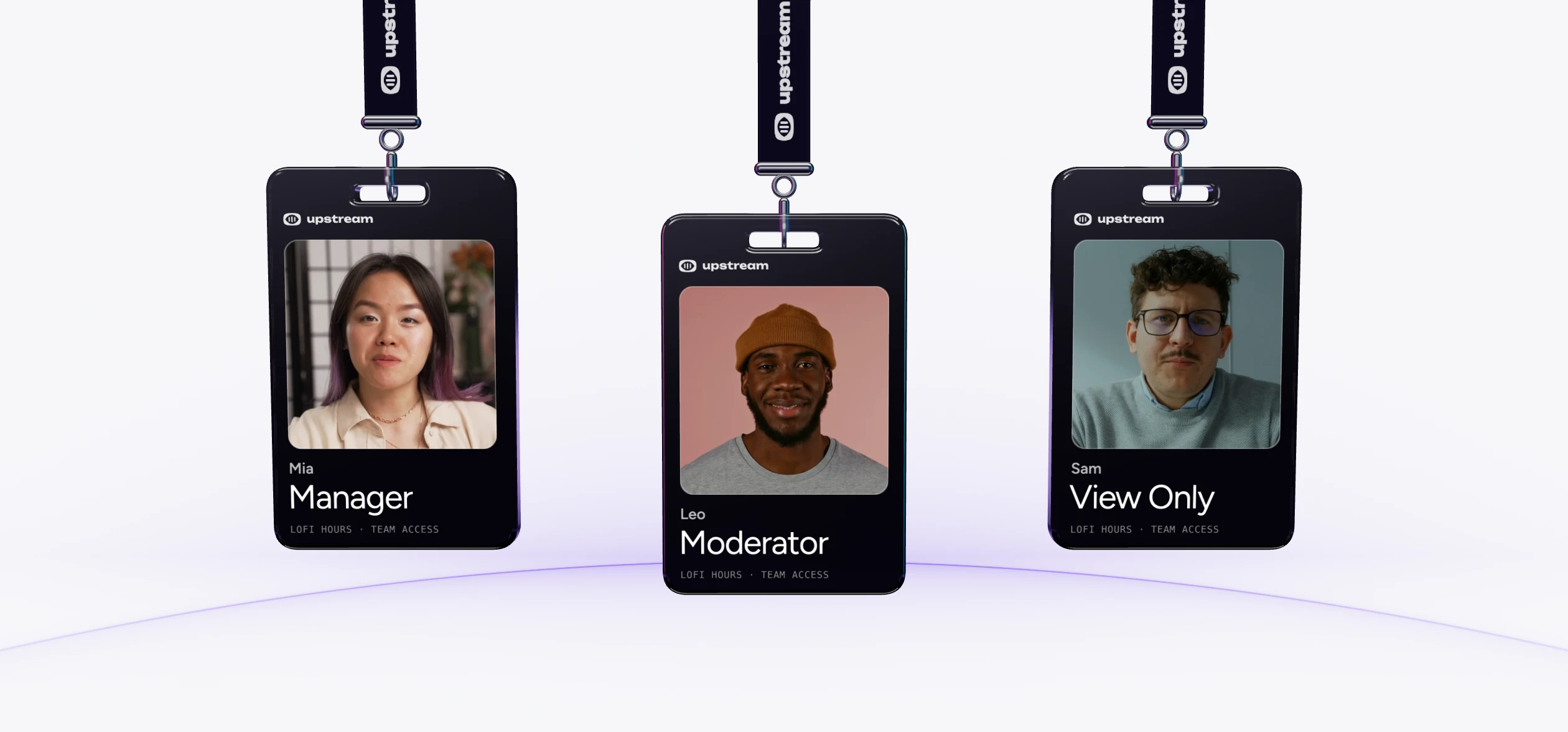
There are three distinct permission levels you can assign to each team member, designed to suit every type of collaboration.

Stay logged in

You can switch and manage different accounts without having to constantly log in and out with separate logins.

Security you can trust

Collaborate securely without sharing passwords. Every team member account has 2FA enabled to keep your streams protected.

Assemble Your Stream Team

Streaming isn’t a solo sport. Editors, designers, clients and collaborators – they all need access to your stream to make your job easier. With Team Access teamwork is now easy and secure.

  • Assign Team Roles & Permissions
  • No more password sharing
  • No more logging in and out
Assemble Your Stream Team

Three Permission Levels

Team Access introduces three permission levels designed around how most streaming teams actually work:

  • View only - See everything (except billing), change nothing
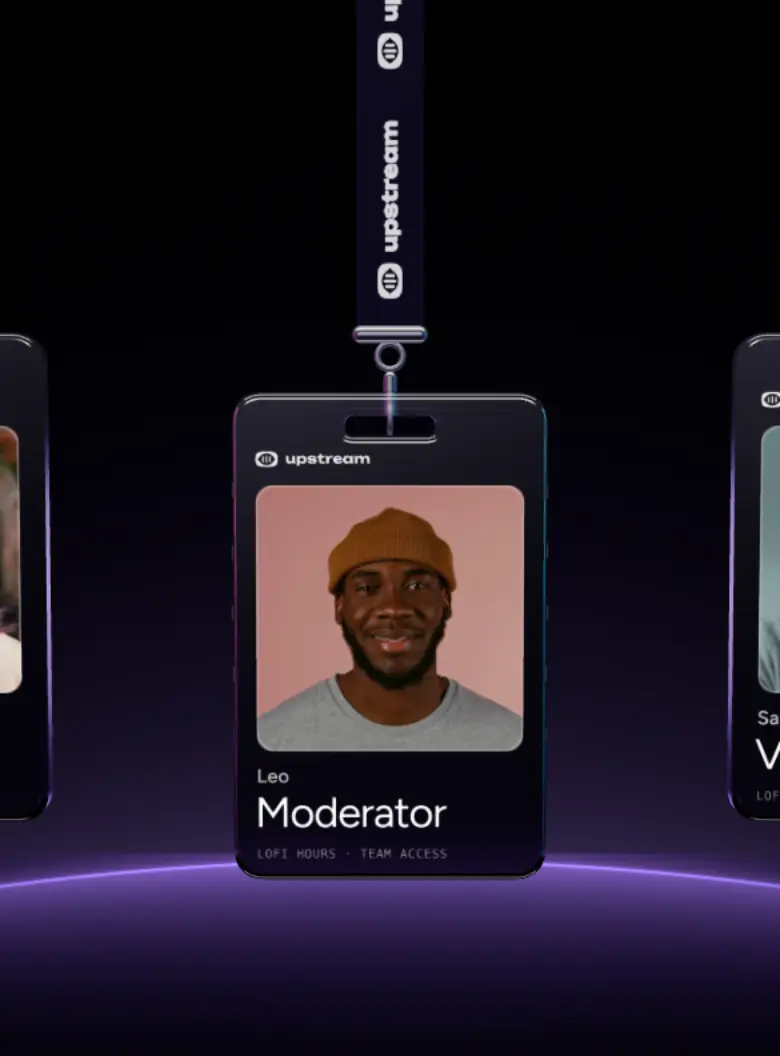
  • Moderator - Full control over content and existing streams
  • Manager - Full stream control, including creating, editing and deleting streams
Three Permission Levels

Teamwork Without Security Risks

Every team member uses their own login with 2FA enabled by default. Billing and Team Access settings stay with the original account owner, and access can be changed or revoked instantly – no shared passwords or password resets needed.

  • Separate logins for all team members
  • 2 Factor Authentication for all
  • No shared passwords
Teamwork Without Security Risks

"The value you get per dollar is amazing. Many features are available at no cost when other similar services charge for them or do not have them available at all."

Trustpilot Review

Upstream Team Member Roles and Permissions

There are three distinct roles with different levels of access:

View-only Access

See everything, change nothing – perfect for clients and stakeholders who need visibility without risk.

  • See streams, settings & content
  • Can't upload or change anything
  • Can't see billing info
View-only Access

Moderators

Full creative control over content and existing streams, without access to team management.

  • Manage existing streams & scheduling
  • Upload and manage content
  • Stream Designer use
  • Can't see billing info
  • Can't start new streams.
Moderators

Managers

Your trusted operator with full stream control – create streams, manage content, scheduling and settings, without access to billing or Team Access settings.

  • Manage & upload all content, schedule and settings
  • Add new streams
  • Create, edit and delete streams
  • Can't manage billing or Team Access settings
Managers

Best 24/7 live streaming tool out there

TedTalks, Eurovision Song Contest, Disney – they all recognized that our Stream Builder is the best out there. Choose the best for your stream, and sign up to Upstream!

On-the-fly Stream Control Schedule & Automate Best-in-class Stream Designer Choose Where to insert Ads Multistream to 10 Destinations

Our reviews

Hear first-hand from our incredible customers community

FAQ

Frequently asked questions

Everything you need to know about Team Access

Yes. Send them a Team Access invitation by email. If they don’t have an Upstream account yet, they’ll be prompted to create a free account with the same email address, then the invitation will be waiting for them to accept.

Upload your playlists today!

Create your free account, get 24 hours of live streaming every month. Upgrade when you need more hours and team seats.

  • No credit card
  • 1 stream included
  • 24 hours/month
  • Full functionality

No credit card · 1 stream included · 24 hours/month · Full functionality