Live playback controls for your 24/7 stream
Change the picture or skip the music while you stay live. Play any file right now for everyone watching, on all platforms.
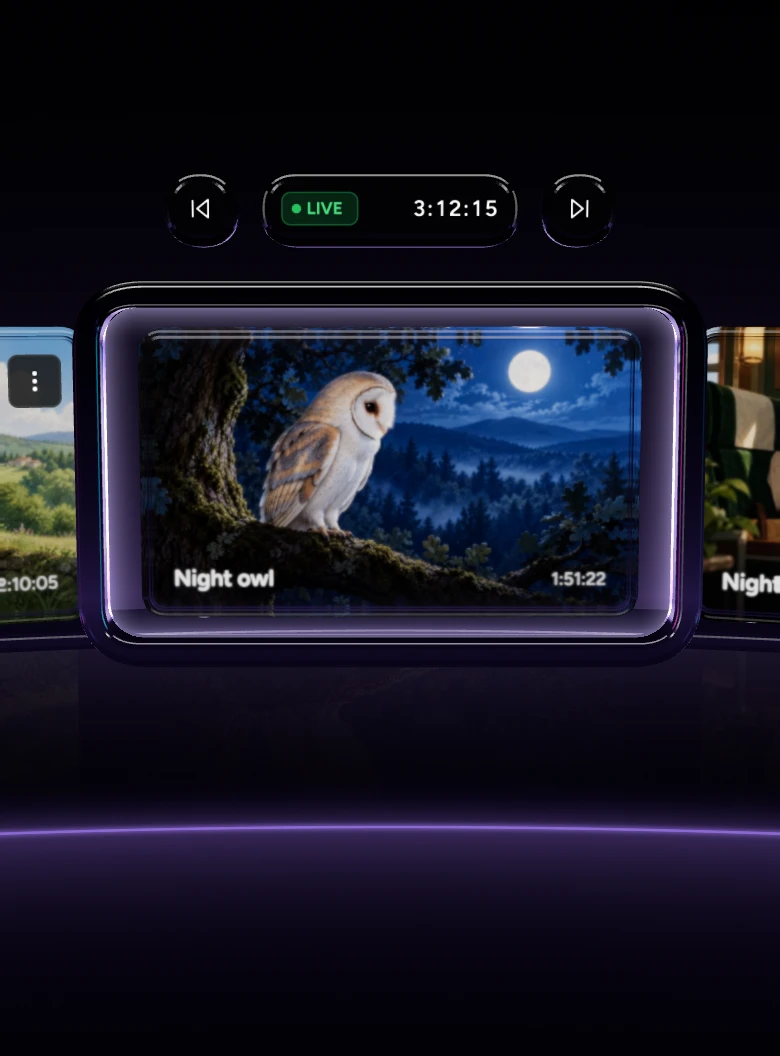
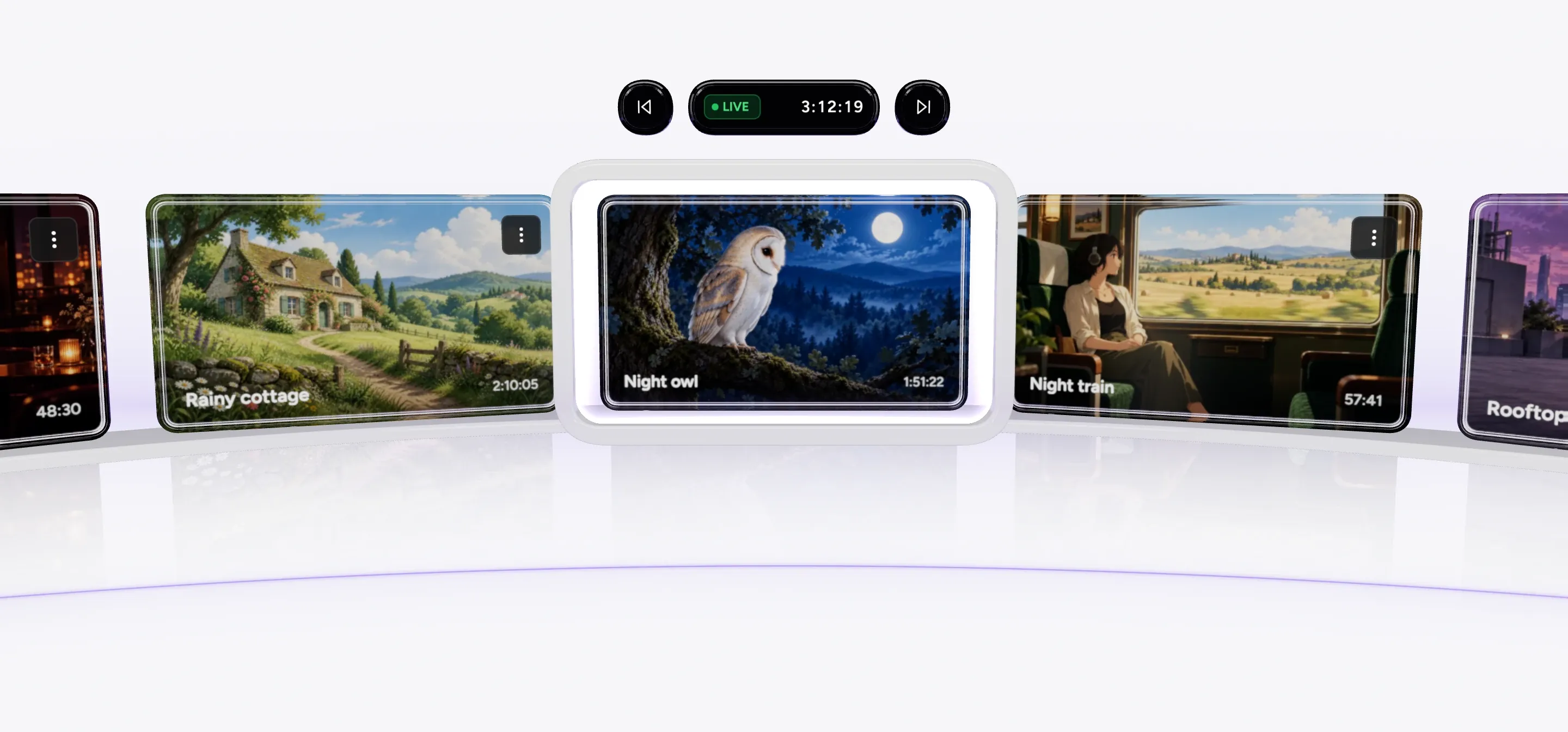
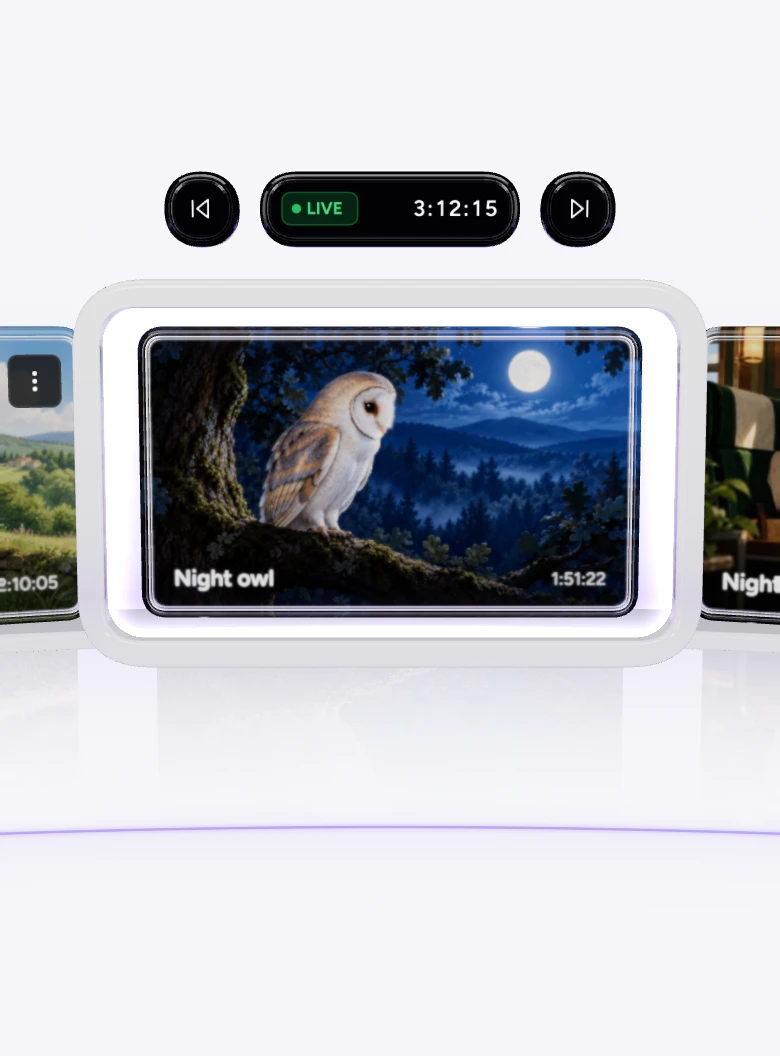
See what's on air
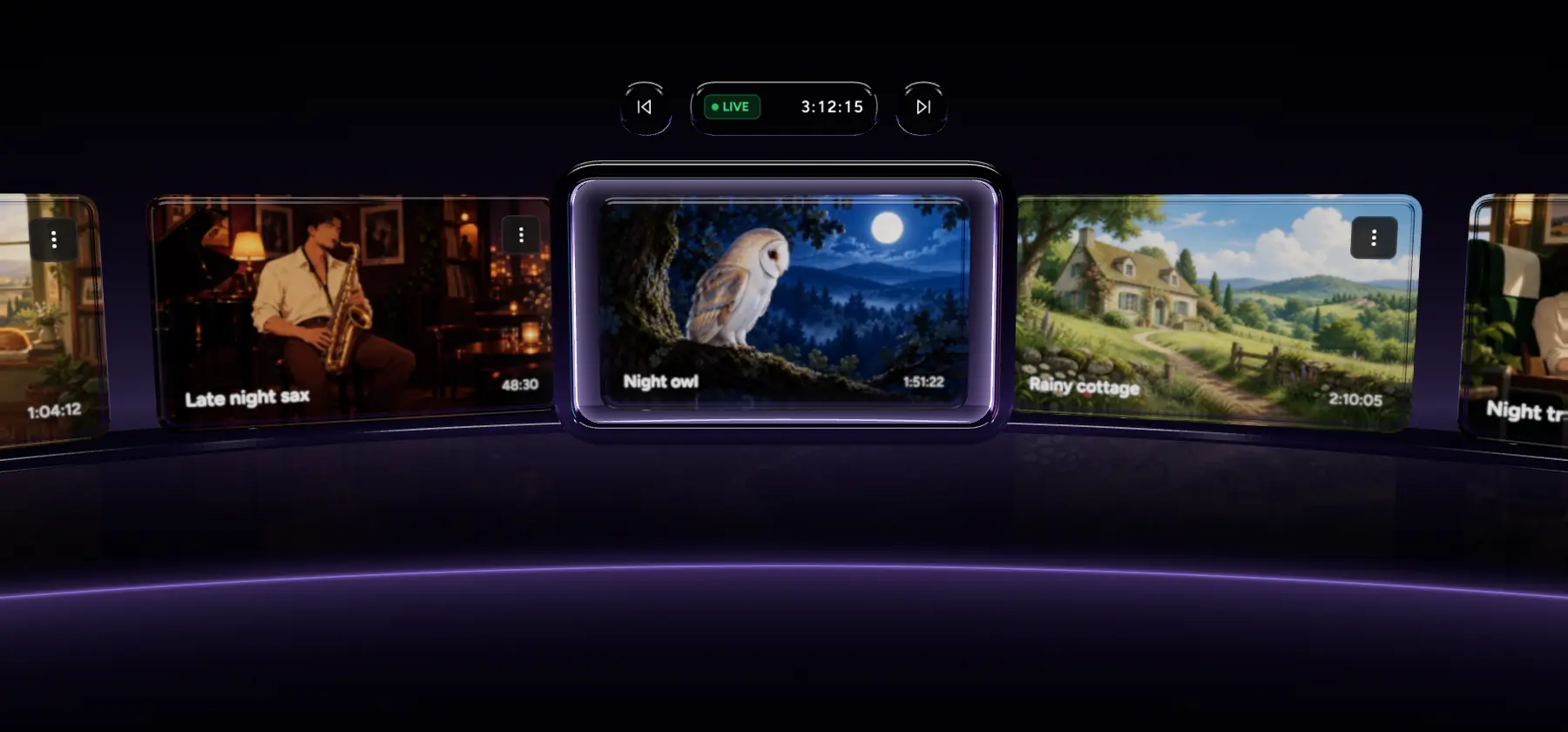
While you're live, the now playing bar shows the current video and the current song.
Skip music or visuals
Previous and Next for the video and for the song, each on its own.
Viewers stay connected
Every change happens inside the running stream. Nothing restarts.
Take over whenever you want
Play any file right now, and choose how the rest of the playlist plays.
Play any file, right now
Pick a file in the playlist and choose Play Live Now. It goes on air for everyone, and the playlist carries on from there. Handy when chat asks for a song.




In order, shuffled, or once
Music and visuals each play in order or shuffled. Loop the stream forever, or play the playlist once and end.


Trusted by teams in broadcast and entertainment


Change it while it plays
Edit the playlist live, and every platform follows at once.
Change it while it's live
Add, remove or reorder files while the stream plays. Save as you go, and publish when you're ready. The stream keeps running.
One control, every platform
A skip or a Play Live Now reaches every platform in the stream at once, up to 10 of 30+ supported platforms.
The value you get per dollar is amazing. Many features are available at no cost when other similar services charge for them or do not have them available at all.
Trustpilot review
FAQ
Live playback control questions
Related features
All features are included on all plans, including the free plan.
Run your 24/7 stream like a DJ
Put your videos and music on Upstream, go live, and take over whenever you want. The free plan includes 24 hours of streaming every month.