Multichat for Live Streams on YouTube, Twitch, Kick and Rumble
Every comment from every platform you stream to lands in one feed, right next to your stream. Live, scheduled or 24/7, on all plans, the free one too.
Every platform's chat in one place
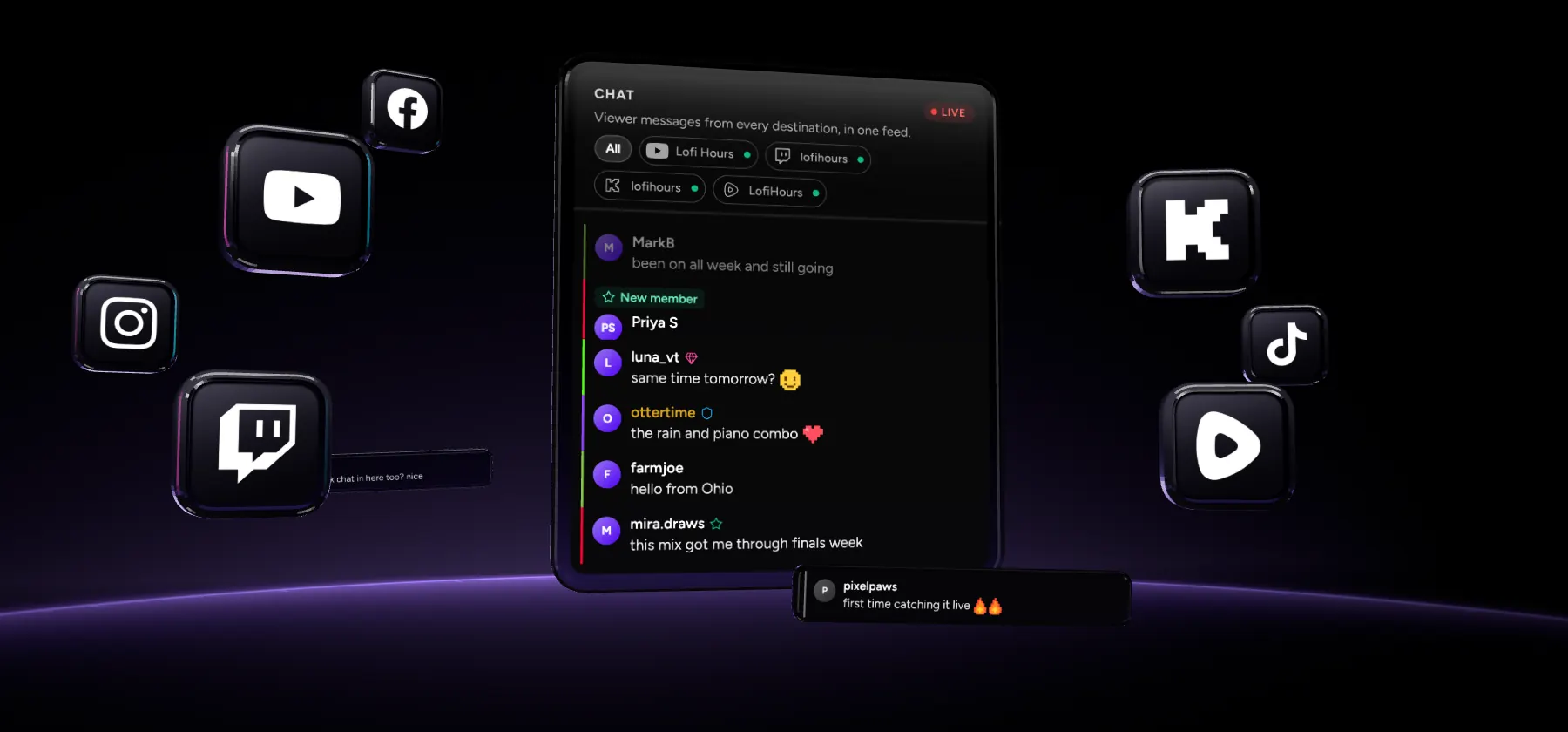
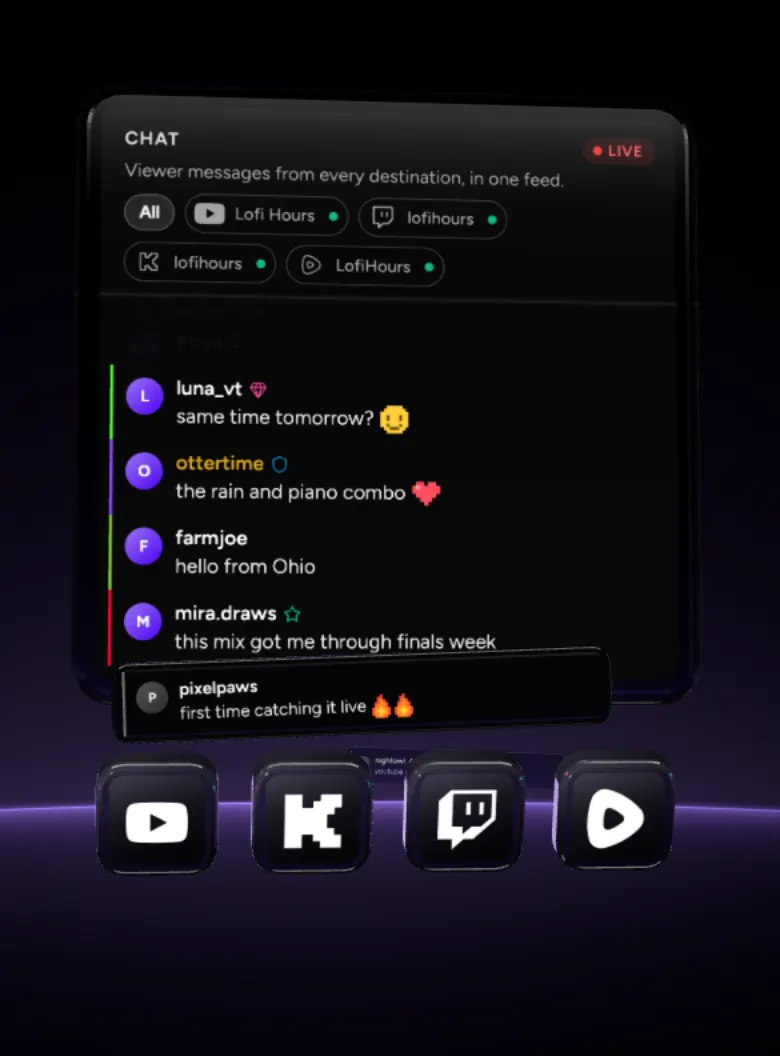
The Chat tab sits beside your stream in Upstream, with every message from YouTube, Twitch, Kick and Rumble in one feed.
Every platform in one feed
YouTube, Twitch, Kick and Rumble messages land in one list as they arrive, each marked in its platform's colour. Tap a channel to see only its chat.

Badges, emotes and Super Chats
Owners, moderators, members and VIPs keep their badges. Emotes show as emotes, and Super Chats, bits, raids and Rumble Rants stand out.

Setup
How to set up multichat in Upstream





On every stream, set up once
24/7 playlists, scheduled videos, Live Studio and OBS streams all get the same chat. Each platform takes a minute to connect.
On every stream, even 24/7
Chat sits next to your playlist on 24/7 and scheduled streams, and next to the stage in Live Studio and OBS streams. New messages count up while it's closed.
Set up once per platform
YouTube and Twitch chat come with the destinations you stream to. Kick needs your channel link if it doesn't know it yet, and Rumble its private chat URL, once.

Compare
Multistream chat compared
Restream Chat, Streamlabs multichat and StreamYard comments next to Upstream, from each company's own pricing and help pages.
Where the chat tools differ
- Restream Chat Restream
- Up to 24 or 40 hours uploaded videos as playlists or loops, on the $79 a month add-on
- Streamlabs Multichat
- No streams and chat run from Streamlabs on your computer
- StreamYard Comments
- No prerecorded streams carry no comments
- Upstream Multi-chat
- Yes 24/7 and scheduled streams run in the cloud
- Restream Chat Restream
- 2 channels with Restream branding
- Streamlabs Multichat
- 2 platforms one horizontal and one vertical
- StreamYard Comments
- No multistreaming one destination, StreamYard logo
- Upstream Multi-chat
- Up to 10 platforms 24 hours a month, no watermark
- Restream Chat Restream
- $19 a month 3 channels, $16 billed yearly
- Streamlabs Multichat
- $27 a month Ultra, $189 billed yearly
- StreamYard Comments
- $44.99 a month Core, 3 destinations, $35.99 billed yearly
- Upstream Multi-chat
- $30 a month 10 platforms, from 4 streams $20 a stream, $16 billed yearly
- Restream Chat Restream
- Yes
- Streamlabs Multichat
- No
- StreamYard Comments
- No
- Upstream Multi-chat
- Yes with Rumble Rants
- Restream Chat Restream
- 8 Twitch, YouTube, Kick, Rumble, Facebook, X, LinkedIn, Discord
- Streamlabs Multichat
- 5 YouTube, Twitch, Facebook, Kick and X
- StreamYard Comments
- 6 YouTube, Twitch, Kick, Facebook, LinkedIn and X
- Upstream Multi-chat
- 4 YouTube, Twitch, Kick and Rumble
- Restream Chat Restream
- Yes on most of its platforms
- Streamlabs Multichat
- Some YouTube, Twitch and Facebook Pages
- StreamYard Comments
- Some YouTube, Twitch, Kick and Facebook Pages
- Upstream Multi-chat
- Yes YouTube, Twitch and Kick
- Restream Chat Restream
- Yes overlay, OBS dock and a desktop app
- Streamlabs Multichat
- In its apps Streamlabs Desktop, the OBS plugin and the web
- StreamYard Comments
- Paid plans chat overlay from Core
- Upstream Multi-chat
- Yes Stream Designer, OBS browser source and dock
Restream Chat alternative
The Restream Chat alternative for streams that never stop
Restream Chat is free, but it only hears your viewers while you stream through Restream. Upstream reads chat on every stream it runs, and the stream doesn't need you there.
No 24 hour wall
Restream playlists stop at 24 hours and loops at 40, on a $79 a month add-on. Upstream loops for as long as you like, chat included.
10 platforms on the free plan
Restream Free sends to 2 channels with its branding. Upstream Free sends to up to 10 of 30+ platforms, with no watermark.
Every stream at one price
Live, scheduled and 24/7 streams are the same $30 a month stream with Upstream, or $16 a stream billed yearly from 4 streams.
Reviews
What Upstream customers say on Trustpilot
Public reviews from people who stream with Upstream.
4.6 245 reviews on Trustpilot Marc Ryan
Show it on stream, answer from one box
Put the chat on screen or in OBS, and reply to YouTube, Twitch and Kick without leaving Upstream.
Chat on your stream
Put the chat on screen with the Stream Designer, or add it to OBS as a browser source and a dock. Viewers on every platform see each other.
Reply without switching tabs
Answer from the Chat panel and your reply goes out on YouTube, Twitch and Kick as your own channel. Nobody waits while you find the right tab.
FAQ
Multichat questions
One free stream. Paid gets cheaper as you scale.
Start with 1 paid stream at $30/mo, scale to 1000+, and pay less as you add streams: 2 streams are $50/mo, 3 streams are $70/mo, then 4+ streams are $20/stream/mo or $16/stream/mo when billed yearly.
1 concurrent stream · 24 hr/month
1080p at 30 FPS
$30/stream/mo · 4+ volume rate is $20
* Free-plan capacity may be limited during unusual demand.
More on streaming everywhere at once
Where Multi-chat fits with the rest of Upstream.
All your chat in one place
Start free with 24 hours a month, up to 10 of 30+ supported platforms at once and every chat in one feed. No credit card, no watermark.

