A successful 24/7 YouTube live stream gives viewers a reason to return whenever they open YouTube. The best ideas are simple to understand, valuable without a fixed start time, and practical for you to operate reliably. This guide covers 40 formats you can adapt to your niche, from music radio and relaxing ambience to education, gaming, faith, and live data.
What makes a 24/7 live stream worth watching?
Choose a format with a clear promise: focus music, a study room, an always-on radio station, a useful dashboard, or a dependable library of your own programming. Build a repeatable schedule, keep audio and visuals high quality, and make sure you have the rights to every asset you broadcast. YouTube can automatically archive streams under 12 hours, so many continuous channels plan their programming in segments and monitor their stream health. Review YouTube’s live archive guidance, live-streaming requirements, and monetization policies before you launch.
Keep a live channel running 24/7.
Upload files, build a playlist, and let Upstream run continuous live playout from the cloud without OBS, a VPS, or an always-on computer.





40 24/7 live stream ideas
Music and radio
Half music, half hangout: an always-on radio stream can feel like a digital campfire. Viewers arrive for a particular sound, then return for the familiar visual identity, routine, and chat. The format works especially well when you can maintain a clear music direction, clean metadata, and the rights to every track you broadcast.
Lofi hip-hop radio
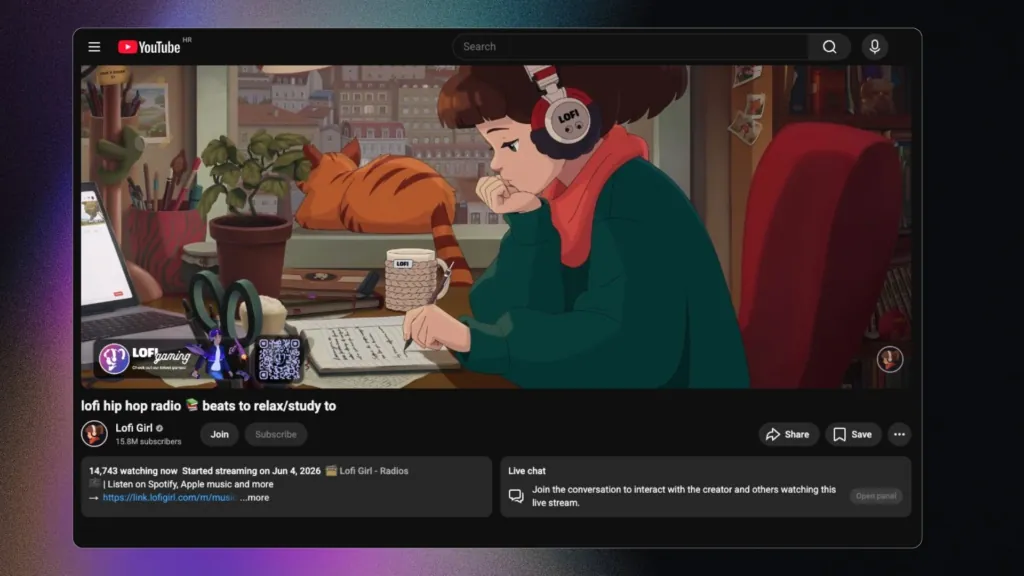
Pair a licensed, loop-friendly playlist with a simple visual scene and a clear chat identity. In Upstream you can loop one video and run a separate music playlist over it, like a radio station with visuals.
Jazz café radio
Use calm jazz and a café-style visual for work, dinner, or relaxed browsing.
Classical focus radio
Program long-form instrumental tracks for study and concentration.
Synthwave station
Build a neon, retro visual identity around licensed electronic music.
Genre discovery channel
Rotate themed playlists, artist spotlights, or era-based programming with proper rights.
Ambient and relaxing scenes
Relaxation streams give viewers an easy reason to leave YouTube open while they sleep, work, read, or reset between tasks. A rain room, fireplace, aquarium, or night-sky scene is simple in concept, but it succeeds when the audio is consistent, the imagery is pleasant to revisit, and the experience never feels distracting.
Fireplace stream
A fireplace loop is a familiar winter background; make the audio and footage yours or properly licensed.
Rain and thunder room
Create a calming rain scene for sleep, reading, or focus with original or licensed assets.
Aquarium view
Loop a serene underwater environment and keep the visual motion subtle.
Nature soundscape
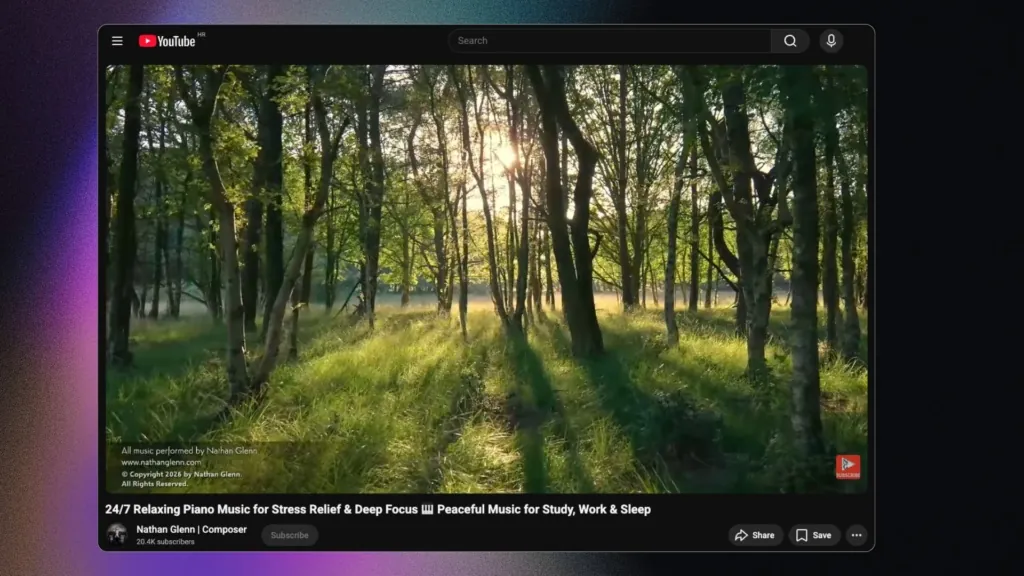
Combine forests, beaches, or mountain scenes with dependable ambient audio.
Night-sky ambience
A slow-moving starscape or moonlit scene can serve viewers who want a quiet backdrop.
Gaming and creator communities
Your back catalogue can become a destination instead of sitting unused. By programming your own playthroughs, tournament clips, speedruns, or builds into an ongoing schedule, you make it easy for international fans to discover your work whenever they are online. Give each block a theme so people know what they are joining.
Retro game marathon
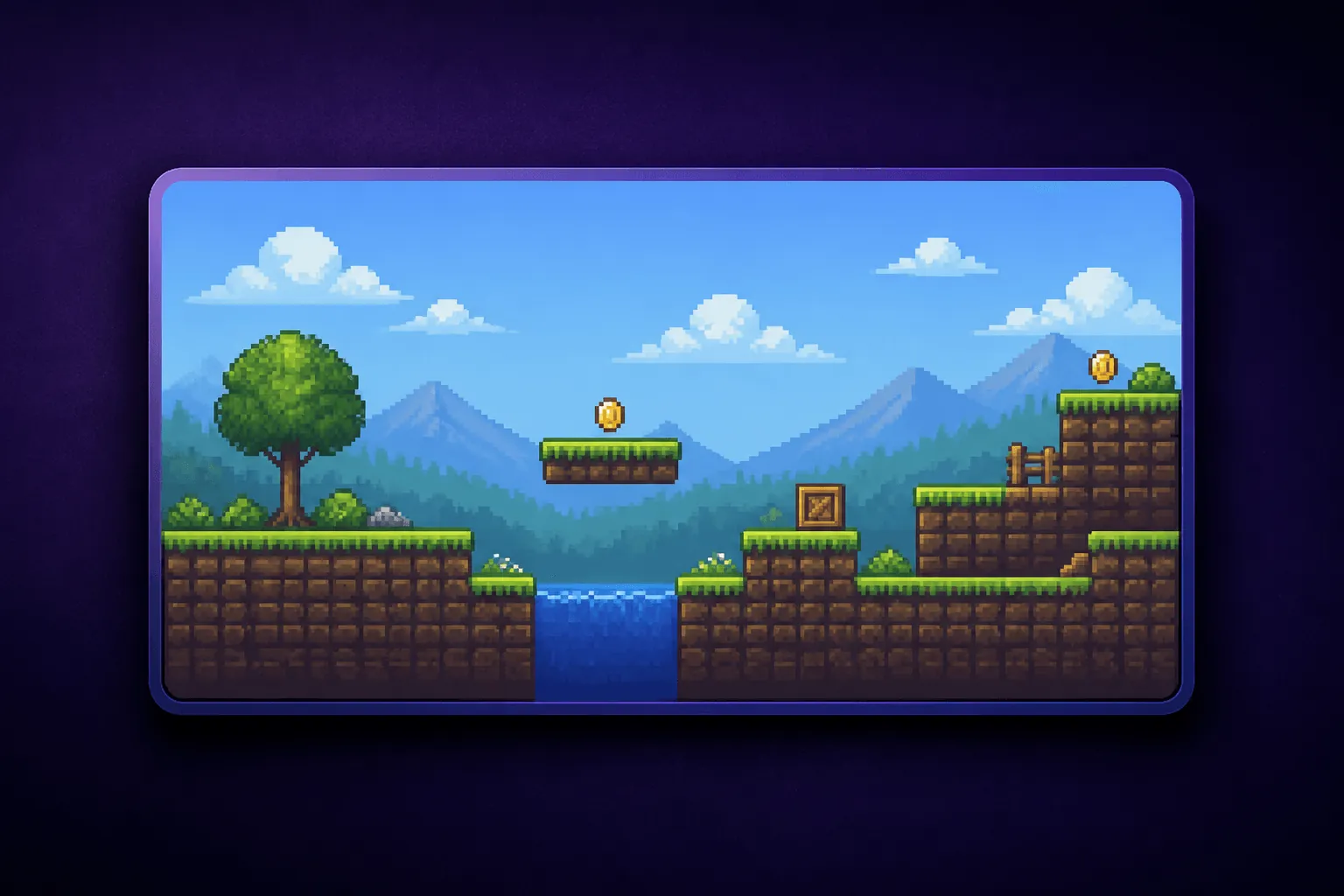
Schedule licensed gameplay, your own replays, or commentary-led compilations.
Speedrun replay channel
Curate your own runs and permissioned submissions into themed broadcast blocks.
Esports archive
Turn event VODs you have rights to use into a predictable always-on schedule.
Minecraft build stream
Loop long build sessions, tutorials, or time lapses with a live chat prompt.
Simulation matches
Run original simulation or sandbox gameplay with clear rules and frequent scene changes.
Study, work, and learning
People often use live streams as a little bit of structure in an otherwise solitary day. Focus timers, quiet co-working rooms, lesson replays, and themed learning blocks create a dependable place to start a task. The key is a clear on-screen purpose and a schedule viewers can understand at a glance.
Pomodoro study room
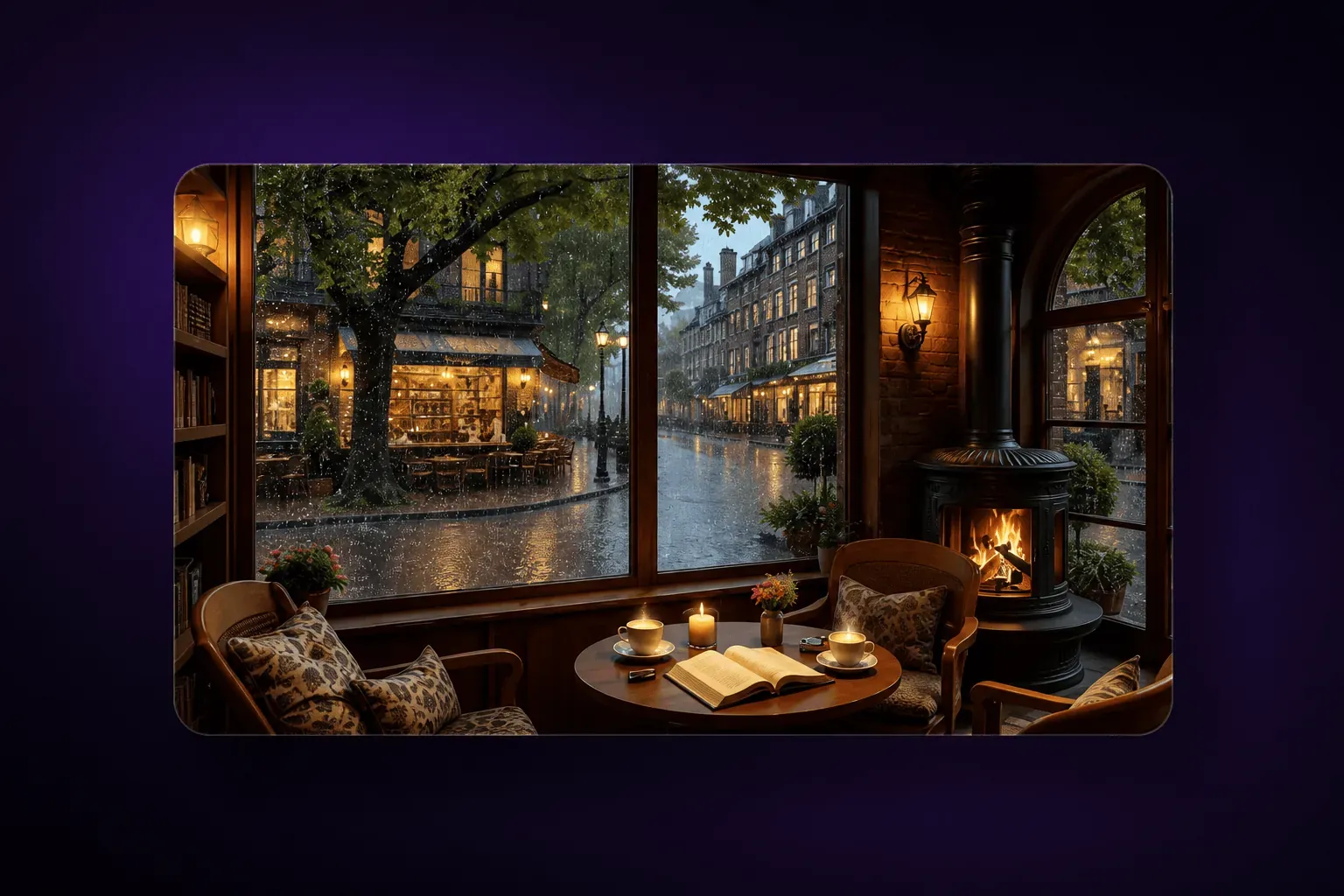
Use timed work and break blocks with an on-screen clock and a distraction-free scene.
Virtual co-working room
Create a shared place for viewers to work quietly and check in between sessions.
Writing sprint channel
Cycle through writing prompts, focus timers, and short breaks for creators.
Coding replay channel
Share your own project sessions, code walkthroughs, or design reviews.
Language immersion room
Program licensed learning material, vocabulary prompts, and themed listening sessions.
Course replay schedule
Broadcast your own educational lessons in a recurring timetable.
Documentary channel
Create a scheduled lane of documentaries and explainers you own or license.
History archive
Use public-domain or licensed archival material with context, captions, and careful source attribution.
Faith, wellness, and lifestyle
Convenience matters in wellness and community programming. A continuous channel can make guided sessions, worship, prayer, movement classes, and creative processes available across time zones, while still feeling connected to a real community. Keep the experience welcoming, accurate, and built from content you own or have permission to use.
Worship music station
Offer rights-cleared worship music and a welcoming chat space.
Guided meditation room
Schedule your original meditations, breathwork sessions, and calming visuals.
Daily prayer and scripture
Rotate readings, prayer prompts, and community notices on a consistent cadence.
Service replay channel
Keep recorded services available as a continuous schedule for different time zones.
Affirmations stream
Pair original spoken affirmations with a calm visual format and measured pacing.
Yoga and mobility library
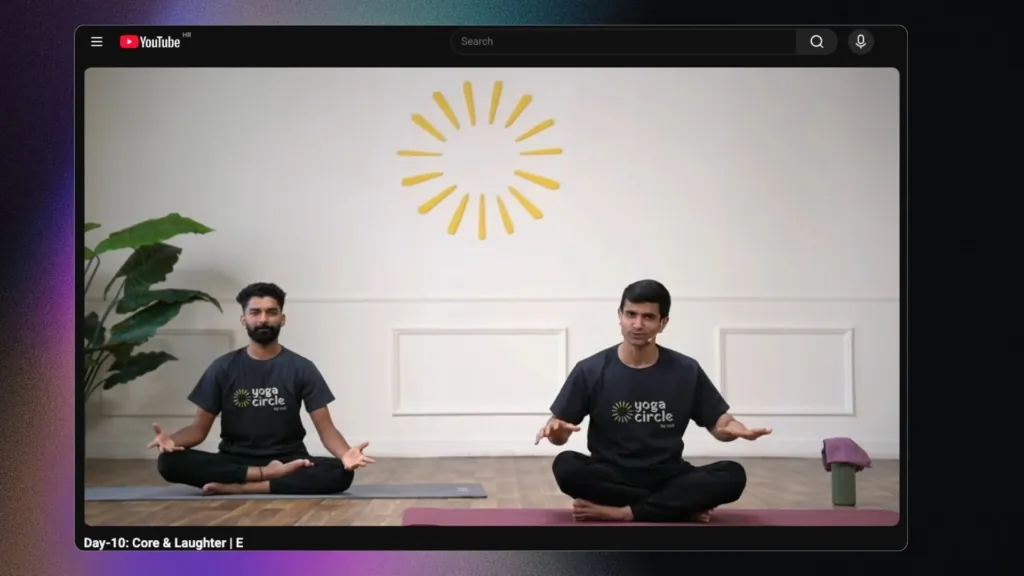
Broadcast your own classes in an easy-to-follow rotating schedule.
Workout motivation channel
Build genre-based playlists from your own training sessions and coaching tips.
Art and DIY time lapses
Loop permissioned process videos so viewers can drop in at any point.
Live data and real-world viewing
Some channels are valuable precisely because they are always there when viewers need a quick answer or a window onto the world. Weather, markets, webcams, space tracking, and animal cameras reward a glanceable, reliable presentation. Use trustworthy data sources and only broadcast camera feeds or data you are authorised to display.
Crypto market dashboard
Show clearly sourced price data with a disclaimer that it is informational, not financial advice.
Stock market dashboard
Pair market visuals with context and use data feeds you are licensed to display.
Local weather board
Make a regional weather channel from authorized data and original presentation.
Traffic or city camera
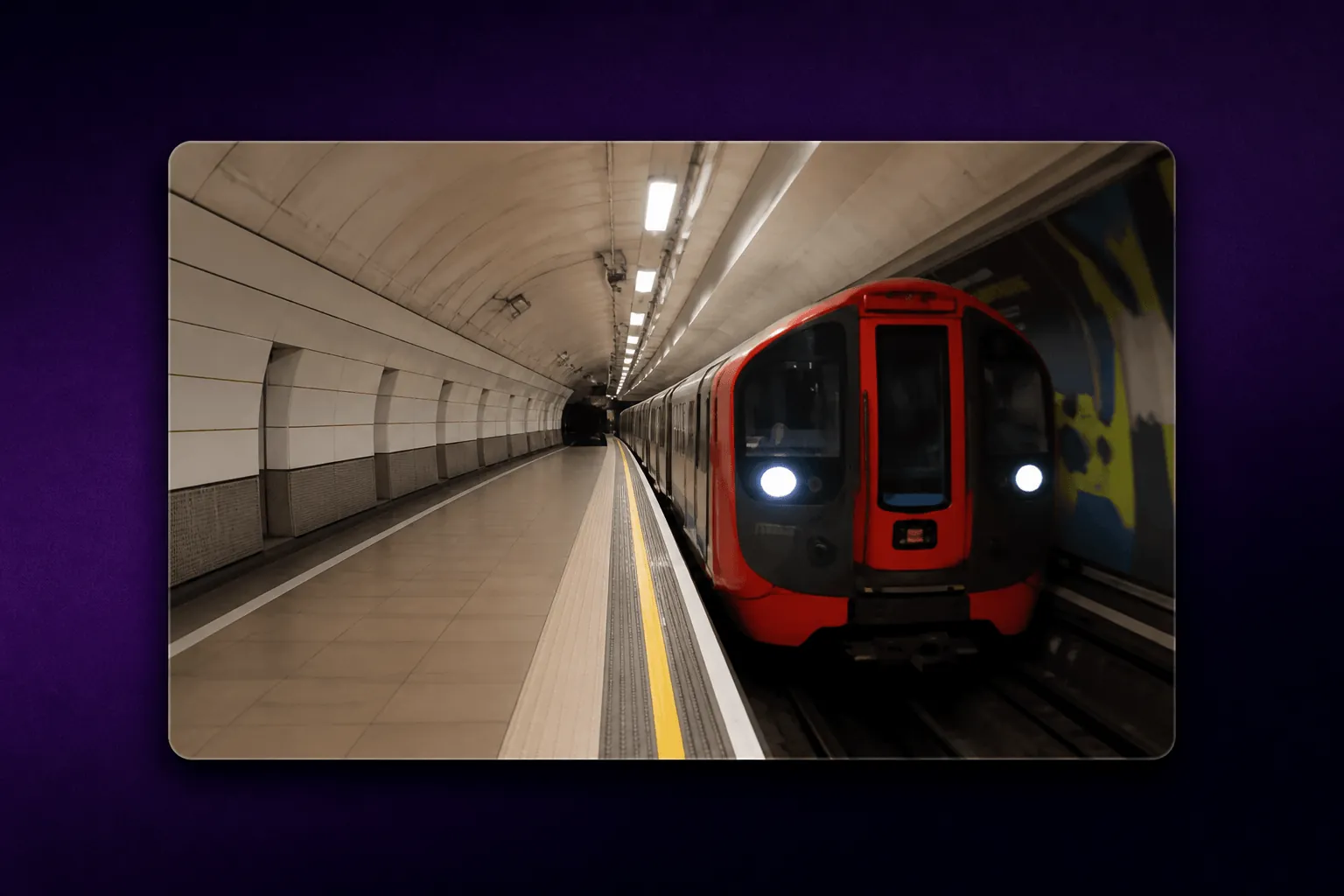
Use only camera feeds you own or are permitted to rebroadcast.
Space and launch tracker
Create a stream around public space data, launch windows, and your own commentary.
Animal camera
Build a reliable wildlife or pet-camera stream from a camera you control.
Travel window stream
Share a scenic view from your own location or a partner with written permission.
Podcast replay radio
Schedule episodes you own, with episode titles and links visible for discovery.
Kids’ story-time channel
Program your own or fully licensed children’s stories and songs with clear age-appropriate presentation.
How to choose the right idea
Start with what you can make or license consistently. A live channel works best when the experience remains useful even if a viewer joins midway through. Plan the audio, visuals, titles, chat moderation, and fallback media before going live. If you want to broadcast a planned library rather than manually run a stream every day, pre-recorded live streaming can help you turn content into a scheduled channel. For a continuous setup, see Upstream’s 24/7 live-streaming tools. To set up the YouTube side step by step, follow our 24/7 YouTube live stream guide.
Frequently asked questions
What is a good 24/7 live stream idea for a beginner?
A focus-music channel, a study room, or an original educational replay channel is often a manageable place to start because the viewer benefit is easy to explain and schedule.
Can I stream music on YouTube 24/7?
Yes, if you own the music or have the necessary licences for live streaming. Do not assume a song is safe to broadcast just because it appears elsewhere on YouTube.
How long can a YouTube live stream run?
YouTube supports continuous streaming, but streams over 12 hours may not be captured as an archive. Plan regular checks and segmented programming if you need replays.
Can I run a 24/7 stream with pre-recorded videos?
Yes. Many channels schedule original or licensed videos into a live playlist. Keep the programming genuinely useful and avoid repetitive or reused material that could affect monetization eligibility.
What equipment do I need for a 24/7 stream?
You need a reliable internet connection, an encoder or cloud streaming service, source media you are allowed to use, and monitoring so you can respond when the stream needs attention. Our guide to 24/7 streaming software compares Upstream with the other cloud services.
Ready to build your channel?
Whether you are launching a radio-style stream, an education channel, or a continuous brand experience, Upstream can help you schedule and manage live programming without keeping a computer running around the clock.