Broadcast graphics for live and 24/7 streams
Add your station logo and programme titles in the designer. You can also add tickers, lower thirds and promos, then publish changes while the channel stays live.
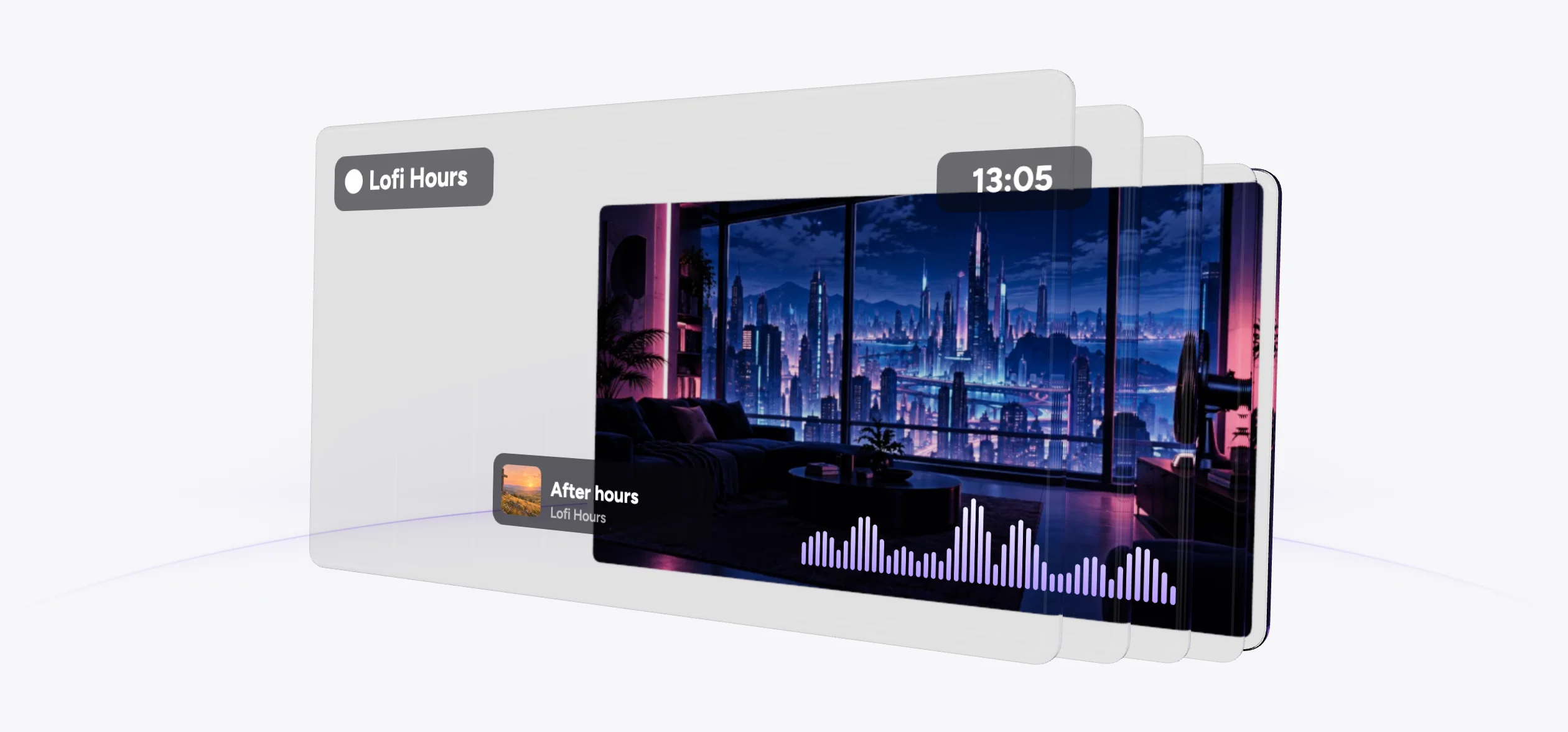
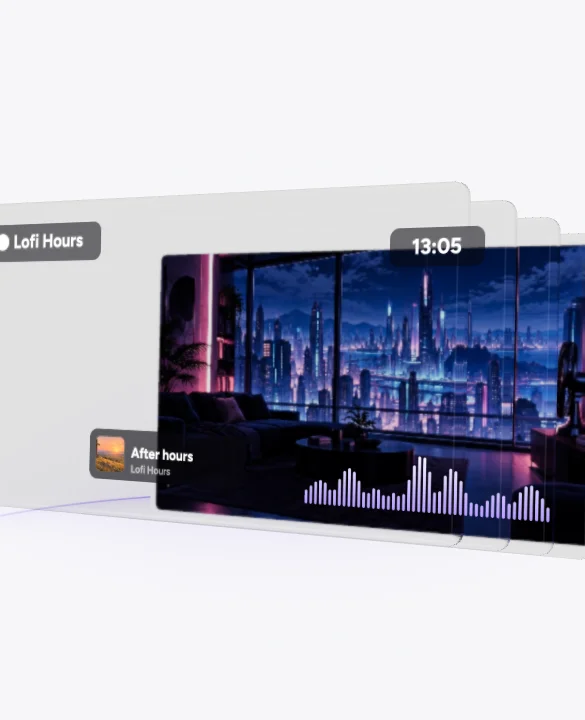
Graphics gallery
Put your graphics on the stream
Start from a template and edit its layers, or add your own graphics to the scene.
Arrange your layers
Use your logo and TTF or OTF fonts for programme titles. The designer includes nine lower-third styles.
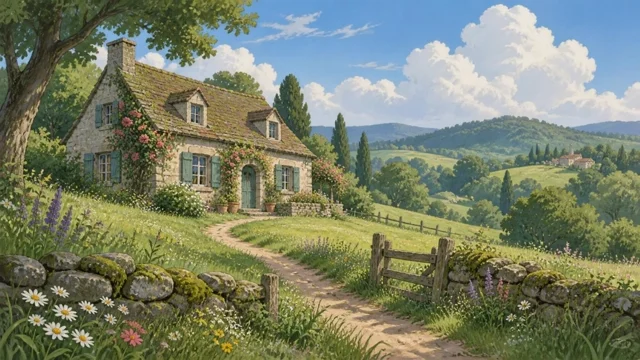
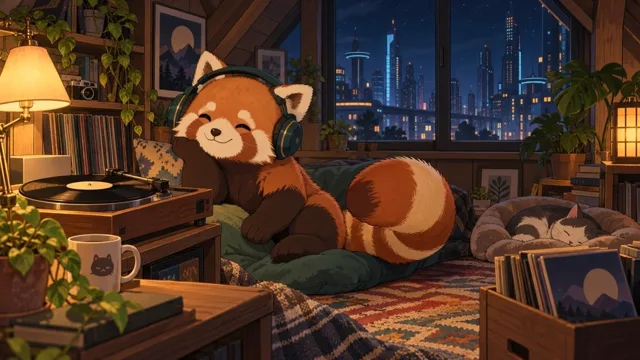

Now playing
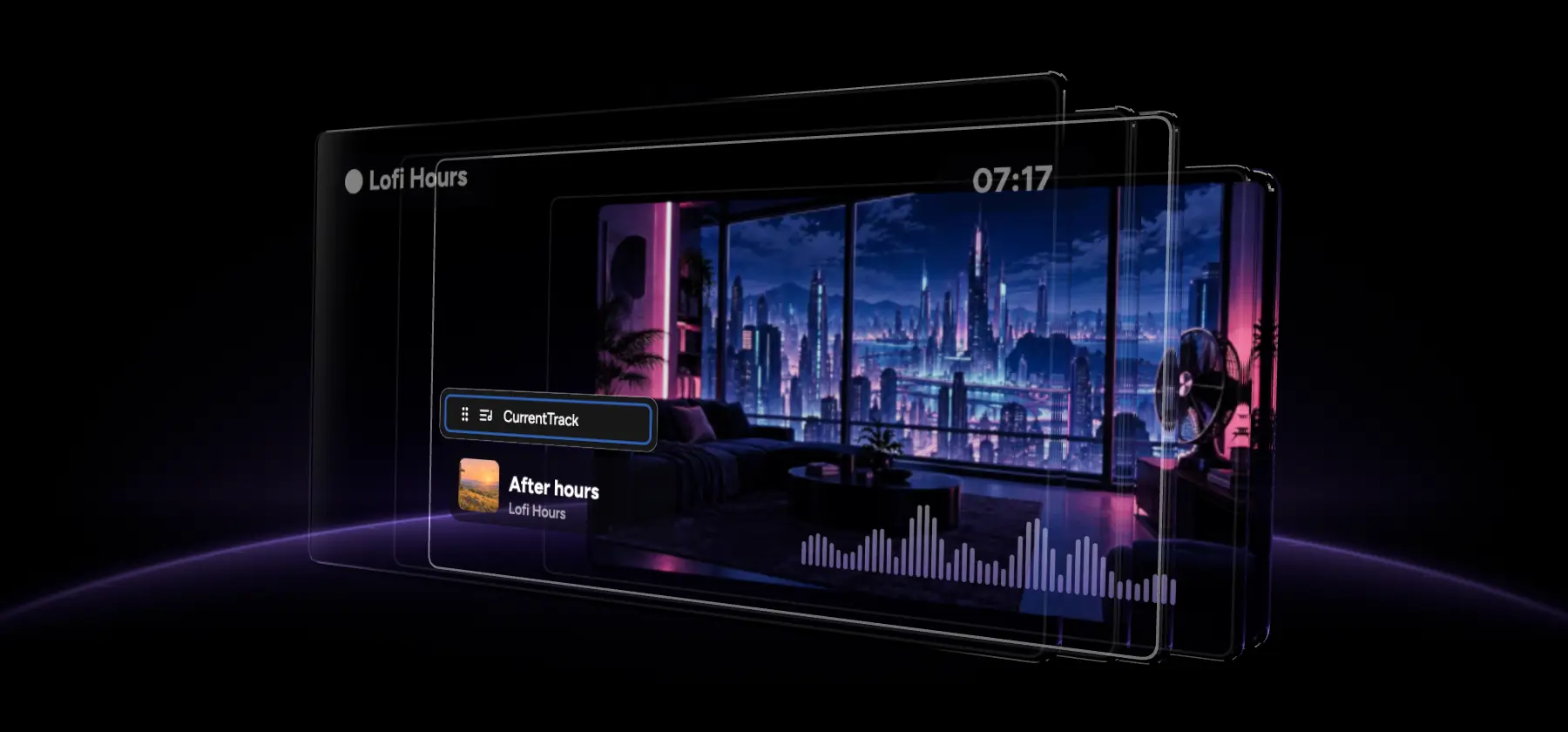
The now-playing overlay follows the current track. Keep your station logo on screen alongside it.
Graphics on a timer
Set a graphic to show every N minutes. Clocks use fixed UTC offsets, and tickers scroll your text horizontally, vertically or in reverse.
Add a social graphic
The catalog includes 13 social templates. Add one to the scene and edit its layers in Stream Designer.
Trusted by teams in broadcast and entertainment


Edit your graphics on air
Add a web page or live chat
Place a web page or live chat in your scene. The designer also accepts images, GIFs, video layers and slideshows.
Publish while on air
Click Publish to put designer changes on the live broadcast. In Live Studio, graphics show and hide instantly.

Key facts
Which files and layers can you use?
Keep titles editable in the designer. Video transparency, RSS feeds and daylight saving have the limits listed below.
- What to use
- Images, editable text, TTF or OTF fonts
- What to check
- Keep titles editable in the designer.
- What to use
- Playable video files
- What to check
- Alpha-channel video is not supported. ProRes and MOV with alpha are flagged as unplayable.
- What to use
- Text entered in the designer
- What to check
- No RSS feed. Choose horizontal, vertical or reverse scrolling.
- What to use
- A fixed UTC offset
- What to check
- Update the offset when daylight saving time changes.
The catalog has 38 templates: 15 widgets, 13 social templates and 10 lower thirds. There are nine lower-third styles. Check accepted files and reencoding before adding video assets.
Set when graphics appear
Leave your station logo on screen and time the other graphics around your programme.
Set the entrance and exit
Choose entrance, exit and loop animations for each layer. Available banners include Live, BRB, Starting soon, Ending soon, Subscribe and Donate.
Repeat a reminder
Set “show every N minutes” to repeat a promo during the programme. You can include a QR code, timer or progress bar.
Prepare your assets
Chroma key removes a colour you select from a layer. Make a title with the Lower Third Maker or prepare a clip with the Green Screen Remover.
The upstream is amazing, and the stream designer is a really great tool! I can rest assured that the live stream is performing perfectly 24 hours a day, 7 days a week.
Trustpilot review
FAQ
Broadcast graphics questions
Related features
Check file compatibility and backup options for your channel.
Build your broadcast graphics
Open the designer to add your logo and programme titles.