Made on YouTube 2026 was on September 23, and YouTube announced more than 30 things. For live streamers the big ones are Live showdowns, Watch With on long videos, live auto dubbing and matchmaking for finding someone to go live with. None of those are out yet. They land somewhere between later in 2026 and early 2027. Some other updates are already live, like image posts in the Shorts feed, YouTube Creator Partnerships in 20 countries and Hype with Jewels in four countries.
We run 24/7 YouTube streams at Upstream, so I read every announcement looking for what changes when you go live. If you’d rather watch, YouTube’s own 7 minute Creator Roundup covers the creator announcements:
Live and fandom: showdowns, Watch With and auto dubbing
YouTube shared two numbers in its Live announcement. On an average day in August 2026, more than 600 million viewers watched something live while logged in, replays included. And more than 40% of live watch time comes from viewers outside the streamer’s home country.
Live showdowns
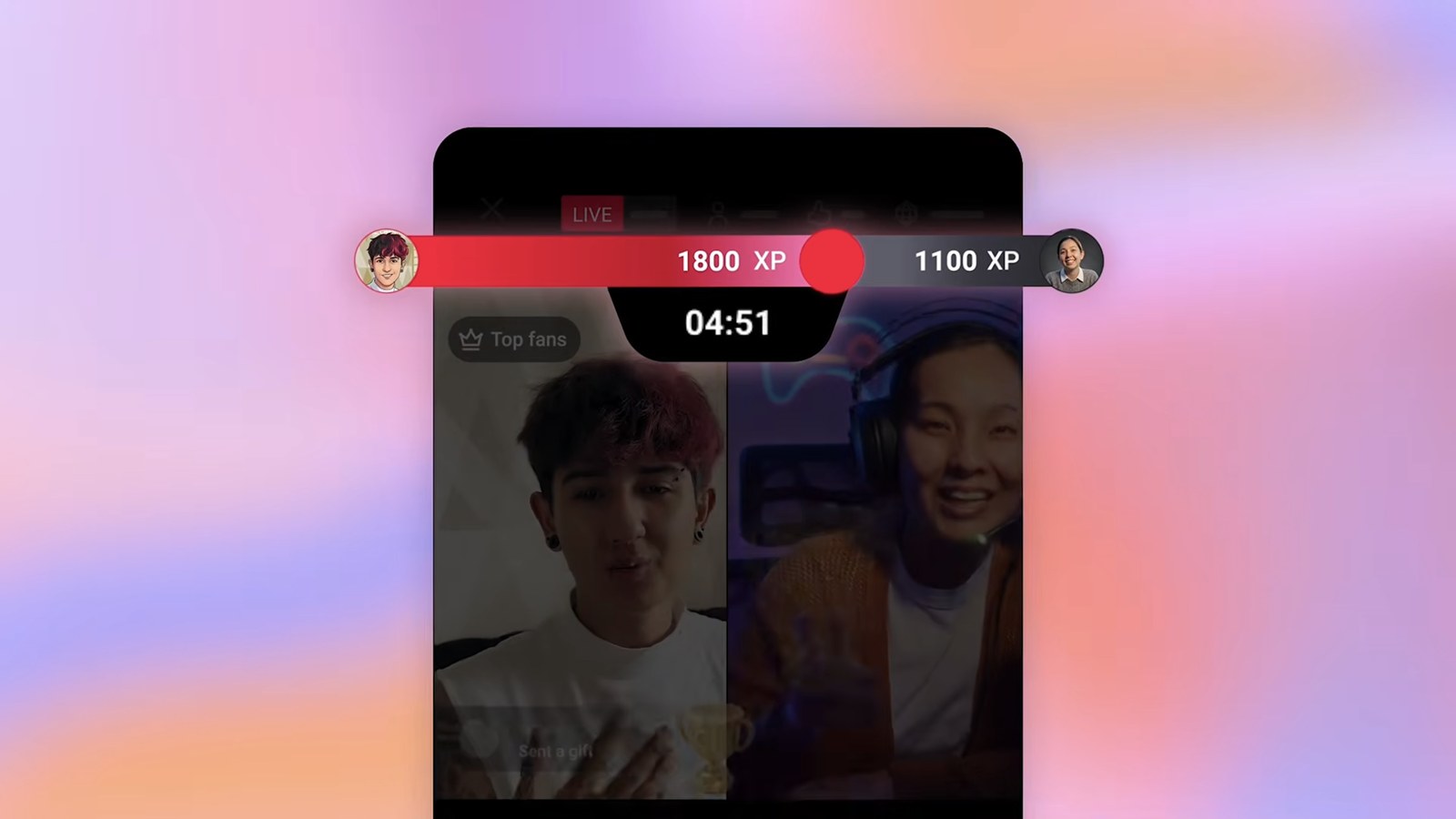
In a Live showdown, two creators who are live together play a timed game against each other. Viewers send chats, gifts and Super Chats to push their creator’s score up, and both creators are on a split screen. If you’ve watched TikTok LIVE battles, this will probably look familiar.
When: testing starts in early 2027.
Matchmaking for Go Live Together
Go Live Together is YouTube’s feature for streaming with another creator. Until now you could only invite a guest who wasn’t live, using a link. Matchmaking lets you browse creators who are live right now and pick one, or join a quick match queue that pairs you with a similar creator you may not know yet.
When: early 2027.
Watch With on long videos
Watch With is YouTube’s live reaction feature. It started with big premium broadcasts, and earlier this year YouTube began testing live reactions between livestreams. Starting later in 2026 it expands to all eligible long videos. Streamers will get a React live button on eligible long videos and livestreams, so they can pull a trending video into their stream and react to it live. We covered the first version of Watch With in our LiveCon 2025 takeaways.
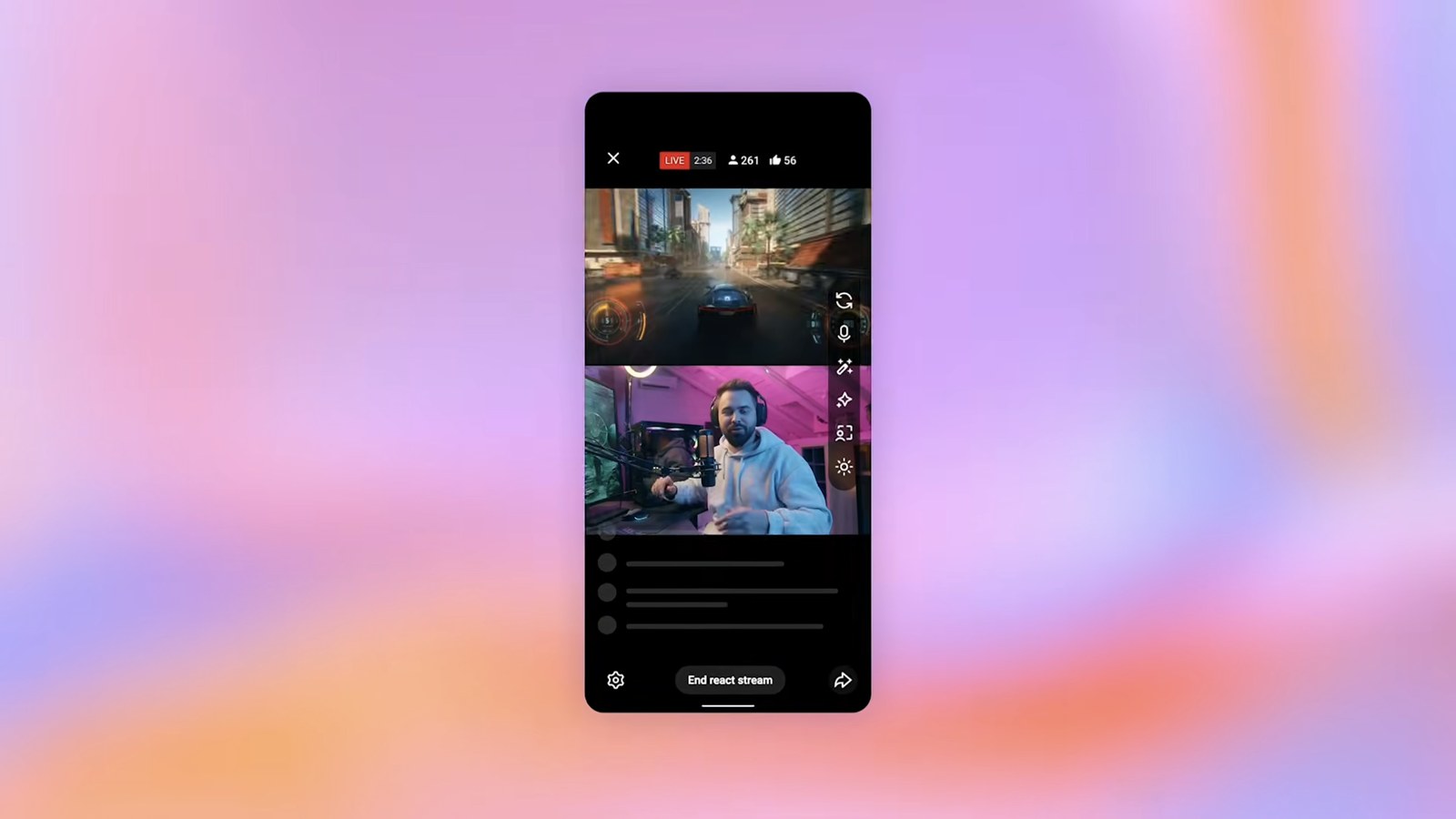
The streamer doing the reacting keeps the live ad revenue and fan funding they earn. The creator of the original video gets attribution and extra view credit in YouTube Studio. They also decide which of their videos can be reacted to.
When: rolling out starting later in 2026.
Live auto dubbing
Live auto dubbing translates what you say in real time, so viewers hear your stream in their preferred language. It works on speech, so a stream that’s only music gets nothing from it.
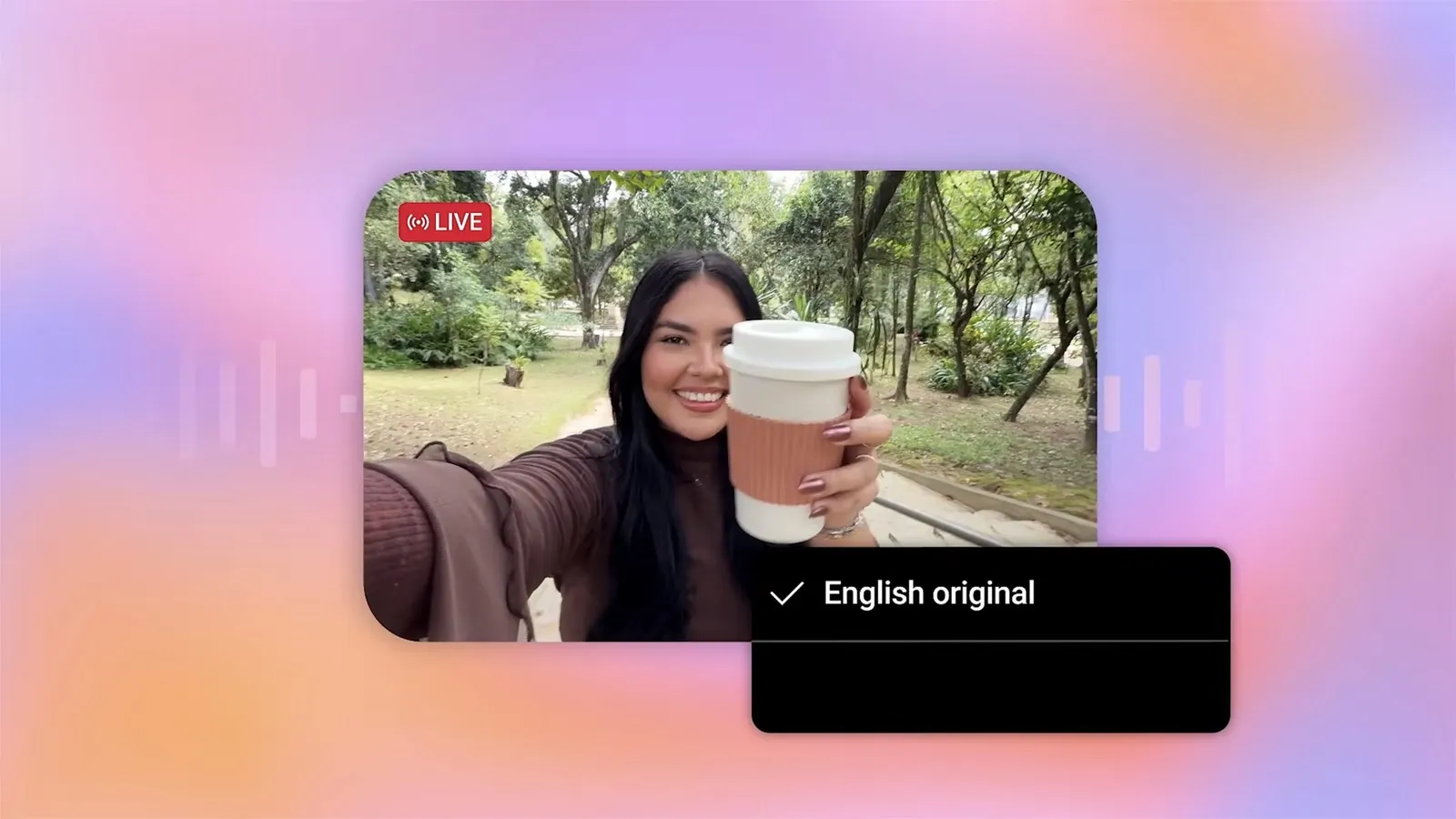
When: a pilot in English and Spanish starting early 2027, with a small group of creators first.
GIFs in comments, TV replies and comment moderation
Viewers can add GIFs to comments on mobile, and on TV they can reply to comments with voice to text. For creators, there’s personalized comment moderation that you have to turn on yourself. It learns from the comments you’ve removed and holds similar new ones in your Held tab. YouTube says it never deletes anything without your consent.
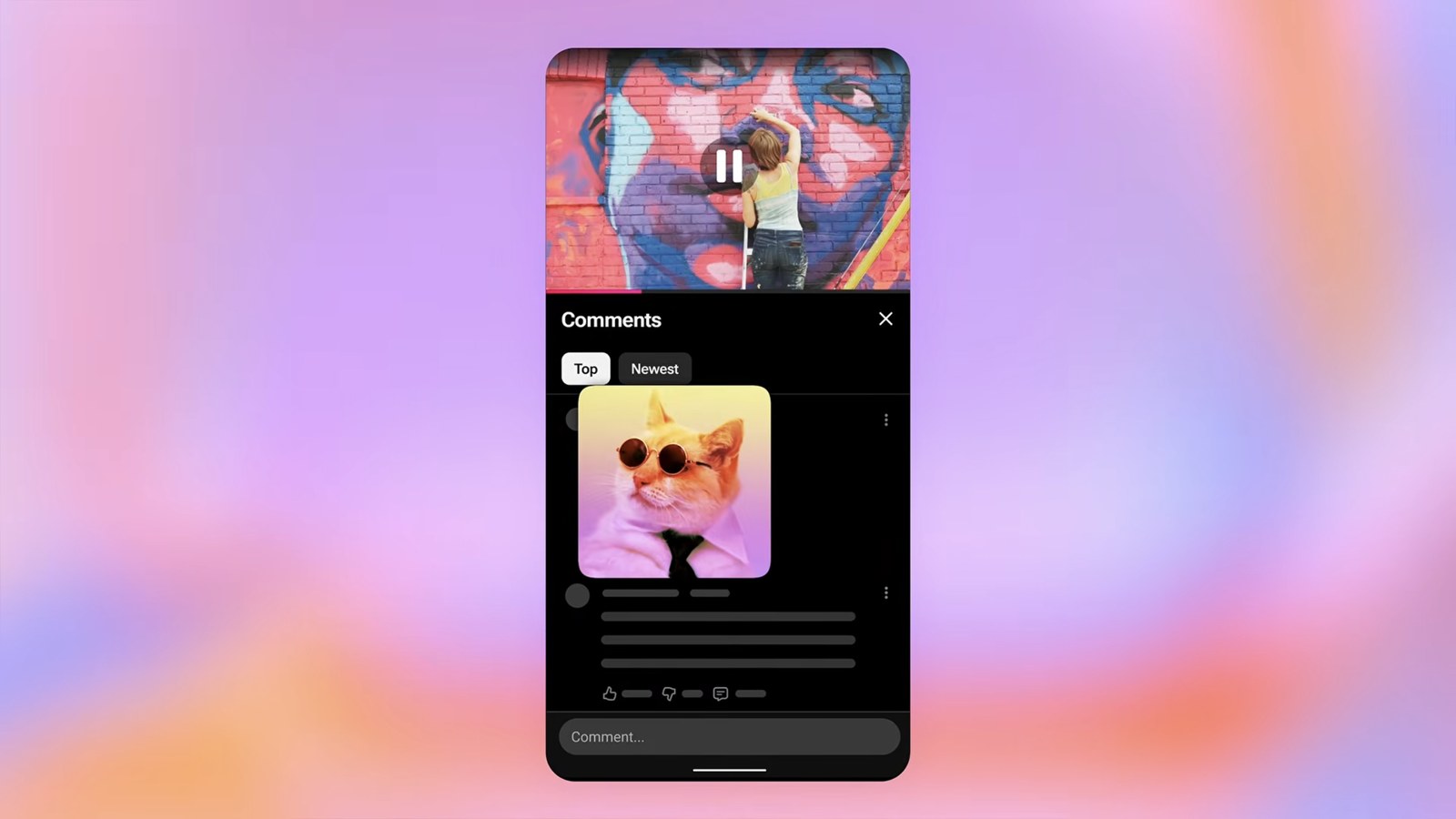
When: GIFs and TV replies by the end of 2026. Comment moderation starts as an experiment in YouTube Studio on desktop later in 2026.
Communities for channel members
Channels with memberships can host a community space only paying members can use. Members get a place to talk to each other, and you get somewhere to share exclusive posts.
When: early 2027.
Hype with Jewels
Hype is the leaderboard where fans push videos from smaller creators up the ranks. Hype with Jewels lets fans of creators under 500k subscribers buy Jewels to give a video an extra push there. The creator earns Rubies, and YouTube calls that a new revenue stream.
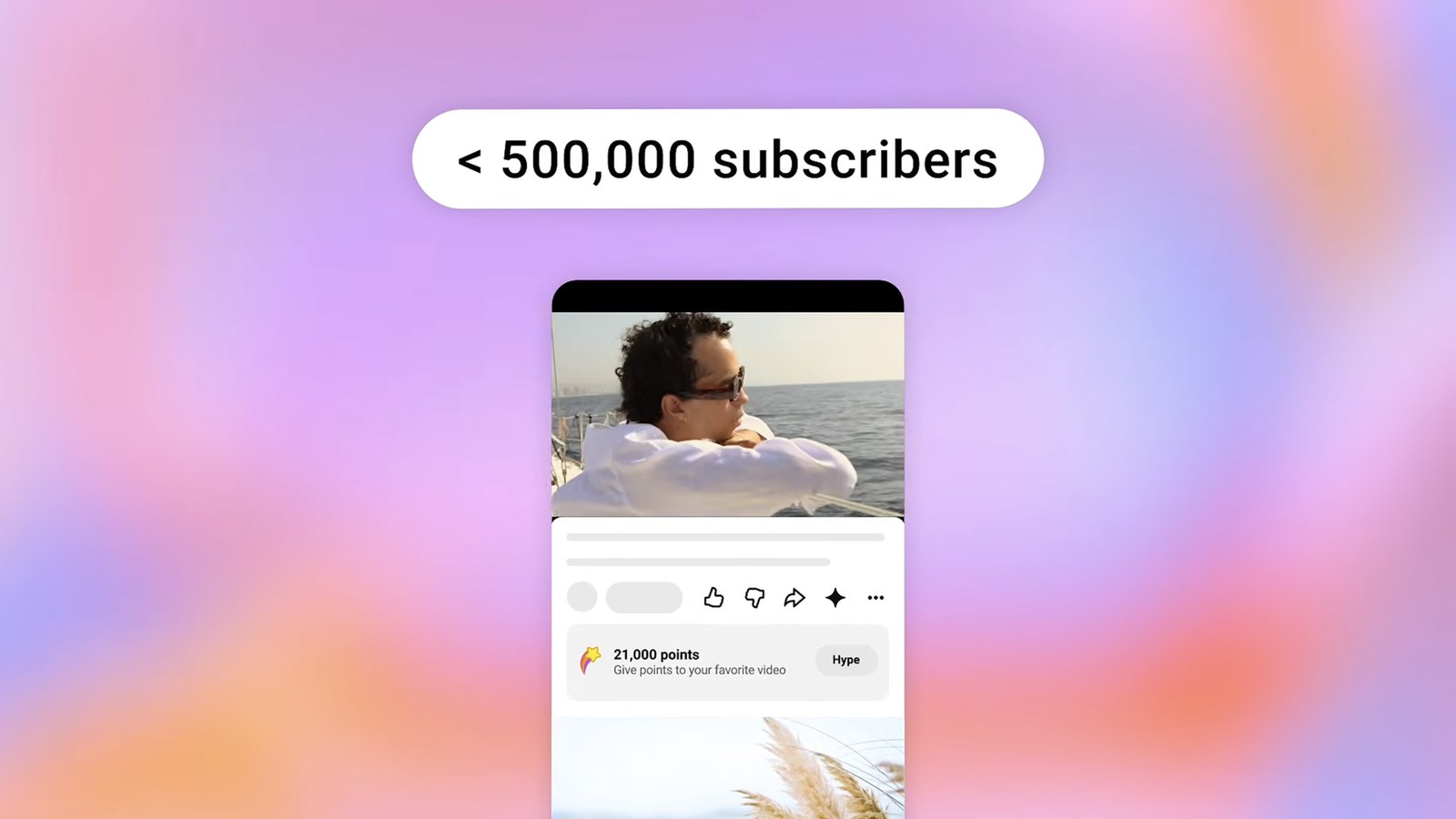
When: live now in Brazil, South Korea, Japan and Taiwan.
Group chats and video sharing
YouTube is adding group chats and a tool for making casual videos up to 3 minutes long, right inside the app.
When: November 2026 in the US, UK, Singapore, Brazil and the European Union.
Build the stream in the cloud.
Schedule videos, produce browser-based live shows, or send one feed to multiple platforms from the same Upstream workflow.
Discovery: Custom Feeds, Shorts series and posts
YouTube covered these in its viewer features post and its TV and Shorts series post.
Custom Feeds
Custom Feeds are tabs viewers will be able to add to the YouTube homepage for an interest, a mood or a routine. YouTube’s examples were “witty podcasts for my daily 30-minute commute” and “evening wind down with long documentaries”. The tab stays there and keeps filling up with new recommendations.
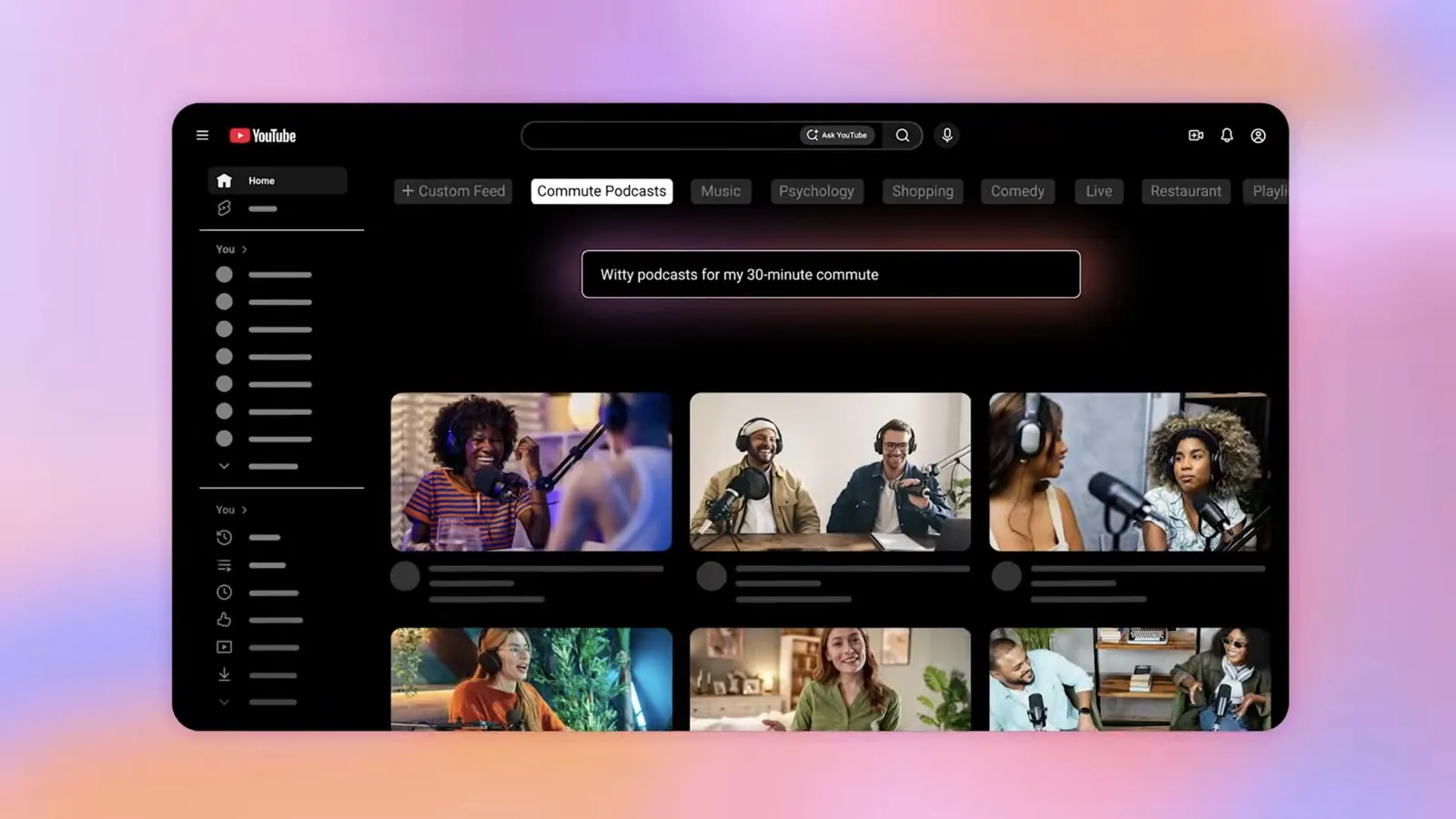
When: rolling out on mobile and desktop later in 2026. YouTube’s viewer post says it’s for users in the US and lists TV too.
Shorts series
With Shorts series, creators can group Shorts into a show with seasons and episodes and give it its own thumbnail. That part happens in YouTube Studio on desktop. In the Shorts feed, viewers get a watch series button that plays the episodes in order.
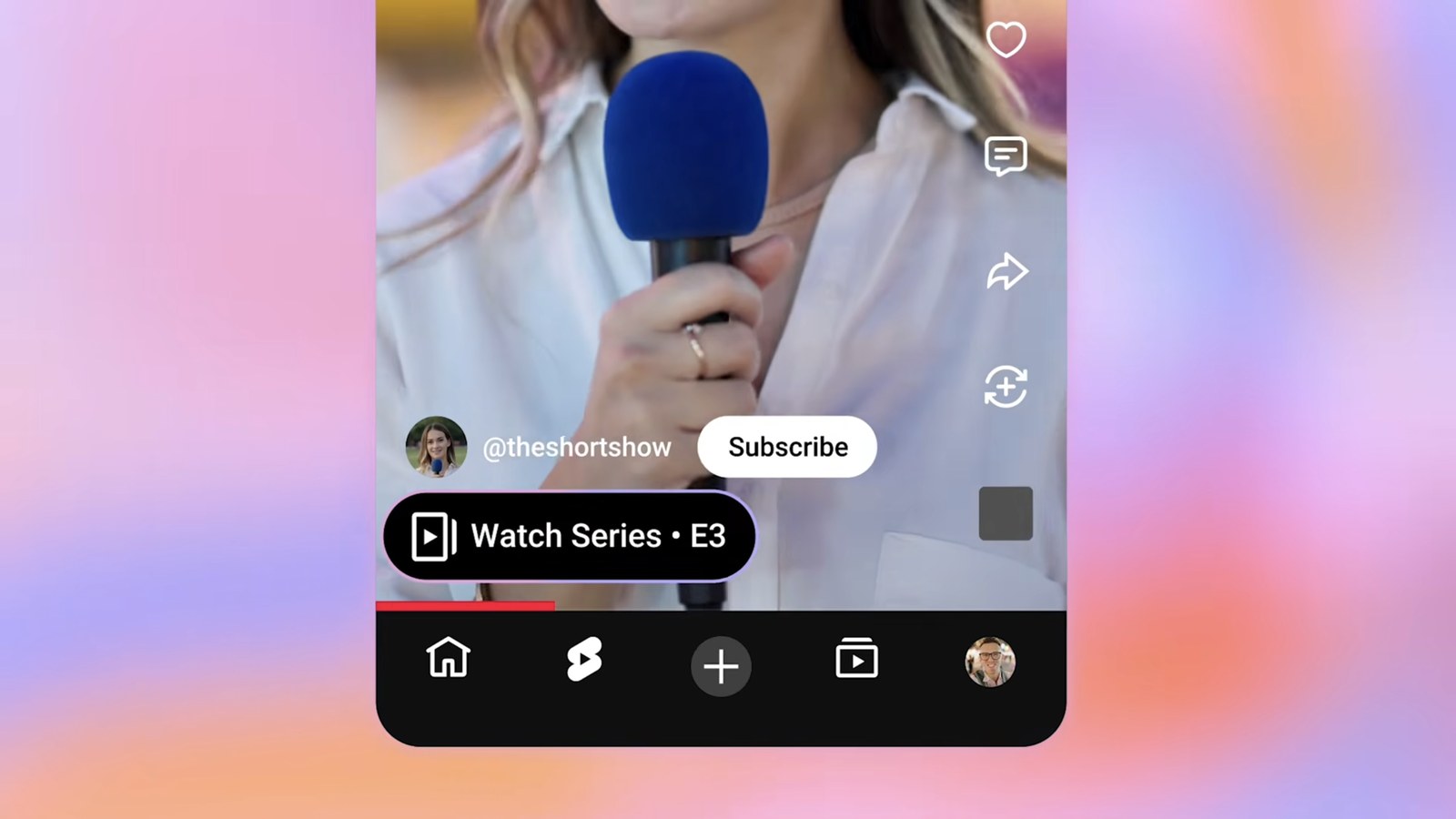
When: rolling out globally now on web, mobile and TV. YouTube’s video says creators can add series to their Shorts starting later in September.
YouTube ties Shorts series to microdramas. Those passed 6.5 billion views on YouTube in the first half of 2026, and their views on TV grew more than 90% year over year, even though they’re made for phones first.
Image posts in the Shorts feed and on TV
Image posts and carousels now show up for viewers scrolling the Shorts feed, which YouTube says helps you reach a new audience. On TV, viewers will see image posts on your channel page.
When: in the Shorts feed now on iPhone and Android. On TV starting early 2027.
Business: brand deals and YouTube Shopping
YouTube’s brand deals and Shopping post has the full details.
YouTube Creator Partnerships and dynamic brand segments
YouTube Creator Partnerships helps brands find your channel, and it’s now in 20 countries. You can give a brand access to your video’s performance in one click with a code, and the brand can put paid media behind your content with creator partnerships boost. Soon, Ask Studio will help you answer brand briefs, write pitches and tailor your media kit.
Dynamic brand segments let you add a sponsor segment to up to 20 long videos at a time, new or old. You can swap the branded content later, target it by region and show a shelf with a call to action button.
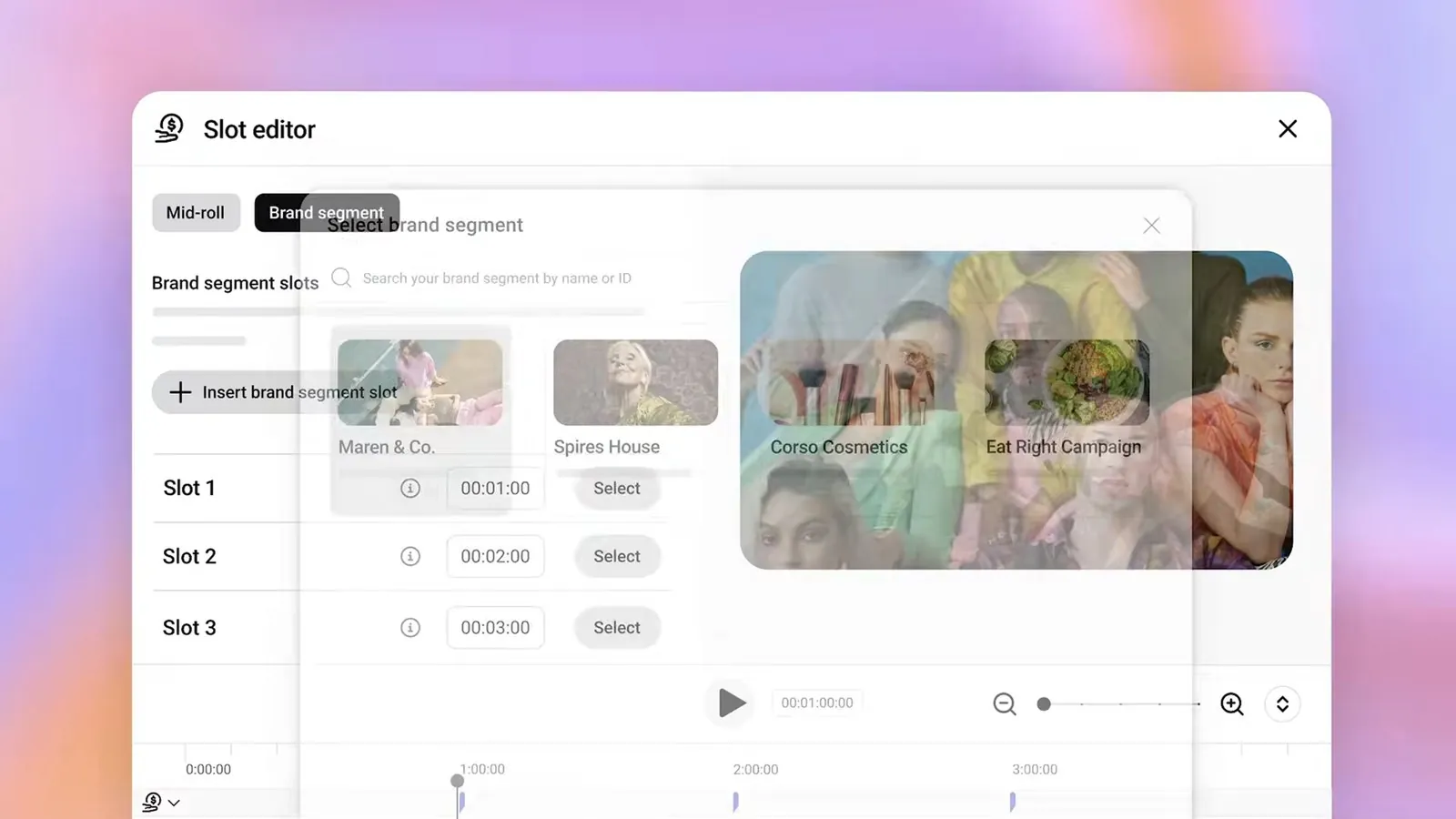
When: Creator Partnerships and the code for sharing performance are live now. Dynamic brand segments are in a limited pilot in the US, Canada and India.
YouTube Shopping
More than 1.3 million creators are in the YouTube Shopping affiliate program. YouTube says product tags get more than twice the clicks of links in the description, and you can tag products in videos, livestreams and Shorts. Tags now switch to a local offer when the viewer is in another country, so you earn from those sales too. Brands can also set up affiliate campaigns that offer you exclusive commission rates and bonuses for featuring specific products.
When: the affiliate program reaches 35 countries by the end of 2026. Amazon product tags are live in the US and launching in India and Brazil, with more countries this fall. Affiliate campaigns reach creators in the US and Korea by the end of September, and more creators in early 2027.
For how 24/7 channels earn today, see how to make money with live streaming.
Creation: YouTube Studio and editing
For the Studio tools, see YouTube’s creation tools post.
Ask Studio
Ask Studio is the AI assistant in YouTube Studio. You can ask it for feedback on a script, a hook or a title, and it’ll suggest titles and thumbnails in a new drafts view. It can also go through your older videos, find the ones that could use a new thumbnail and test replacements on them.
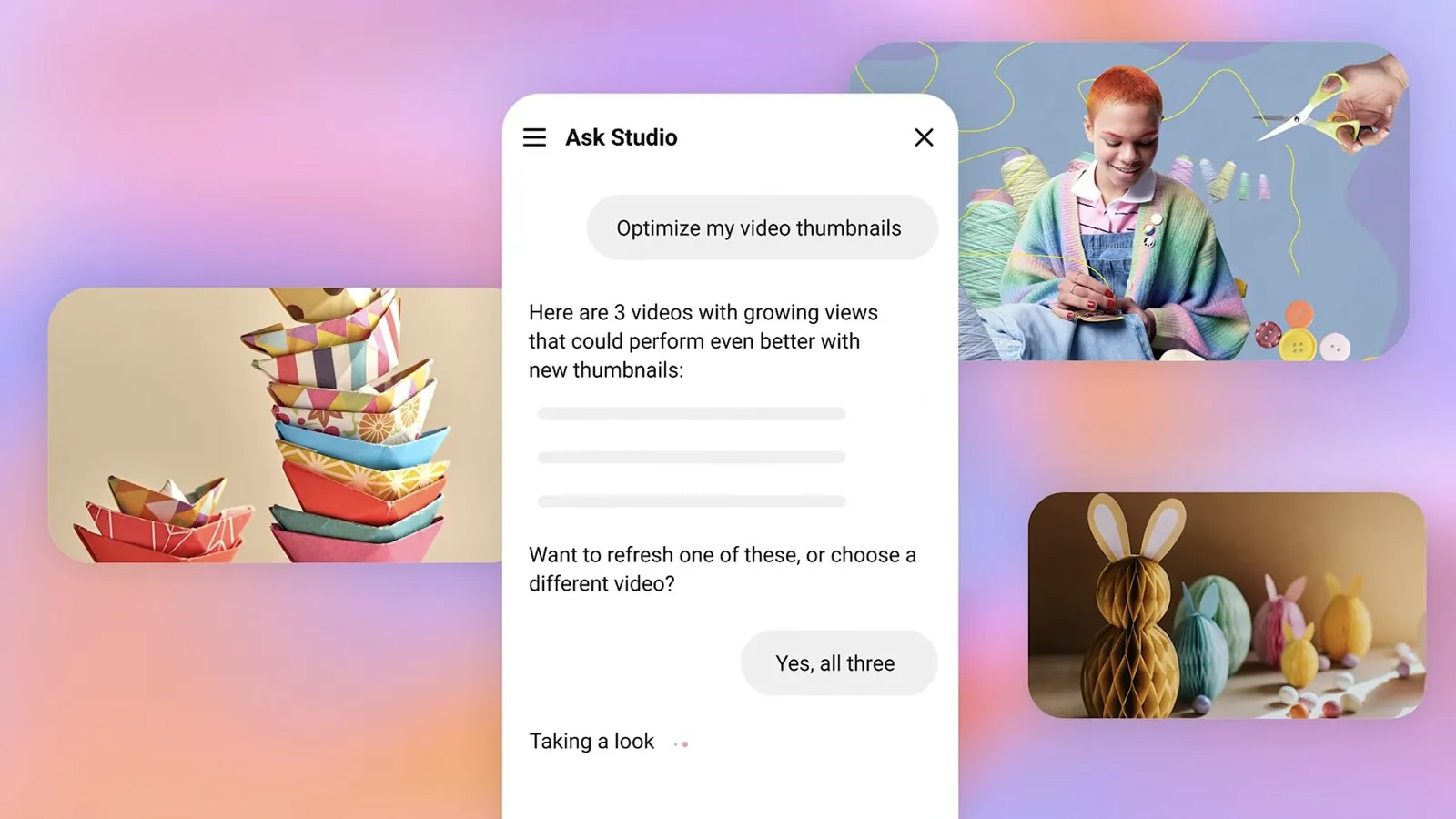
When: feedback and the drafts view later in 2026. Ask Studio on mobile in the next few months. Thumbnail refreshes for older videos go to trusted testers later in 2026, with a full launch in 2027.
Video A/B testing
Video A/B testing will let you upload up to three cuts of a Short or a long video and see which one does best. It’s the same idea as title and thumbnail tests, which creators have run more than 40 million times since they came out in 2024.
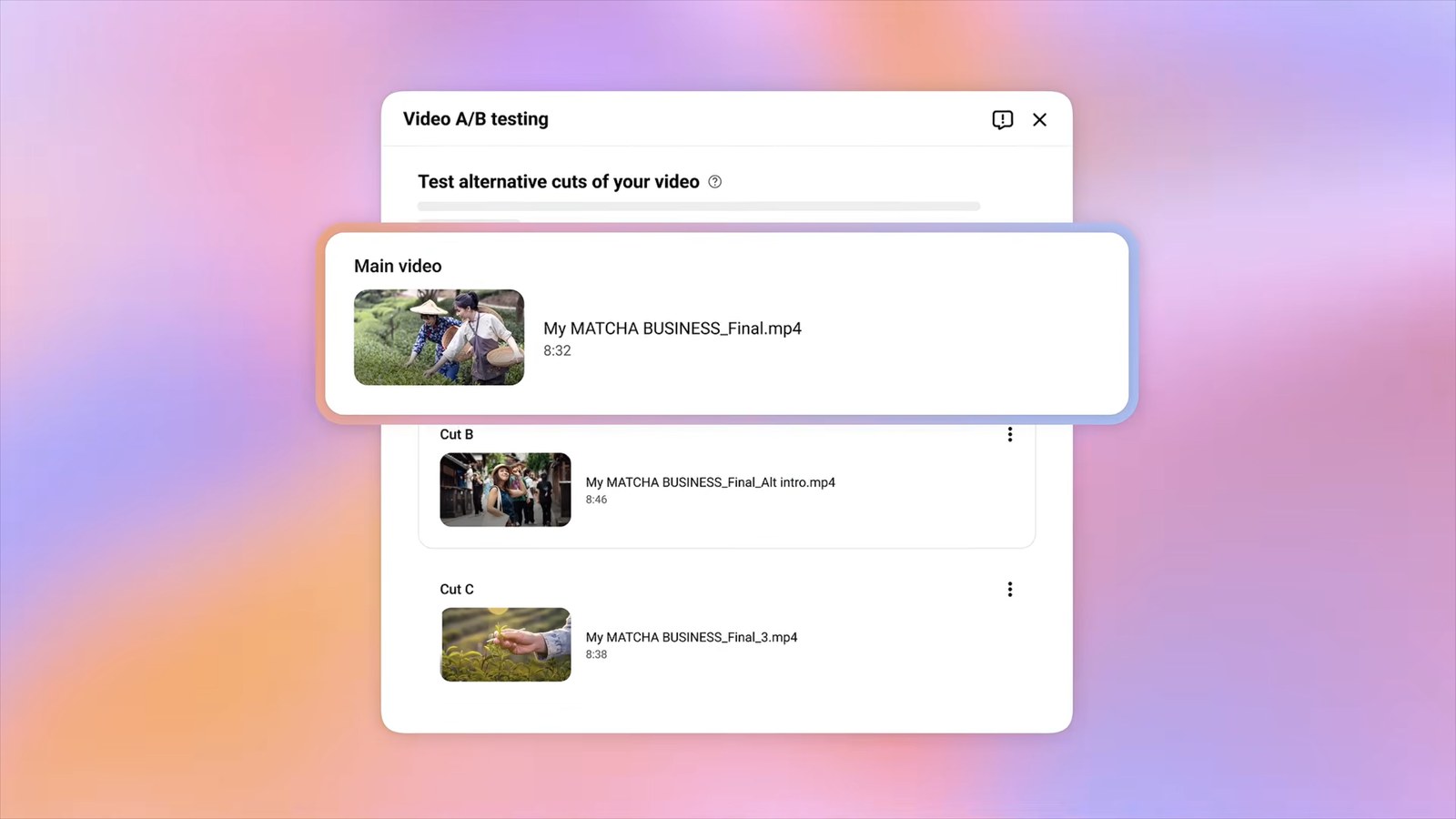
When: 2027.
Research and Insights
Two new pages in YouTube Studio show how your past videos performed and point out outlier videos that did unusually well, so you can find ideas for the next one.
When: by the end of 2026.
Dynamic thumbnails
Dynamic thumbnails let you upload up to three thumbnails for one video, and YouTube shows each group of viewers the one most likely to work for them.
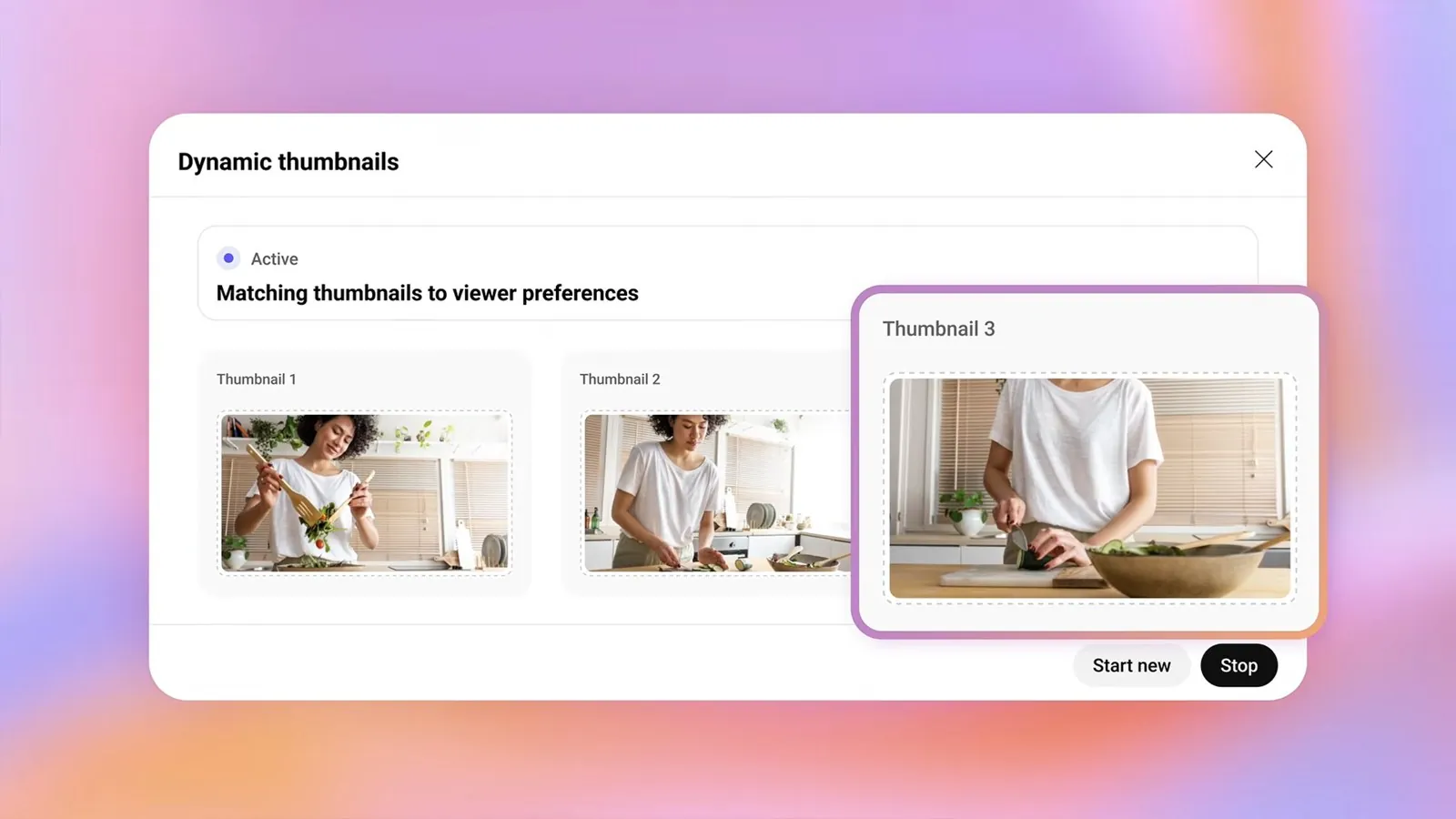
When: rolling out to eligible creators soon. YouTube didn’t say whether live streams or their replays qualify, for this or for video A/B tests.
It’s easy to mix this up with localized thumbnails, which pick a thumbnail by language, and with title and thumbnail tests, which pick one winner and show it to everyone. Dynamic thumbnails pick by audience group.
Conversational editing
In Shorts and the YouTube Create app, you can describe the edit you want in a chat to get a first draft. Then you keep chatting to reorder or trim clips, or edit by hand at any time.
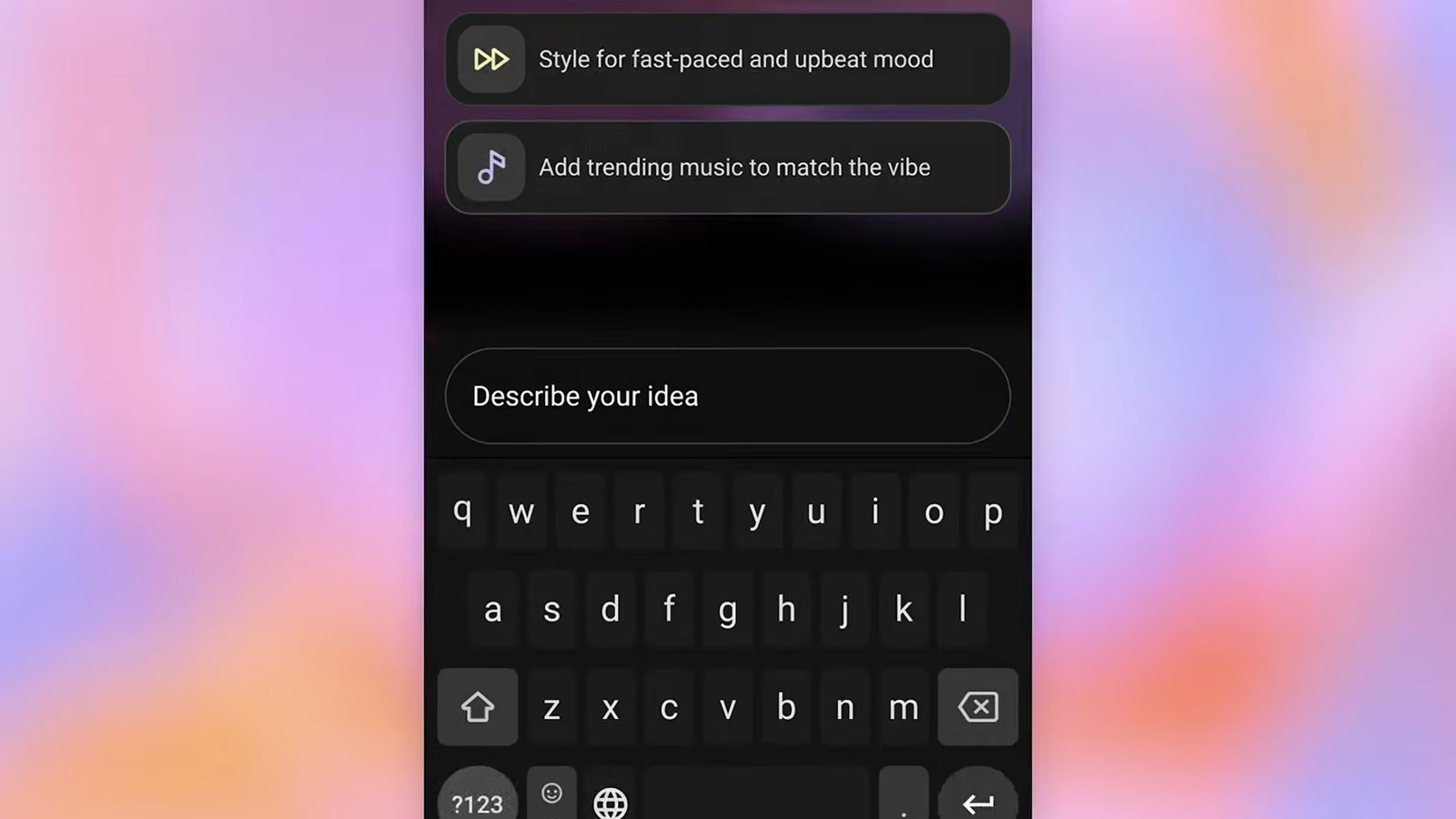
When: rolling out globally on Android and iPhone starting in early 2027.
Likeness detection
Likeness detection finds videos where someone used AI to put your face in them. It’s coming to the YouTube app, so you’ll be able to sign up, get alerts about matches and ask for removals from your phone. It’ll also start matching your speaking voice as well as your face.
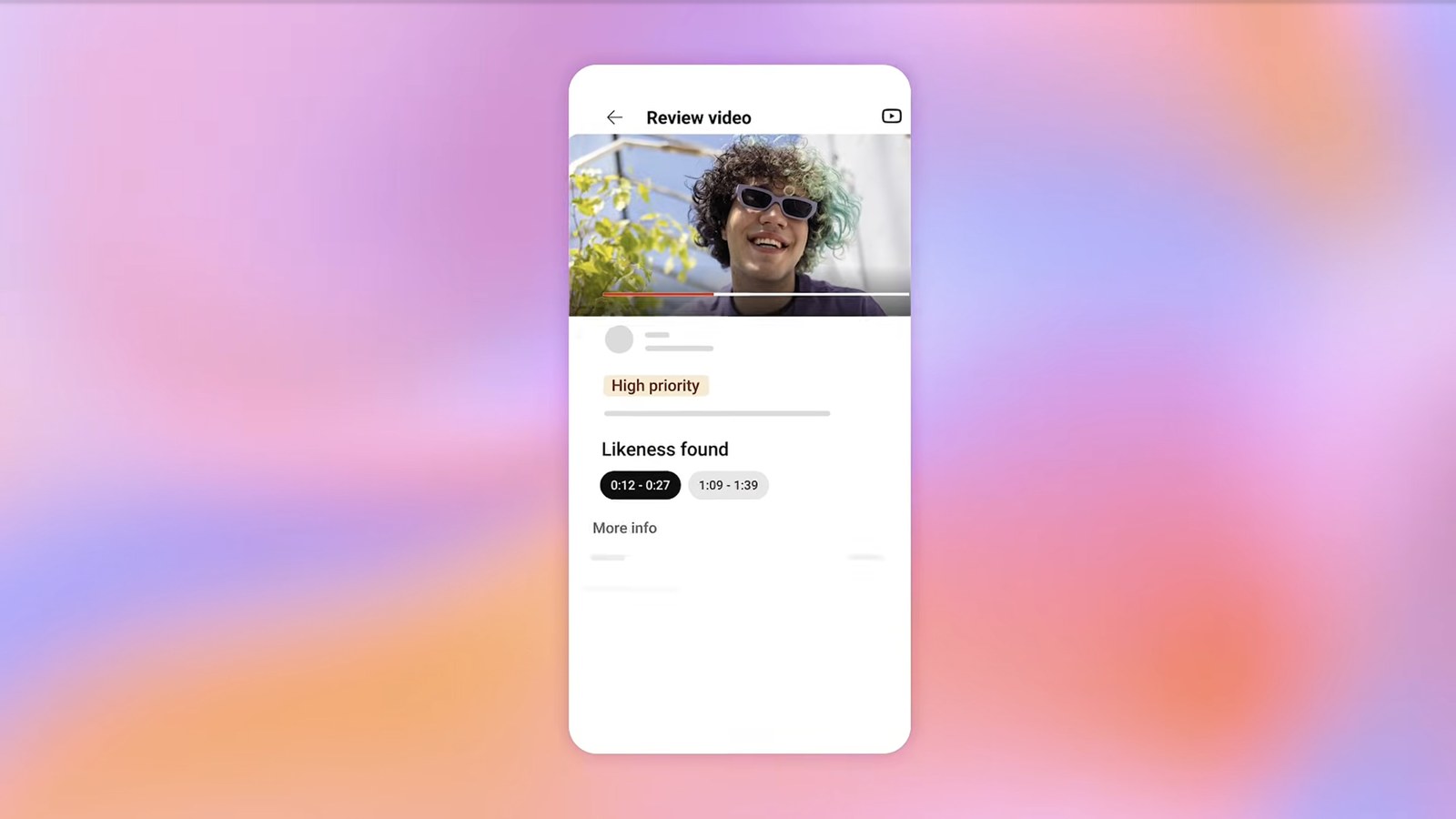
When: later in 2026.
What this means for 24/7 channels
As I read it, most of the live news is aimed at streamers who talk to their chat. Showdowns and matchmaking need a creator who’s live, and dubbing needs speech. A music, ambient or radio stream that runs nonstop probably won’t use them.
A few announcements still matter if your channel runs around the clock:
- Watch With on long videos: other streamers will be able to react live to your uploads, and you get the view credit and choose which videos are allowed. YouTube says the React live button also appears on eligible livestreams, so a 24/7 stream could end up inside someone else’s reaction stream too.
- Custom Feeds: viewers will build tabs for moods and routines, like “evening wind down with long documentaries”. YouTube didn’t say whether live streams can show up in them. We’ll be watching for that, because that’s exactly the kind of thing people put a 24/7 stream on for.
- Image posts in the Shorts feed: they could be a cheap way to point new viewers at a stream that’s always on.
- Live auto dubbing: it only helps streams with speech. More than 40% of live watch time already comes from outside the streamer’s home country, and a music or ambient stream has no words to translate.
If you’re new to running a stream nonstop, start with our guide to 24/7 live streaming on YouTube for the setup. We also wrote about why 24/7 streams get more reach, which is the algorithm side of it, and about thumbnails for 24/7 streams.
Keep your stream live 24/7 with Upstream
YouTube’s new live features need a person on camera. Upstream doesn’t. It runs your YouTube stream from the cloud around the clock, so it keeps going while your computer is off and you’re asleep.
You can schedule prerecorded videos to play live and send one stream to up to 10 of 30+ platforms at once. And when you do want to talk to chat, bring guests into Upstream Live Studio straight from your browser.
Start free with 24 streaming hours a month at 1080p30. No credit card.
Sources
- YouTube Creators, MadeOn YouTube 2026 Creator Roundup (video), September 23, 2026
- YouTube Official Blog, September 23, 2026: Neal Mohan’s overview and the posts on live, creation tools, Shorts series and TV, viewer features and brands and Shopping
- TeamYouTube, New features for the YouTube Era: Made on YouTube 2026 (Community forum)