Upstream
Upstream
  • Product
    24/7 Live Streaming Run cloud channels that stay live around the clock. Live Studio Invite guests, share screens, and add branded overlays in the browser. Multistreaming Send one live feed to YouTube, Twitch, Kick, and RTMP endpoints. Pre-recorded Live Streaming Upload pre-recorded videos & Go Live without the stress of live production. Free plan 24 hours a month with no watermark. Multi-channel streaming Separate live channels from one account. Enterprise Setups for teams, labels and agencies. About Upstream Who we are and how Upstream works.
  • Features
    Scheduling Streams that start and end on their own. Multichat Every platform's chat in one feed. Overlays Layers and widgets in Stream Designer. Stings, jingles and ads Inserts that play between your videos. Playback controls Skip or play any file while you stay live. Audio and video playlists Loop music and visuals separately. Team access Invite your team, each with their own role. RTMP server Stream in from OBS or any encoder. Live Streaming API Run streams, media and queues from code. MCP Server Manage streams from your AI assistant. All features Everything Upstream does, on one page.
  • Platforms
    YouTube live streaming Twitch live streaming Kick live streaming Facebook live streaming Instagram live streaming TikTok TikTok live streaming Rumble live streaming Mixcloud live streaming 30+ more Plus any custom RTMP or SRT destination.
    Platform limits Bitrate and duration caps for each platform. Integrations Setup guides for OBS, vMix, cameras and more. VTuber Streaming Go live with your avatar on every platform.
  • Resources
    Blog Guides, platform rules and news for anyone who goes live. Guides Setup guides for 24/7 streams, multistreaming and RTMP. Release Notes The new features in each Upstream update, in one place. Free Tools Video, audio, thumbnail and AI tools, plus camera and mic checks. Helpdesk Step by step setup help and troubleshooting for Upstream. Service status Current service health, uptime history and incident updates. Live Streaming FAQ Short answers to what people ask before they go live. Compare Upstream Upstream side by side with Restream, StreamYard and others. Latest post YouTube Dual Stream: What the Vertical Copy Does and How to Turn It Off
  • Pricing
Login Sign up for free
Always-on 24/7 Live Streaming Run cloud channels that stay live around the clock.
Explore
Real-time live Live Studio Invite guests, share screens, and add branded overlays in the browser.
Explore
One stream, 30+ platforms Multistreaming Send one live feed to YouTube, Twitch, Kick, and RTMP endpoints.
Explore
Schedule & Automate Pre-recorded Live Streaming Upload pre-recorded videos & Go Live without the stress of live production.
Explore
Free plan 24 hours a month with no watermark.
Multi-channel streaming Separate live channels from one account.
Enterprise Setups for teams, labels and agencies.
About Upstream Who we are and how Upstream works.
Scheduling Streams that start and end on their own. Multichat Every platform's chat in one feed. Overlays Layers and widgets in Stream Designer. Stings, jingles and ads Inserts that play between your videos. Playback controls Skip or play any file while you stay live. Audio and video playlists Loop music and visuals separately. Team access Invite your team, each with their own role. RTMP server Stream in from OBS or any encoder.
Live Streaming API Run streams, media and queues from code.
MCP Server Manage streams from your AI assistant.
All features Everything Upstream does, on one page.
YouTube live streaming. 24/7 channels with midroll ads. Twitch live streaming. Streams restart on their own at 48 hours. Kick live streaming. Stay live with your computer off. Facebook live streaming. Schedule lives that start on their own. Instagram live streaming. Go live from your browser or the cloud. TikTok TikTok live streaming. Go live on TikTok and Instagram at once. Rumble live streaming. Add Rumble to your YouTube or Kick stream. Mixcloud live streaming. DJ sets and radio shows from your browser. 30+ more Plus any custom RTMP or SRT destination.
Platform limits Bitrate and duration caps for each platform.
Integrations Setup guides for OBS, vMix, cameras and more.
VTuber Streaming Go live with your avatar on every platform.
Blog
Guides
Release Notes
Free Tools
Helpdesk
Service status
Live Streaming FAQ
Compare Upstream
YouTube Dual Stream: What the Vertical Copy Does and How to Turn It Off YouTube Dual Stream: What the Vertical Copy Does and How to Turn It Off
Blog

40 24/7 Live Stream Ideas for YouTube That Actually Work

Written by Bojan Opacak June 17, 2026 · Updated October 10, 2026 · 7 min read
  1. What makes a 24/7 live stream worth watching?
  2. 40 24/7 live stream ideas
  3. Music and radio
    1. Lofi hip-hop radio
    2. Jazz café radio
    3. Classical focus radio
    4. Synthwave station
    5. Genre discovery channel
  4. Ambient and relaxing scenes
    1. Fireplace stream
    2. Rain and thunder room
    3. Aquarium view
    4. Nature soundscape
    5. Night-sky ambience
  5. Gaming and creator communities
    1. Retro game marathon
    2. Speedrun replay channel
    3. Esports archive
    4. Minecraft build stream
    5. Simulation matches
  6. Study, work, and learning
    1. Pomodoro study room
    2. Virtual co-working room
    3. Writing sprint channel
    4. Coding replay channel
    5. Language immersion room
    6. Course replay schedule
    7. Documentary channel
    8. History archive
  7. Faith, wellness, and lifestyle
    1. Worship music station
    2. Guided meditation room
    3. Daily prayer and scripture
    4. Service replay channel
    5. Affirmations stream
    6. Yoga and mobility library
    7. Workout motivation channel
    8. Art and DIY time lapses
  8. Live data and real-world viewing
    1. Crypto market dashboard
    2. Stock market dashboard
    3. Local weather board
    4. Traffic or city camera
    5. Space and launch tracker
    6. Animal camera
    7. Travel window stream
    8. Podcast replay radio
    9. Kids’ story-time channel
  9. How to choose the right idea
  10. Frequently asked questions
    1. What is a good 24/7 live stream idea for a beginner?
    2. Can I stream music on YouTube 24/7?
    3. How long can a YouTube live stream run?
    4. Can I run a 24/7 stream with pre-recorded videos?
    5. What equipment do I need for a 24/7 stream?
  11. Ready to build your channel?

A successful 24/7 YouTube live stream gives viewers a reason to return whenever they open YouTube. The best ideas are simple to understand, valuable without a fixed start time, and practical for you to operate reliably. This guide covers 40 formats you can adapt to your niche, from music radio and relaxing ambience to education, gaming, faith, and live data.

What makes a 24/7 live stream worth watching?

Choose a format with a clear promise: focus music, a study room, an always-on radio station, a useful dashboard, or a dependable library of your own programming. Build a repeatable schedule, keep audio and visuals high quality, and make sure you have the rights to every asset you broadcast. YouTube can automatically archive streams under 12 hours, so many continuous channels plan their programming in segments and monitor their stream health. Review YouTube’s live archive guidance, live-streaming requirements, and monetization policies before you launch.

24/7 live streaming

Keep a live channel running 24/7.

Upload files, build a playlist, and let Upstream run continuous live playout from the cloud without OBS, a VPS, or an always-on computer.


Sign up for free Explore 24/7 streaming
Manage backgroundLoop duration: 02:26:1403:08:42
1Night owl40:04
2Country train daydream53:32
3Late night sax52:38
4Windmill sunset42:28
Background Settings

Background playlist order

Ordered loopShuffled loop
Ordered will play the background files in their order.Shuffle will play a random background file from the list.

Video Fit

CropFit
Background will be cropped to fill the entire canvas if the aspect ratio doesn't match.

40 24/7 live stream ideas

Music and radio

Half music, half hangout: an always-on radio stream can feel like a digital campfire. Viewers arrive for a particular sound, then return for the familiar visual identity, routine, and chat. The format works especially well when you can maintain a clear music direction, clean metadata, and the rights to every track you broadcast.

Lofi hip-hop radio
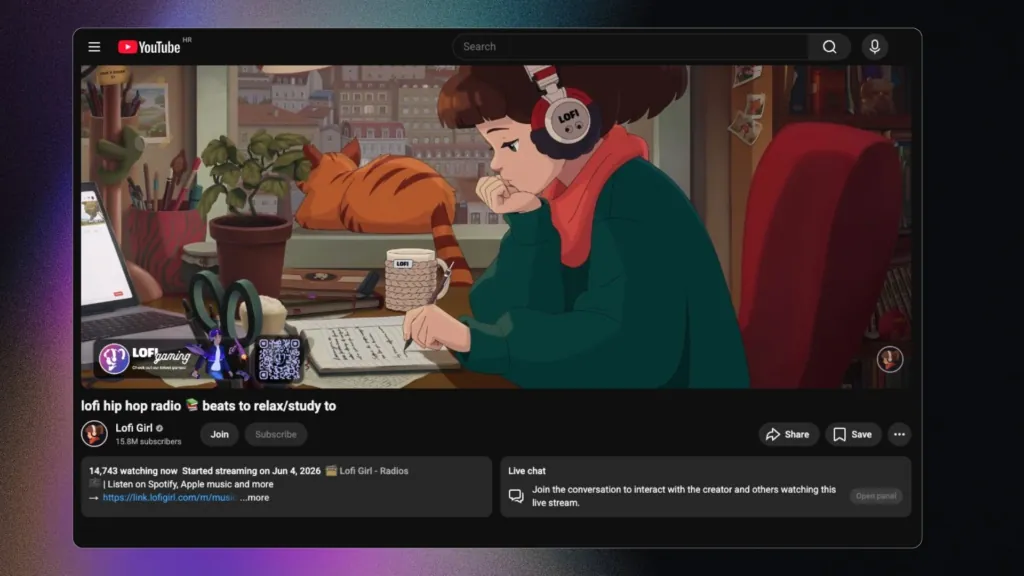
Lofi 24/7 YouTube radio stream example
Example: a lofi radio pairs an identifiable visual scene with a continuous, rights-cleared playlist.

Pair a licensed, loop-friendly playlist with a simple visual scene and a clear chat identity. In Upstream you can loop one video and run a separate music playlist over it, like a radio station with visuals.

Jazz café radio

Use calm jazz and a café-style visual for work, dinner, or relaxed browsing.

Classical focus radio

Program long-form instrumental tracks for study and concentration.

Synthwave station

Build a neon, retro visual identity around licensed electronic music.

Genre discovery channel

Rotate themed playlists, artist spotlights, or era-based programming with proper rights.

Ambient and relaxing scenes

Relaxation streams give viewers an easy reason to leave YouTube open while they sleep, work, read, or reset between tasks. A rain room, fireplace, aquarium, or night-sky scene is simple in concept, but it succeeds when the audio is consistent, the imagery is pleasant to revisit, and the experience never feels distracting.

Fireplace stream

A fireplace loop is a familiar winter background; make the audio and footage yours or properly licensed.

Rain and thunder room

Create a calming rain scene for sleep, reading, or focus with original or licensed assets.

Aquarium view

Loop a serene underwater environment and keep the visual motion subtle.

Nature soundscape
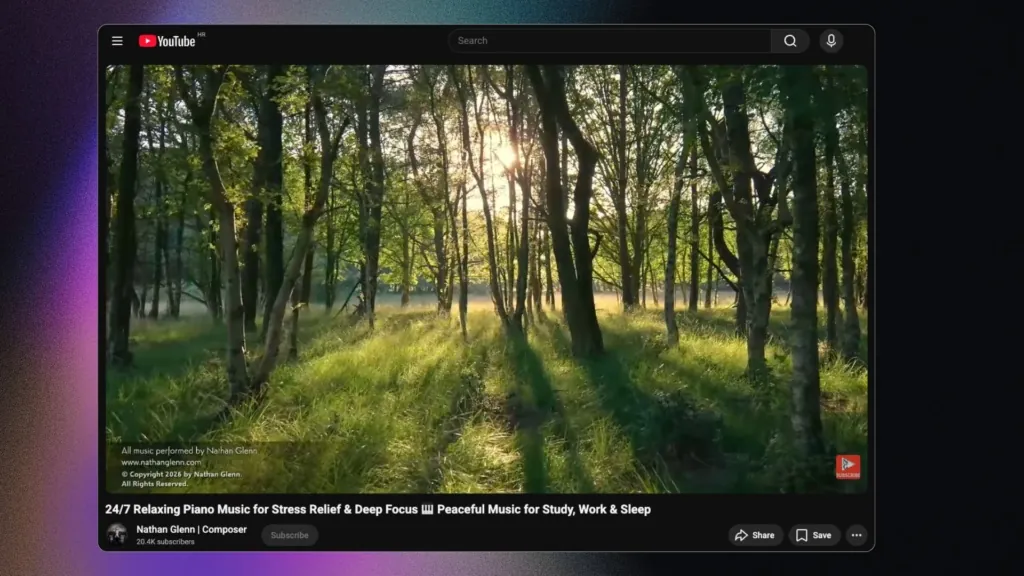
Nature 24/7 live stream example
Example: nature footage works well when the audio, imagery, and title all promise the same relaxing experience.

Combine forests, beaches, or mountain scenes with dependable ambient audio.

Night-sky ambience

A slow-moving starscape or moonlit scene can serve viewers who want a quiet backdrop.

Gaming and creator communities

Your back catalogue can become a destination instead of sitting unused. By programming your own playthroughs, tournament clips, speedruns, or builds into an ongoing schedule, you make it easy for international fans to discover your work whenever they are online. Give each block a theme so people know what they are joining.

Retro game marathon
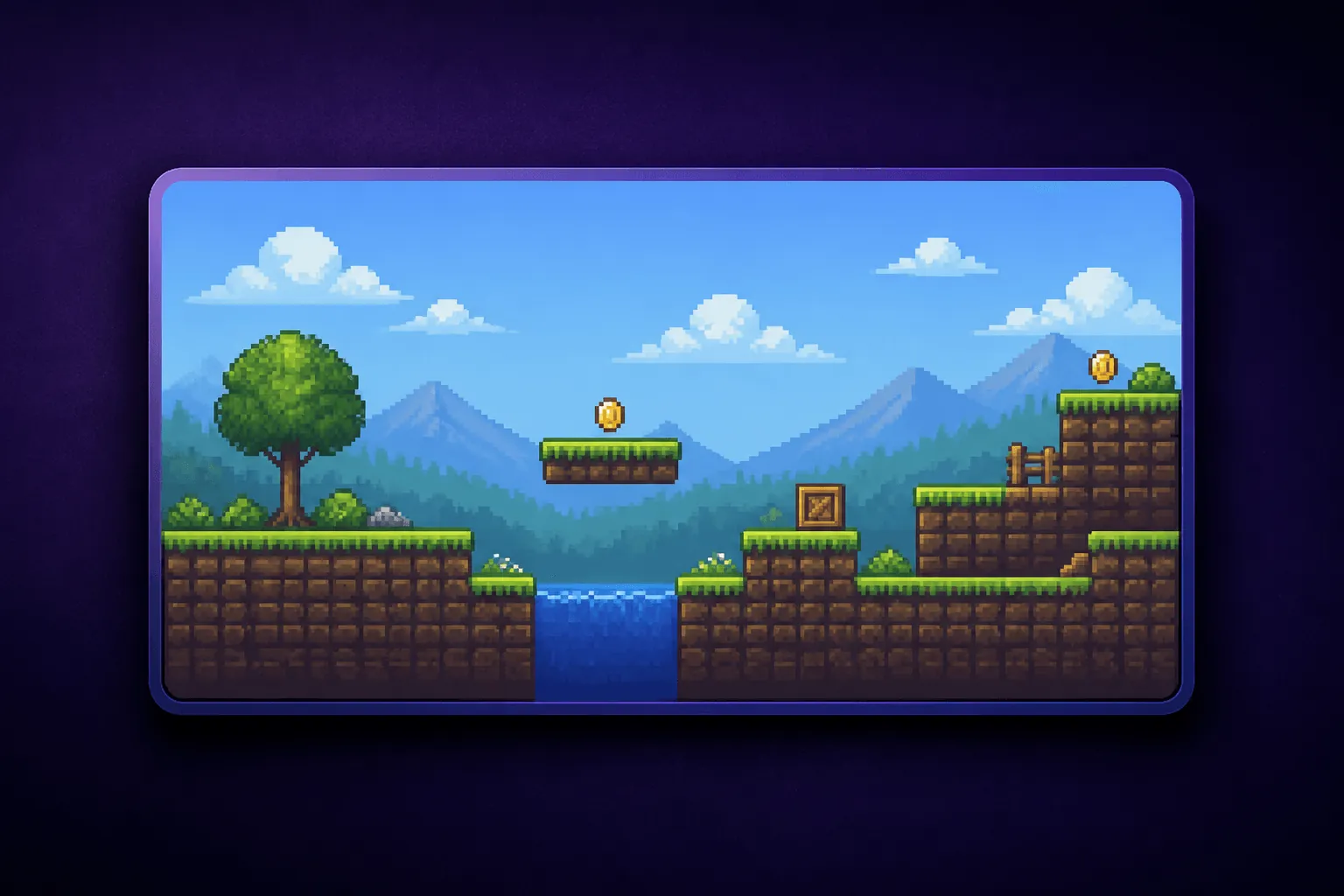
Retro gaming 24/7 stream example
Example format: a continuous retro-gaming channel gives viewers a clear theme to discover at any time.

Schedule licensed gameplay, your own replays, or commentary-led compilations.

Speedrun replay channel

Curate your own runs and permissioned submissions into themed broadcast blocks.

Esports archive

Turn event VODs you have rights to use into a predictable always-on schedule.

Minecraft build stream

Loop long build sessions, tutorials, or time lapses with a live chat prompt.

Simulation matches

Run original simulation or sandbox gameplay with clear rules and frequent scene changes.

Study, work, and learning

People often use live streams as a little bit of structure in an otherwise solitary day. Focus timers, quiet co-working rooms, lesson replays, and themed learning blocks create a dependable place to start a task. The key is a clear on-screen purpose and a schedule viewers can understand at a glance.

Pomodoro study room
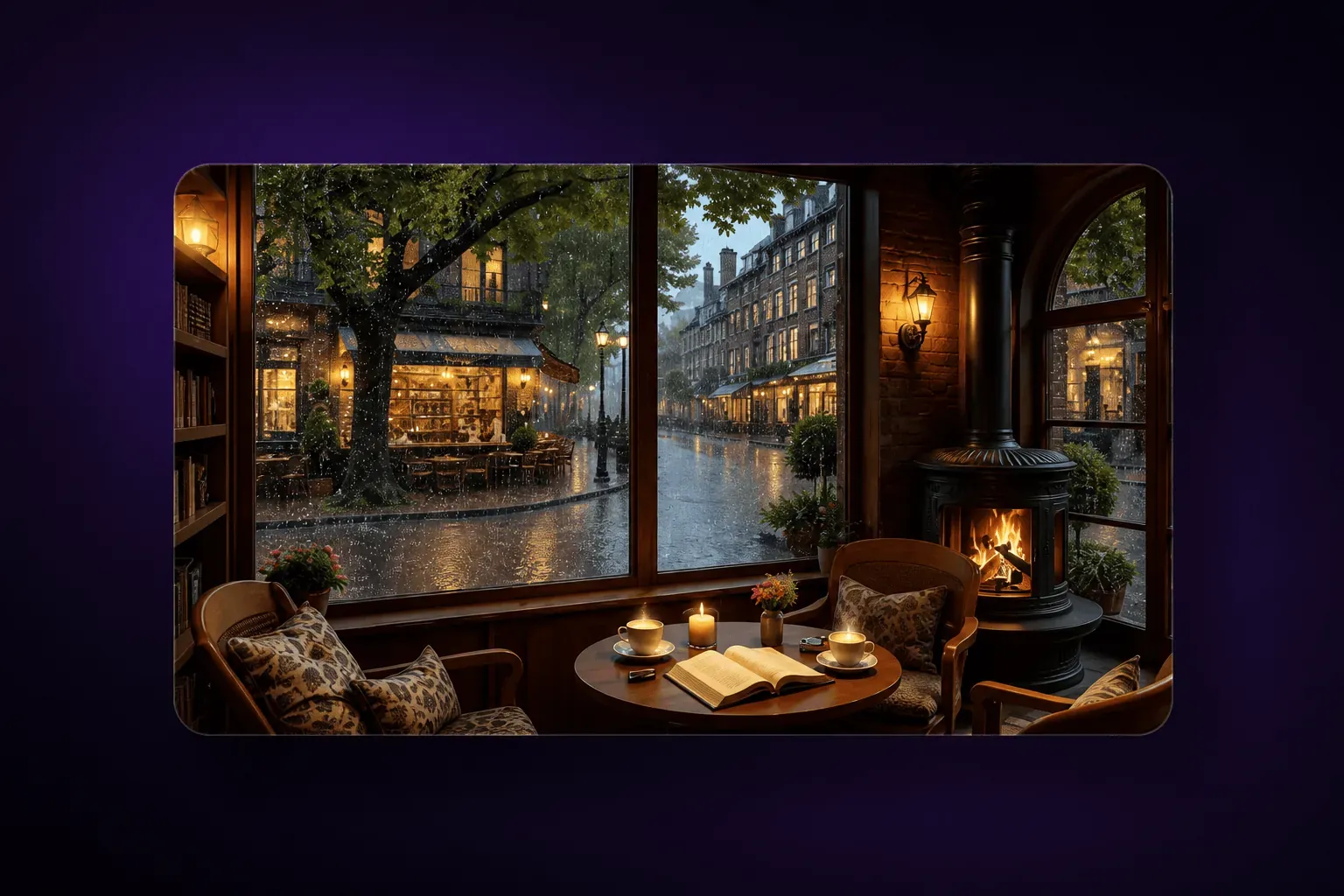
Cozy 24/7 study stream example
Example format: a calm, repeatable study scene makes the channel easy to use as a focus companion.

Use timed work and break blocks with an on-screen clock and a distraction-free scene.

Virtual co-working room

Create a shared place for viewers to work quietly and check in between sessions.

Writing sprint channel

Cycle through writing prompts, focus timers, and short breaks for creators.

Coding replay channel

Share your own project sessions, code walkthroughs, or design reviews.

Language immersion room

Program licensed learning material, vocabulary prompts, and themed listening sessions.

Course replay schedule

Broadcast your own educational lessons in a recurring timetable.

Documentary channel

Create a scheduled lane of documentaries and explainers you own or license.

History archive

Use public-domain or licensed archival material with context, captions, and careful source attribution.

Faith, wellness, and lifestyle

Convenience matters in wellness and community programming. A continuous channel can make guided sessions, worship, prayer, movement classes, and creative processes available across time zones, while still feeling connected to a real community. Keep the experience welcoming, accurate, and built from content you own or have permission to use.

Worship music station

Offer rights-cleared worship music and a welcoming chat space.

Guided meditation room

Schedule your original meditations, breathwork sessions, and calming visuals.

Daily prayer and scripture

Rotate readings, prayer prompts, and community notices on a consistent cadence.

Service replay channel

Keep recorded services available as a continuous schedule for different time zones.

Affirmations stream

Pair original spoken affirmations with a calm visual format and measured pacing.

Yoga and mobility library
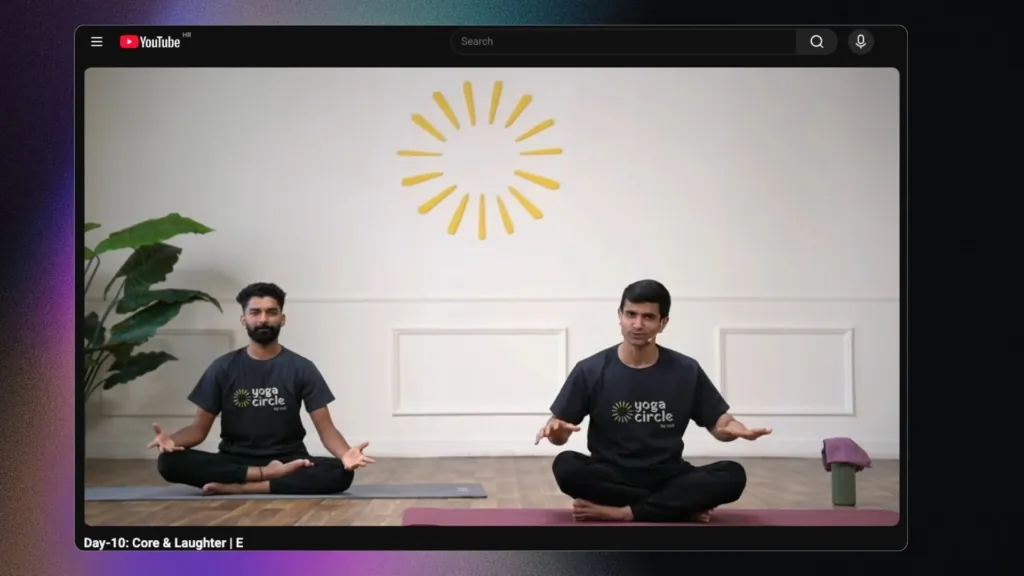
Yoga 24/7 live stream example
Example: an always-on wellness channel can rotate clear, beginner-friendly sessions on a published schedule.

Broadcast your own classes in an easy-to-follow rotating schedule.

Workout motivation channel

Build genre-based playlists from your own training sessions and coaching tips.

Art and DIY time lapses

Loop permissioned process videos so viewers can drop in at any point.

Live data and real-world viewing

Some channels are valuable precisely because they are always there when viewers need a quick answer or a window onto the world. Weather, markets, webcams, space tracking, and animal cameras reward a glanceable, reliable presentation. Use trustworthy data sources and only broadcast camera feeds or data you are authorised to display.

Crypto market dashboard

Show clearly sourced price data with a disclaimer that it is informational, not financial advice.

Stock market dashboard

Pair market visuals with context and use data feeds you are licensed to display.

Local weather board

Make a regional weather channel from authorized data and original presentation.

Traffic or city camera
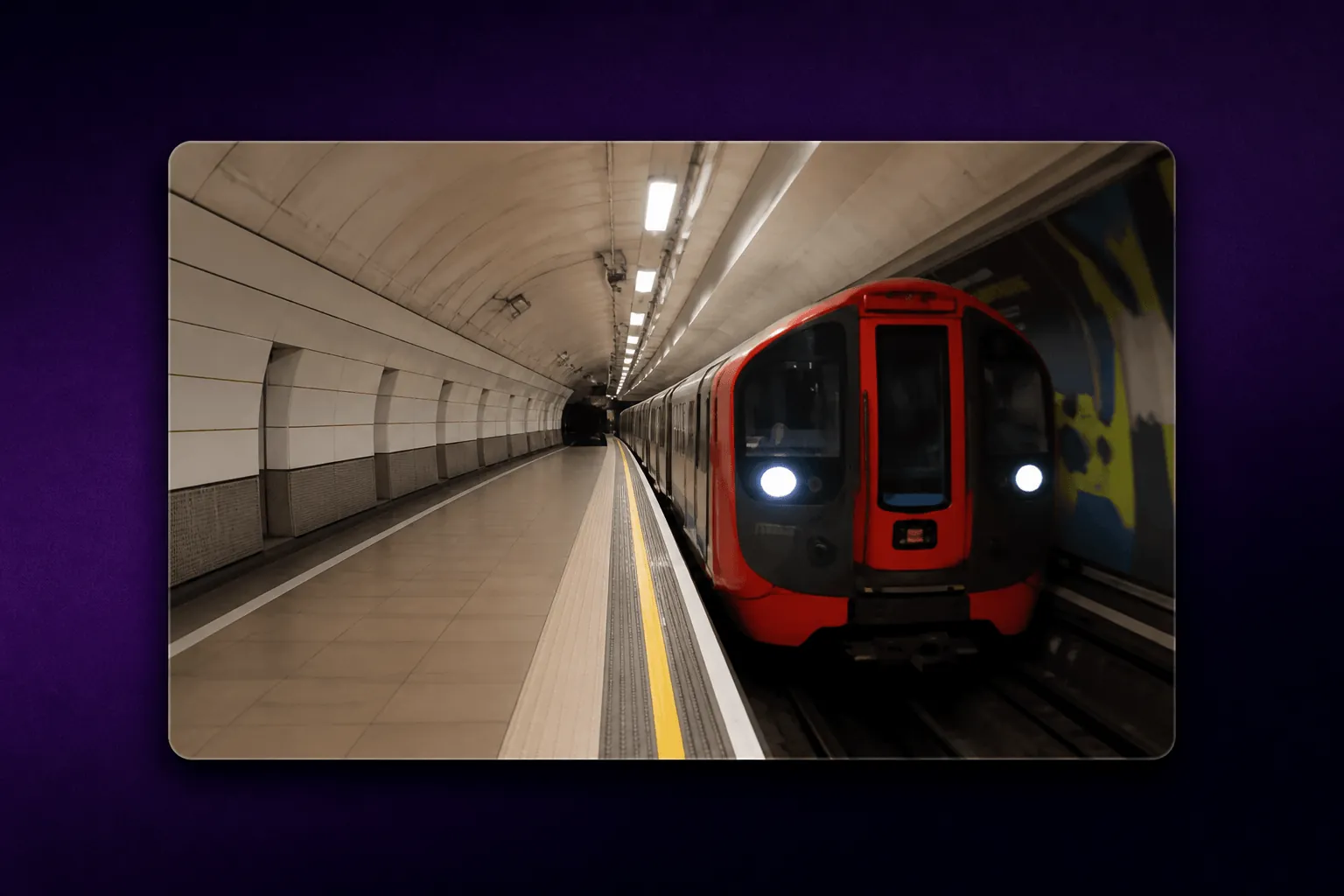
24/7 real-world webcam stream example
Example format: real-world camera feeds work best when the scene is instantly recognisable and reliably available.

Use only camera feeds you own or are permitted to rebroadcast.

Space and launch tracker

Create a stream around public space data, launch windows, and your own commentary.

Animal camera

Build a reliable wildlife or pet-camera stream from a camera you control.

Travel window stream

Share a scenic view from your own location or a partner with written permission.

Podcast replay radio
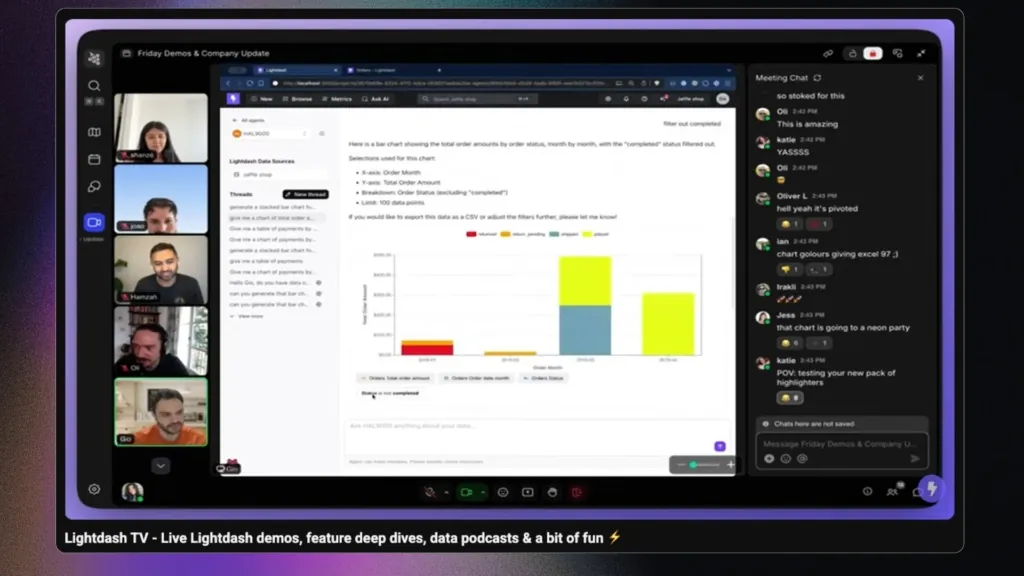
Continuous product demo live stream example
Example: product demos, showreels, and podcast replays can be scheduled as an always-available brand channel when you own the content.

Schedule episodes you own, with episode titles and links visible for discovery.

Kids’ story-time channel

Program your own or fully licensed children’s stories and songs with clear age-appropriate presentation.

How to choose the right idea

Start with what you can make or license consistently. A live channel works best when the experience remains useful even if a viewer joins midway through. Plan the audio, visuals, titles, chat moderation, and fallback media before going live. If you want to broadcast a planned library rather than manually run a stream every day, pre-recorded live streaming can help you turn content into a scheduled channel. For a continuous setup, see Upstream’s 24/7 live-streaming tools. To set up the YouTube side step by step, follow our 24/7 YouTube live stream guide.

Frequently asked questions

What is a good 24/7 live stream idea for a beginner?

A focus-music channel, a study room, or an original educational replay channel is often a manageable place to start because the viewer benefit is easy to explain and schedule.

Can I stream music on YouTube 24/7?

Yes, if you own the music or have the necessary licences for live streaming. Do not assume a song is safe to broadcast just because it appears elsewhere on YouTube.

How long can a YouTube live stream run?

YouTube supports continuous streaming, but streams over 12 hours may not be captured as an archive. Plan regular checks and segmented programming if you need replays.

Can I run a 24/7 stream with pre-recorded videos?

Yes. Many channels schedule original or licensed videos into a live playlist. Keep the programming genuinely useful and avoid repetitive or reused material that could affect monetization eligibility.

What equipment do I need for a 24/7 stream?

You need a reliable internet connection, an encoder or cloud streaming service, source media you are allowed to use, and monitoring so you can respond when the stream needs attention. Our guide to 24/7 streaming software compares Upstream with the other cloud services.

Ready to build your channel?

Whether you are launching a radio-style stream, an education channel, or a continuous brand experience, Upstream can help you schedule and manage live programming without keeping a computer running around the clock.
Published June 17, 2026
Bojan Opacak

About the author

Bojan Opacak

Content and Growth

Bojan writes for Upstream about live streaming strategy, platform policy changes, creator monetization, and practical workflows for 24/7 channels. He reads the platform rules and help pages and turns them into step by step guides for creators and small teams.

Keep exploring

Further reading

Browse all articles
Best 24/7 Live Streaming Software for YouTube in 2026
Oct 10, 2026 Guides

Best 24/7 Live Streaming Software for YouTube in 2026

Read article
Cheapest 24/7 YouTube Live Streaming in 2026: What $6 to $30 a Month Gets You
Oct 9, 2026 Guides

Cheapest 24/7 YouTube Live Streaming in 2026: What $6 to $30 a Month Gets You

Read article
Is 24/7 Live Streaming Allowed on YouTube? How long can a Live Stream be
Sep 8, 2026 Blog

Is 24/7 Live Streaming Allowed on YouTube? How long can a Live Stream be

Read article

Start streaming today

Go live to every platform, run a 24/7 channel, and produce live shows in your browser, with no software or server setup.

No credit card 24 hours/month free Full functionality
Start Streaming Free
Upstream

Run your streams from the cloud

Free plan: 24 streaming hours a month, no card, no watermark.

4.5 · 242 reviews on Trustpilot
Legal entity
Zukunft d.o.o.
Registered address
Groznjanska 32, 10000 Zagreb
Company VAT ID
Company VAT ID: HR62560895839
About | Contact us | Tools | Content standards | Privacy Policy | Terms of Service | Affiliate terms |

Product

  • Pricing
  • Upstream Features Overview
    • Multistreaming
    • Separate Audio and Video
    • Overlays: Stream Designer
    • Live Streaming Studio
    • Scheduling & Automation
    • Live Playback Controls
    • Play Stings, Jingles and Ads
    • Team Access
  • Enterprise Broadcasting Solutions

Resources

  • Helpdesk
  • Service status
  • Live Streaming FAQ
  • Blog
  • Release Notes
  • Live Streaming API
  • MCP Server
  • Free Live Streaming
  • YouTube Live Streaming
  • RTMP Server
  • Supported Platforms
  • Live Streaming Limits
  • Integrations

Compare Us

  • Compare Upstream
    • Upstream vs Runnel.live
    • Upstream vs OneStream
    • Upstream vs Live247
    • Upstream vs Gyre
    • Upstream vs Streaming Bots
    • Upstream vs Restream
    • Upstream vs StreamYard
    • Upstream vs LiveReacting
    • Upstream vs Playout.video

Free Tools

  • Design tools
  • Video tools
  • Audio tools
  • AI tools
  • Setup checks

Use cases

  • For Creators
  • For Music Labels
  • Church Streaming
  • VTuber Streaming
  • Multi-Channel Streaming

© 2026 Upstream. All rights reserved.

Keep a channel live 24/7 - no PC needed.

Sign up for free