OBS Studio 33.0.0 came out on October 23, 2026. Browser sources and docks run on a much newer browser engine, and plugins have new install folders. Snapping in the preview is easier to see, and a bug that could disconnect streams on AMD encoders is fixed. Plugins in the old folders still load in OBS 33, but on Windows some of them stop loading in OBS 34. If your stream depends on alerts, chat overlays or a multistream plugin, test those before your next show.
When OBS 33 came out and where to get it
The OBS team published 33.0.0 as the latest stable release on GitHub on October 23, 2026, after three release candidates on October 9, 16 and 20. On October 26 the download page on obsproject.com still offered 32.2.2, so for now the OBS 33 installers are on the GitHub release page.
We downloaded the macOS build for Apple Silicon there and checked it against the checksum in the release notes. It matched, and macOS accepted it as notarized software signed by Wizards of OBS LLC, the company behind OBS. Builds are listed for Windows (x64 and Arm), macOS (Apple Silicon and Intel) and Ubuntu 26.04. Ubuntu 24.04 is no longer supported.
Browser sources run on a newer browser engine
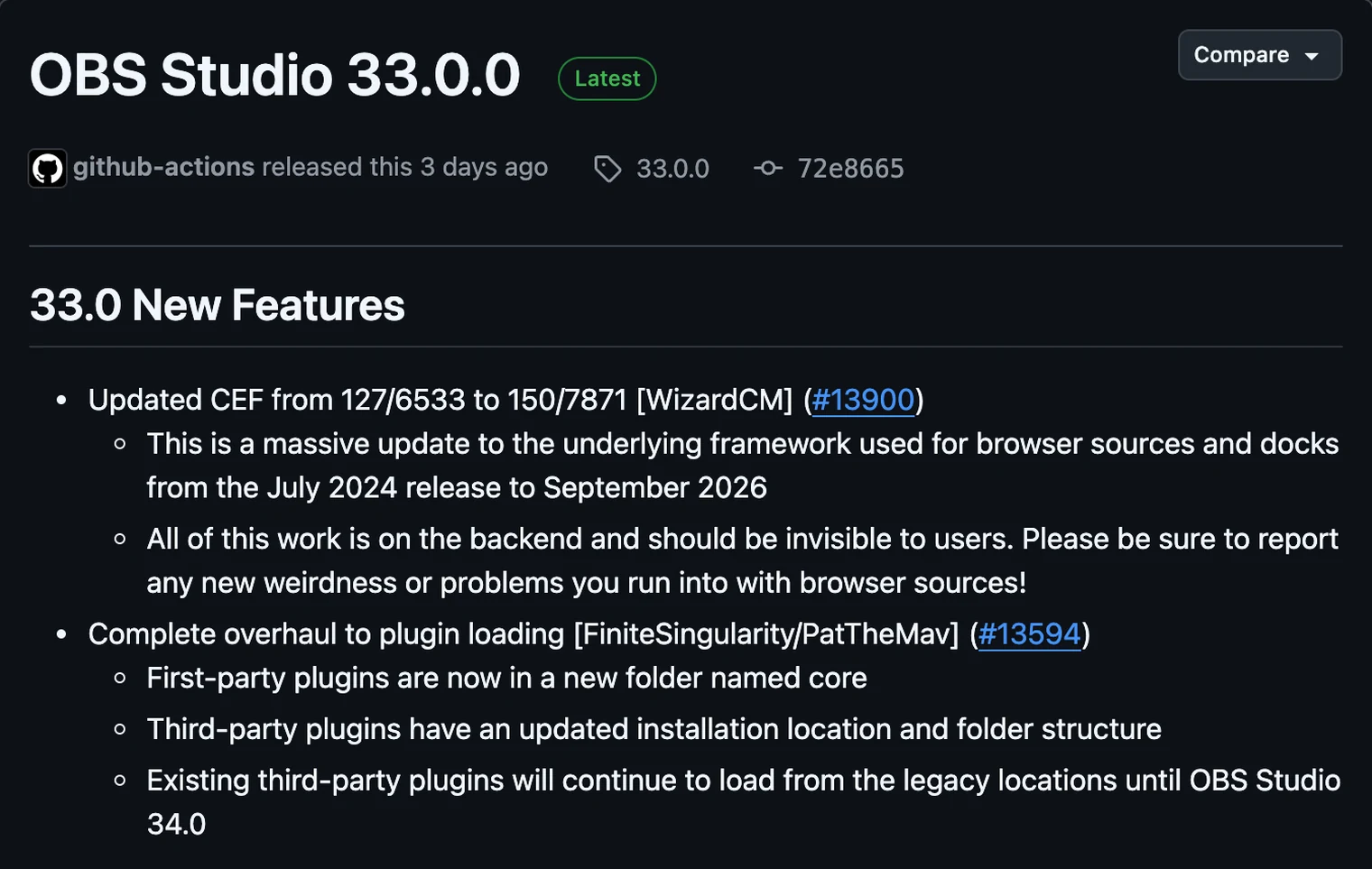
Browser sources and docks in OBS run on CEF, a copy of the Chromium browser built into OBS. OBS 33 moves it from version 127 to version 150, which OBS describes as going from the July 2024 browser to the September 2026 one. Alerts, chat overlays, StreamElements and Streamlabs widgets are all browser sources. So are most custom overlays, which means this change reaches most streams.
OBS says the work is all on the backend and should be invisible. It still asks users to report anything that looks wrong in browser sources. A browser that is two years newer also carries two years of Chromium security fixes. That matters in OBS, because a browser source loads web pages from outside your computer.
Before your next stream, open each scene, fire a test alert and check that fonts, animations and transparent backgrounds look the way they did in OBS 32. Check your docks too, such as a chat or activity feed you keep next to the preview.
Plugins move to new folders
OBS 33 changes where plugins are installed. OBS's own plugins now sit in a folder named core, and third-party plugins get a new install location and folder layout. Plugins in the old locations still work in OBS 33, but OBS marks them as Legacy. On macOS the plugin locations stay the same.
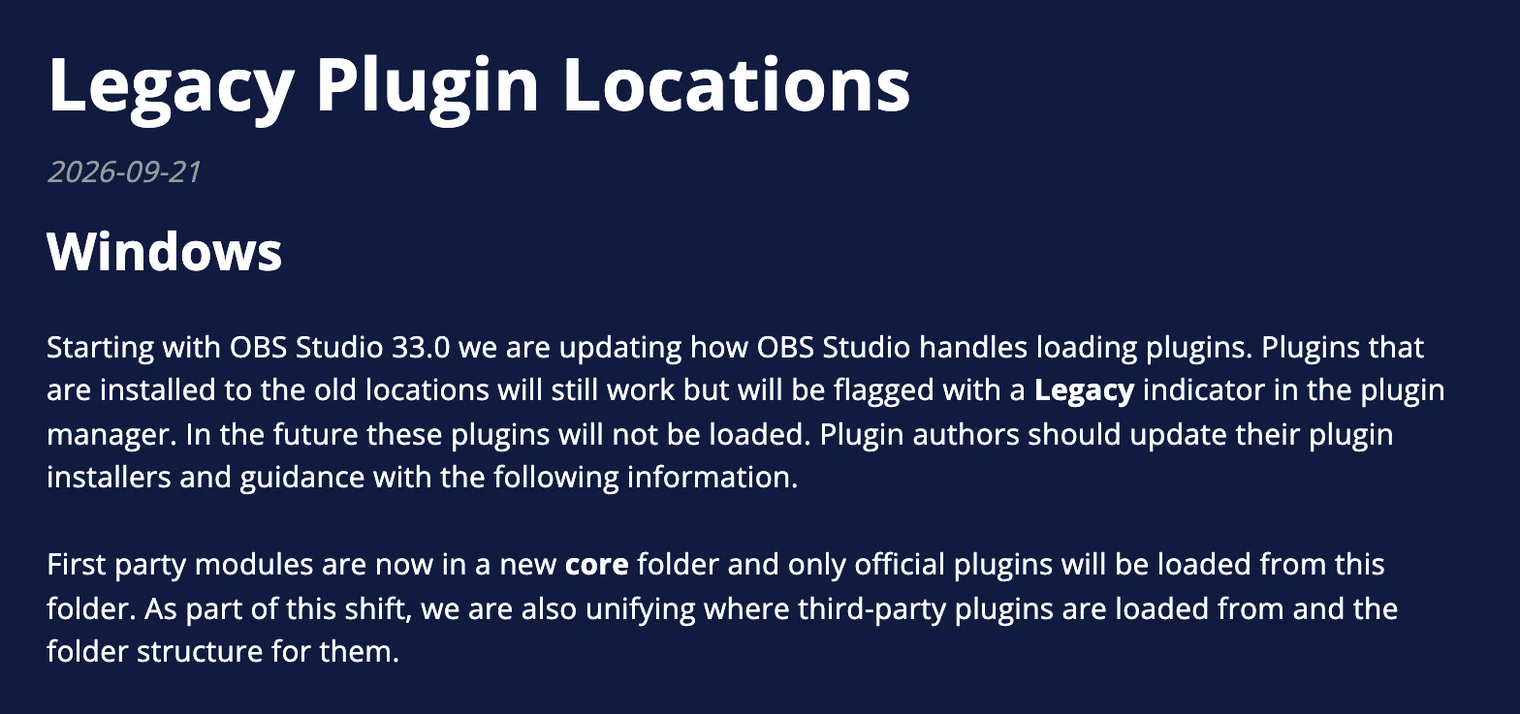
You'll see the tag in Tools > Plugin Manager, which OBS 33 also reorganizes. It now has Installed, Errors and Missing sections, and it labels a plugin as Legacy, Disabled, Error or Missing. A Legacy plugin gets the note "This plugin is installed to a location that will stop working in the future." Plugins that failed to load appear under Errors. OBS asks you to check that they are up to date and work with this version.
On Windows, Legacy has a deadline. Plugins installed in Program Files won't load from OBS 34 onwards. Plugins in the old layout inside ProgramData still load for now, and OBS says they will also stop loading in a later version.
| Windows install | New location in OBS 33 | Old location (marked Legacy) | Stops loading |
|---|---|---|---|
| Installed OBS | C:\ProgramData\obs-studio\plugins\<plugin>\, with the plugin's .dll and a data folder inside | C:\ProgramData\obs-studio\plugins\<plugin>\bin\64bit\ | In a later version |
| Installed OBS | Same as above | C:\Program Files\obs-studio\obs-plugins\64bit\, with data in C:\Program Files\obs-studio\data\obs-plugins\<plugin>\ | OBS 34.0 |
| Portable OBS | <OBS folder>\plugins\<plugin>\ | <OBS folder>\obs-plugins\ | Not stated |
The safe fix is an updated installer from the plugin's author. OBS's help article says moving a ProgramData plugin's files out of its 64bit folder may clear the Legacy tag for some plugins, but not all. Moving a Program Files plugin won't help, so ask its author for a new build before OBS 34. If a plugin exists in both places, OBS loads the copy in the new location and skips the old one.
Multistream plugins such as Aitum Multistream are third-party plugins too. If one of them sends your stream to more than one platform, check its tag in the Plugin Manager now. Then look for an update that installs to the new location.
Build the stream in the cloud.
Schedule videos, produce browser-based live shows, or send one feed to multiple platforms from the same Upstream workflow.
Smaller changes you will notice
- Snapping in the preview shows a visual guide and works along the whole length of an edge, not only when sources touch. It also ignores hidden sources.
- Number boxes behave better. Typing is no longer blocked, and a value applies when you press Enter instead of closing the window. Shift with the up or down arrow moves several steps at once.
- New hotkeys turn audio monitoring on or off for a source.
- OBS checks for missing encoders when it loads a profile.
- NVENC, NVIDIA's hardware encoder, now works on Windows on Arm, and NVIDIA's audio and video effects support NVIDIA's newest Broadcast SDKs.
- Game Capture is better at detecting fullscreen games, and macOS Screen Capture handles transparency better.
- Safe Mode no longer starts the WebSocket server, and it doesn't load third-party plugins at all.
- Recordings in simple output mode now set the audio bitrate by channel count.
Fixes that affect live streams
- A B-frame calculation bug in AMD's AMF encoder that could make streams disconnect is fixed.
- Outputs no longer get stuck running when a bad rescale resolution is set.
- OBS no longer crashes on start on macOS 27.2.
- Moving sources inside a group in Studio Mode no longer glitches or shows up live in Program.
- Hybrid MP4 and MOV recordings split into files more reliably.
What to check before you update
- In OBS 32, use Scene Collection > Export Scene Collection and Profile > Export Profile, so you can go back if something breaks.
- Write down which plugins you use, then update OBS.
- Open Tools > Plugin Manager and look for plugins tagged Legacy or listed under Errors or Missing.
- Open each scene, fire a test alert and check your browser sources and docks.
- Run a short unlisted test stream before a scheduled show.
- Keep the 32.2.2 installer from the GitHub releases page in case you need to roll back.
Multistream from OBS 33 without a plugin
OBS sends one stream to one place. The usual way around that is a multistream plugin, which is exactly the kind of add-on OBS 33 asks you to check. Upstream multistreams without a plugin: OBS sends one stream to Upstream, and Upstream sends it on to up to 10 of 30+ platforms at once. Your computer encodes and uploads once, so adding Kick or Facebook costs your connection nothing extra.
OBS 33's release notes list no changes to the Stream settings, so the setup in our OBS guide still applies. In Settings > Stream, choose Custom, paste rtmp://ingest.upstream.so:1935/live as the server and add the stream key from your Upstream stream. A 4K feed stays 4K and a 60 fps feed stays 60 fps on plans that include them, and vertical 1080x1920 input works on the free plan too.
When a plugin breaks after an update, Upstream keeps sending to the platforms you picked, because the copying happens on our servers, not in OBS. The free plan gives you 24 streaming hours a month, with no credit card and no watermark. Start streaming for free.
Sources
- OBS Studio: 33.0.0 release notes, the CEF 150 update, the plugin loading overhaul and the Plugin Manager labels in OBS 33's interface text.
- OBS Knowledge Base: Legacy plugin locations.
- OBS Studio download page, which offered 32.2.2 on October 26, 2026.