10 destinations at once, free

24/7 YouTube Live Stream
Pre-Recorded Videos

Take your YouTube channel to the next level with Upstream. The easiest way to build & maintain a 24 hour live stream using pre-recorded videos.

Start Streaming Free 24 hours of live streaming every month on the free plan. No credit card.
Verified by

How live videos
compare to regular videos

Don't take our word for it, let the numbers speak for themselves. Note: data based on a channel with roughly 2,500 subscribers.

840k Live Views

210% increase

$500 In profit

694% increase

96k hours watch time

400% increase

2000 New subscribers

400% increase

$5.2 Revenue Per Mille

325% increase

Go live

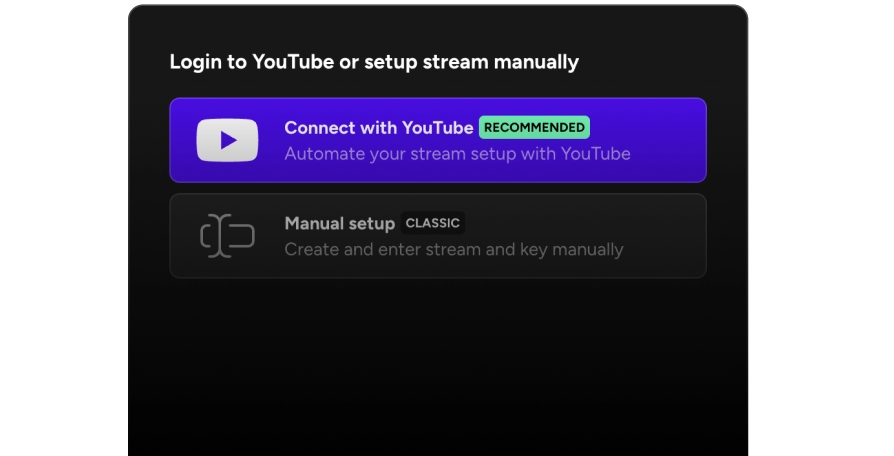
Upstream simplifies the process of creating a 24/7 live stream on YouTube. With our easy to use stream builder, and dedicated hosting, you can broadcast pre-recorded videos and provide your audience with constant and uninterrupted access to your content. No server setup and no technical knowledge required.

Upstream 24/7 live stream builder, login and setup screen
Pre-recorded video playlist for a 24/7 YouTube live stream

Design

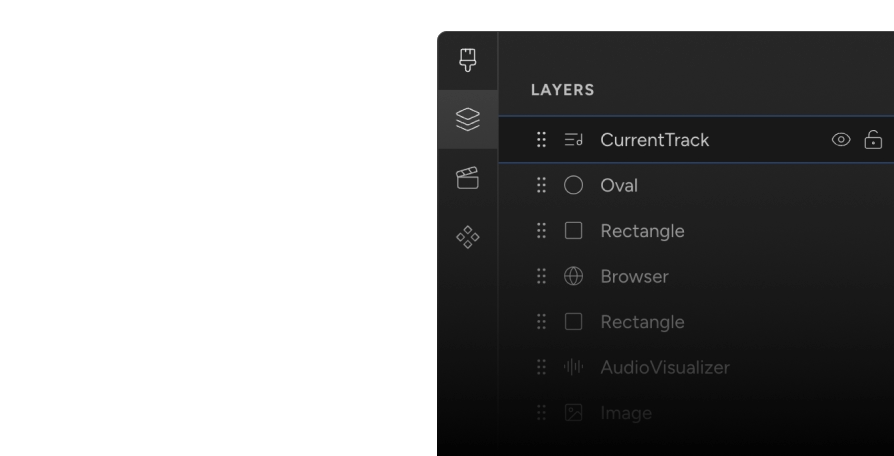
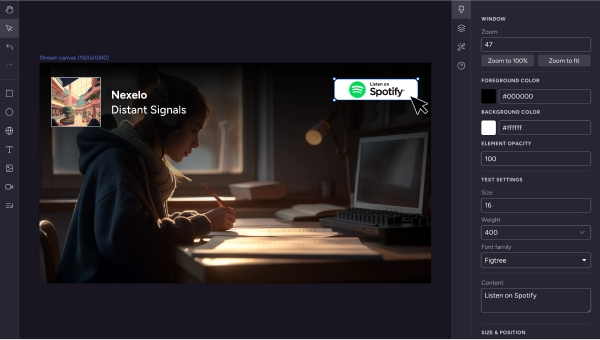
Introducing the first ever 24/7 live stream designer. Enjoy a Figma-like experience while designing your live streams - add current song overlays, visualizers, and customize your stream to match your brand with our intuitive interface. Try it out now and make your content stand out!

Upstream Stream Designer with overlays, widgets, and audio visualizer
Web browser
Audio visualizer
Current song overlay
For up to 10 platforms!

Multistream to any social platform

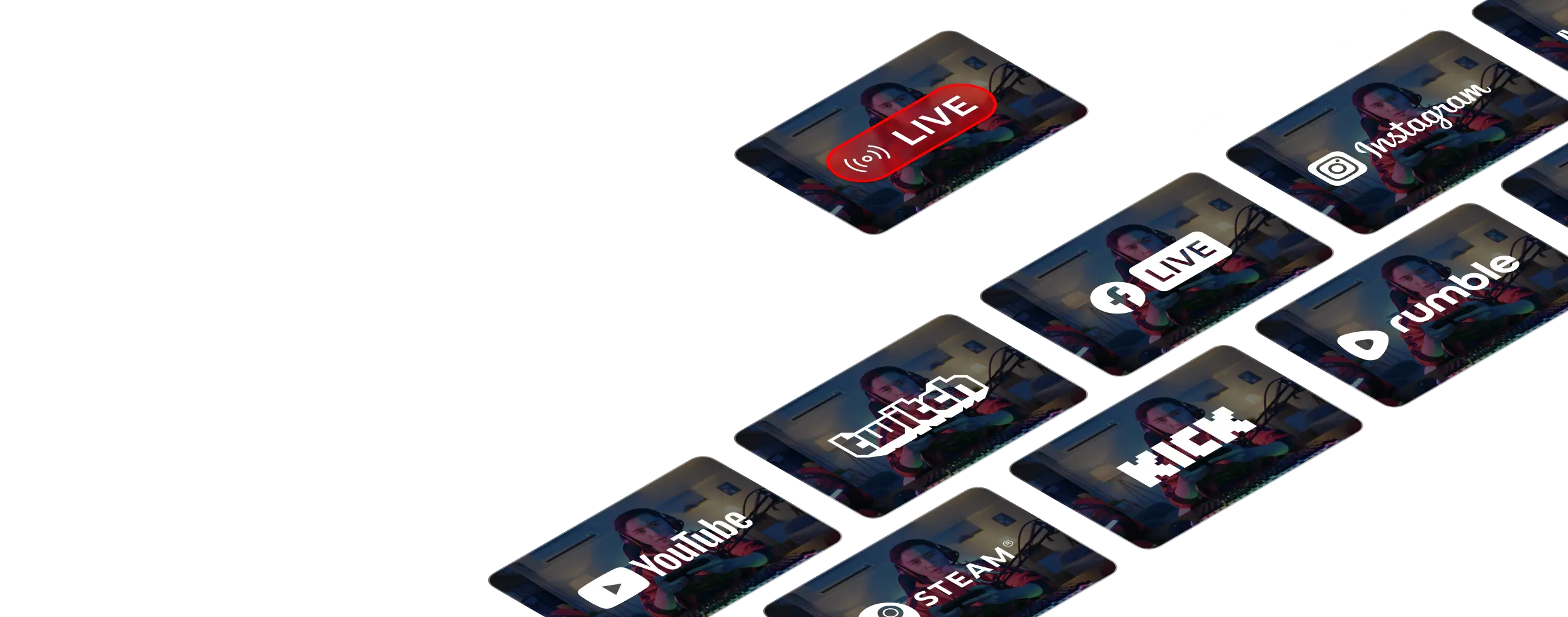
Stream live to YouTube, Twitch, Facebook, TikTok, Kick, Rumble, and any RTMP destination - all at the same time. Reach your entire audience whatever platform they prefer to watch, with support for up to 10 platforms simultaneously.

Multistream to YouTube, Twitch, Facebook, TikTok, Kick, and Rumble at the same time

Build & design custom 24/7 live streams for your brand

Get ready to take your music to the next level with Upstream. Build stunning 24/7 live streams with your favorite playlists, design custom visuals, and engage with your fans in real-time. Share your passion for music and create a unique experience.

Monetize

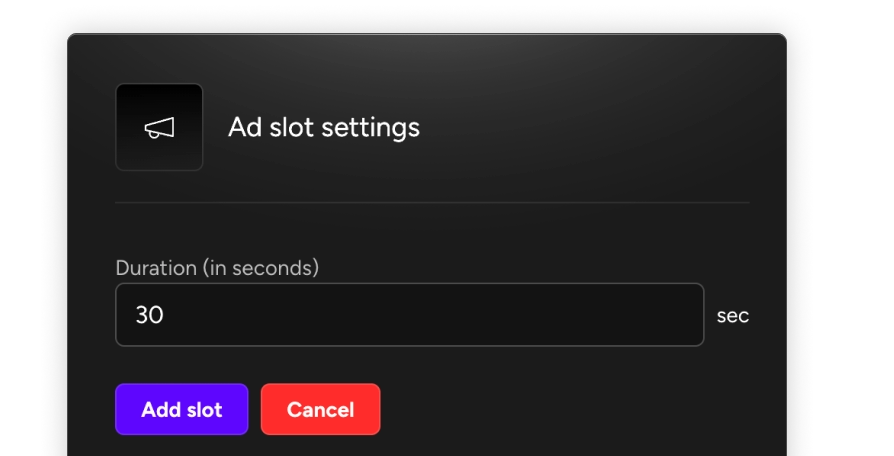
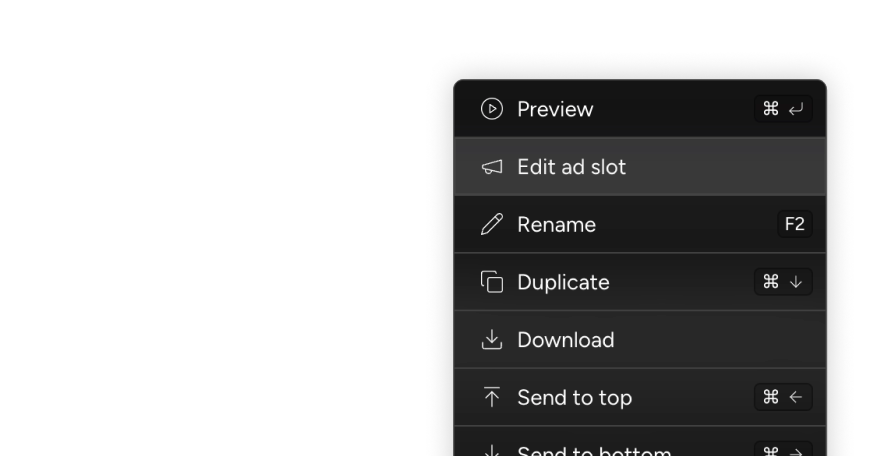
Manage your live stream's ad placements with custom live cuepoints. Developed in close cooperation with YouTube, we make sure your ads are placed at the best moments in your stream, never interfering with your content, and maximizing your revenue.

YouTube live stream with monetization cuepoint ad placements

Schedule

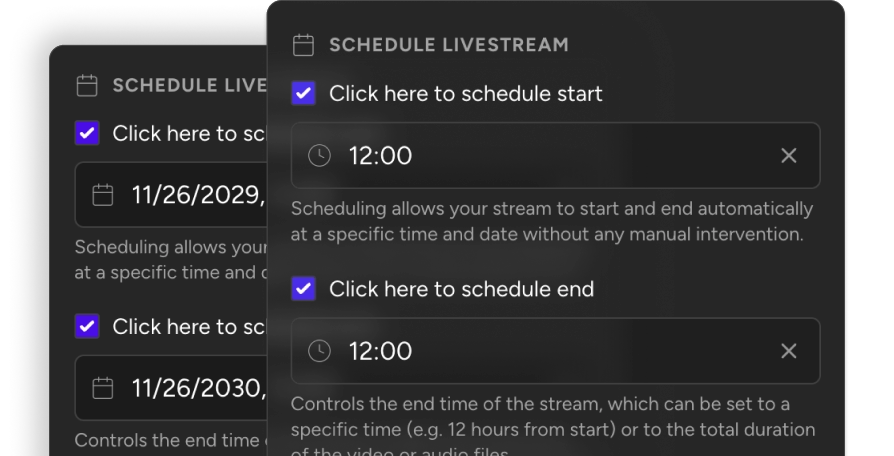
Schedule your live streams to run on a specific time of the day, and let Upstream handle the rest. Archive streams as videos to keep your audience engaged even when you're not live with multiple scheduling options.

Live stream scheduling and automation calendar in Upstream

Launch your live stream in minutes with our very own broadcast studio. Our intuitive interface lets you set up professional broadcasts without any technical expertise

Founder's Message

As live streaming continues its explosive growth, creators who build their presence today will lead tomorrow's content landscape.

Mario, co-founder of Upstream

Frequently Asked Questions

FAQ

View FAQ

How To Live Stream 24/7 on YouTube?

To live stream 24/7 on YouTube, you need to follow a few key steps:

  1. Create a YouTube channel
  2. Connect Upstream.so and YouTube with API-powered YouTube Connect or a stream key
  3. Upload videos & design your live stream
  4. Start your 24/7 live stream
Step by step guide

How To Find Your YouTube Stream Key?

Upstream supports API-powered YouTube Connect and manual RTMP. To find your YouTube stream key for manual setup, follow these steps:

  1. Navigate to YouTube Studio
  2. Select the Go Live option under the Create dropdown button
  3. Click Stream → Stream settings to find your stream key
  4. In Upstream, use YouTube Connect or paste the stream key for manual RTMP setup
Find your stream key
  • Best in class drag & drop stream designer
  • Multiple channels for music and effects
  • Upload pre-recorded videos and queue them
  • Live update stream without ever stopping it
  • 24/7 Live support available for assistance
  • No technical knowledge required
  • No server setup and maintenance
  • Schedule your streams in advance

Simple pricing,
scaled to your needs

Flat-rate streaming

Free or paid. Every stream can use the full workflow.

Start with one free stream and 24 hours/month. Paid removes the hour limit: choose how many streams you need, then use them for 24/7, pre-recorded, Live Studio, or multistreaming.

FeatureFreePaid
Streams Use each stream for 24/7 playback, pre-recorded scheduling, Live Studio, or multistreaming.1 streamChoose stream count
Streaming hours Free resets monthly. Paid streams can stay live continuously.24 hr/monthUnlimited
Pricing model Paid pricing scales by streams, storage, and video quality.FreeFlat rate per stream
Video quality1080p at 30 FPS1080p or 4K, 30/60 FPS
Storage100 GBScales with streams
24/7 pre-recorded live streamingYes, included in FreeYes, included in Paid
Pre-recorded stream schedulingYes, included in FreeYes, included in Paid
Multistream to 10 simultaneous destinationsYes, included in FreeYes, included in Paid
Stream Designer + overlaysYes, included in FreeYes, included in Paid
Browser-based Live StudioYes, included in FreeYes, included in Paid
Live playback controlsYes, included in FreeYes, included in Paid
Separate audio and video playlistsYes, included in FreeYes, included in Paid
Stings, jingles + ad insertsYes, included in FreeYes, included in Paid
Team accessYes, included in FreeYes, included in Paid
YouTube Verified encoderYes, included in FreeYes, included in Paid
No watermarkYes, included in FreeYes, included in Paid

There's a reason creators, agencies, and broadcasters choose Upstream

Here's what our customers have to say about Upstream.

4.7 · 200 reviews on Trustpilot

Customer Reviews

Read more reviews

Sponsorship Opportunities