
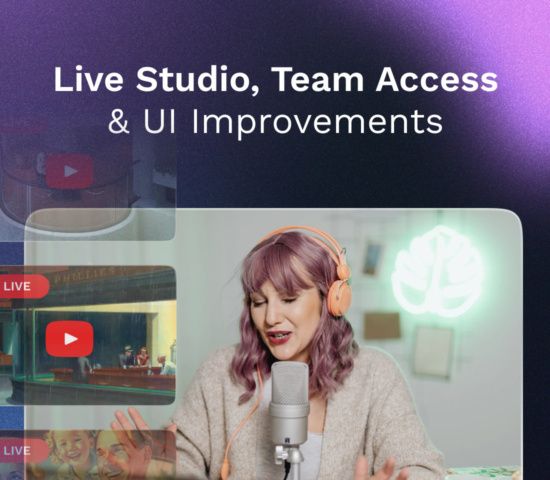
Mp3 Metadata Batch Editor
Edit your Mp3 ID3 tags with our free metadata editor!
Edit mp3 Metadata / ID3 Tags in Batches, for free, online. No VLC or Apple Music needed. You can edit all tags / fields, including the Image / Album Art!
Edit MP3 metadata in batches
Drop in MP3 files, clean titles and artist names, update cover art, then download edited files without uploading audio anywhere.
No audio upload. ID3 reading, editing, cover-art changes, and downloads run in this browser.
Select multiple tracks, normalize casing, use optional AI for text metadata, or download every edited MP3 as a ZIP.
Audio files never leave your browser. AI transformations send text metadata only and are limited to 5 per day.
Upload, review, and export in one pass
Choose your audio files
Start with one or more MP3 files. The editor reads existing tags and shows editable rows after loading.
Drop MP3 files here or click to browse
Multiple files are fine. Keep total browser memory below 2 GB.
From quick prep to full streaming workflows
These free utilities cover the small jobs around content creation. For continuous channels and team production, Upstream also supports 24/7 live streaming, pre-recorded live streams, multistreaming, and Live Studio broadcasts.
For this tool, the closest next step is pre-recorded live streams, so that workflow appears first below.
Schedule finished videos as live events.
Turn recordings into scheduled live streams, premieres, loops, and recurring broadcasts from the same cloud workflow.
Explore pre-recorded streaming
Keep a cloud channel live around the clock.
Upload once, build a playlist, and let Upstream run continuous live playout without OBS, a VPS, or an always-on computer.
Explore 24/7 streaming
Send one feed to every platform that matters.
Go live to YouTube, Twitch, Kick, Facebook, Rumble, and custom RTMP without making your upload connection carry every copy.
Explore multistreaming
Produce browser-based live shows with guests.
Invite speakers, share screens, manage scenes, and add branded overlays for podcasts, webinars, interviews, and launches.
Explore Live Studio