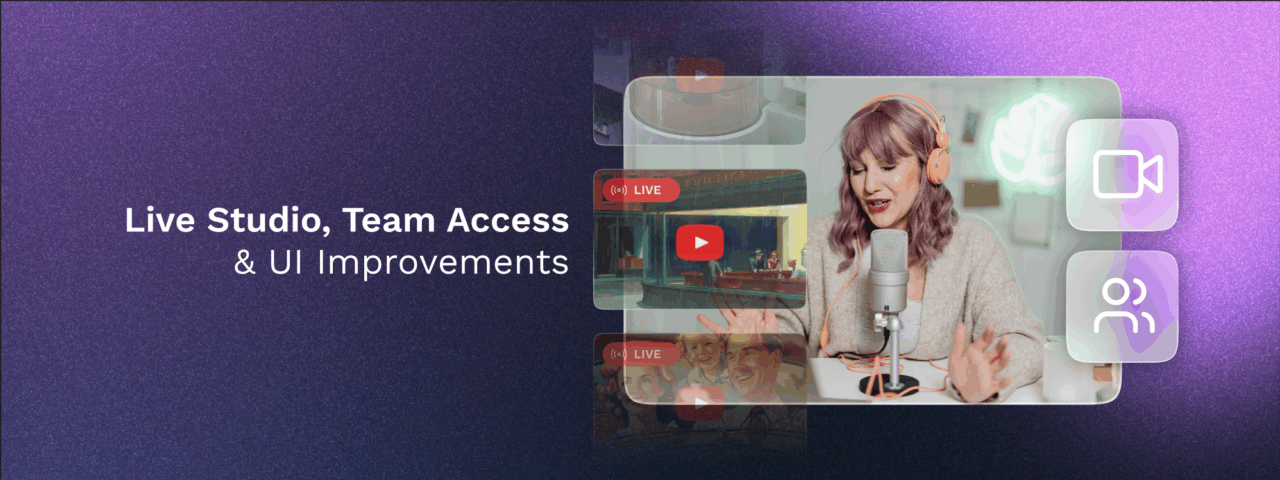
Mix Live Input with Live Studio
This release is a major milestone in Upstream’s evolution: we are expanding our reach from being the top-choice for 24/7 pre-recorded streaming to become a top choice for a complete live broadcasting platform. The new Live Studio tab on your Stream Edit page is our first step toward giving you the best of both worlds: the reliability of automated content with the ability to achieve instant connection with your audience via real-time broadcasting.
Now you can mix live RTMP or HLS streams into your content. Switch effortlessly between pre-recorded content and live inputs like OBS, or display both – your 24/7 playlist and your live feed as an overlay using some of our preset screen configurations.
Key capabilities:
- Go live with your webcam directly from OBS
- Layer any RTMP/HLS input over pre-recorded streams
- Appear in a commentary-style box with customizable display presets
This opens up exciting new possibilities for creators who want to interact with their their communities, real-time. Whether you’re doing live commentary over pre-recorded gameplay, hosting Q&A sessions, or simply showing your face to connect with viewers, you now have the tools to do it.
And this is just the beginning. Live Studio represents our first major step toward making Upstream a top-tier platform for real-time live streaming. Expect more powerful live broadcasting features in the coming months as we continue building tools that let you stream your way: automated, live, or anywhere in between.
Because as every creator knows, showing up live truly matters.
Team Access: Collaborate Without Compromise
You asked, we listened. Working with a team shouldn’t mean sharing passwords or constantly switching accounts. Our new Team Access feature lets you invite collaborators to your Upstream account with precisely the right level of access for their role (available on all plans at no extra cost).
How Team Access Works:
Invite team members by email from your Account settings, and they’ll join using their own login credentials. They can seamlessly switch to working in your account while you maintain full control over what they can see and do.
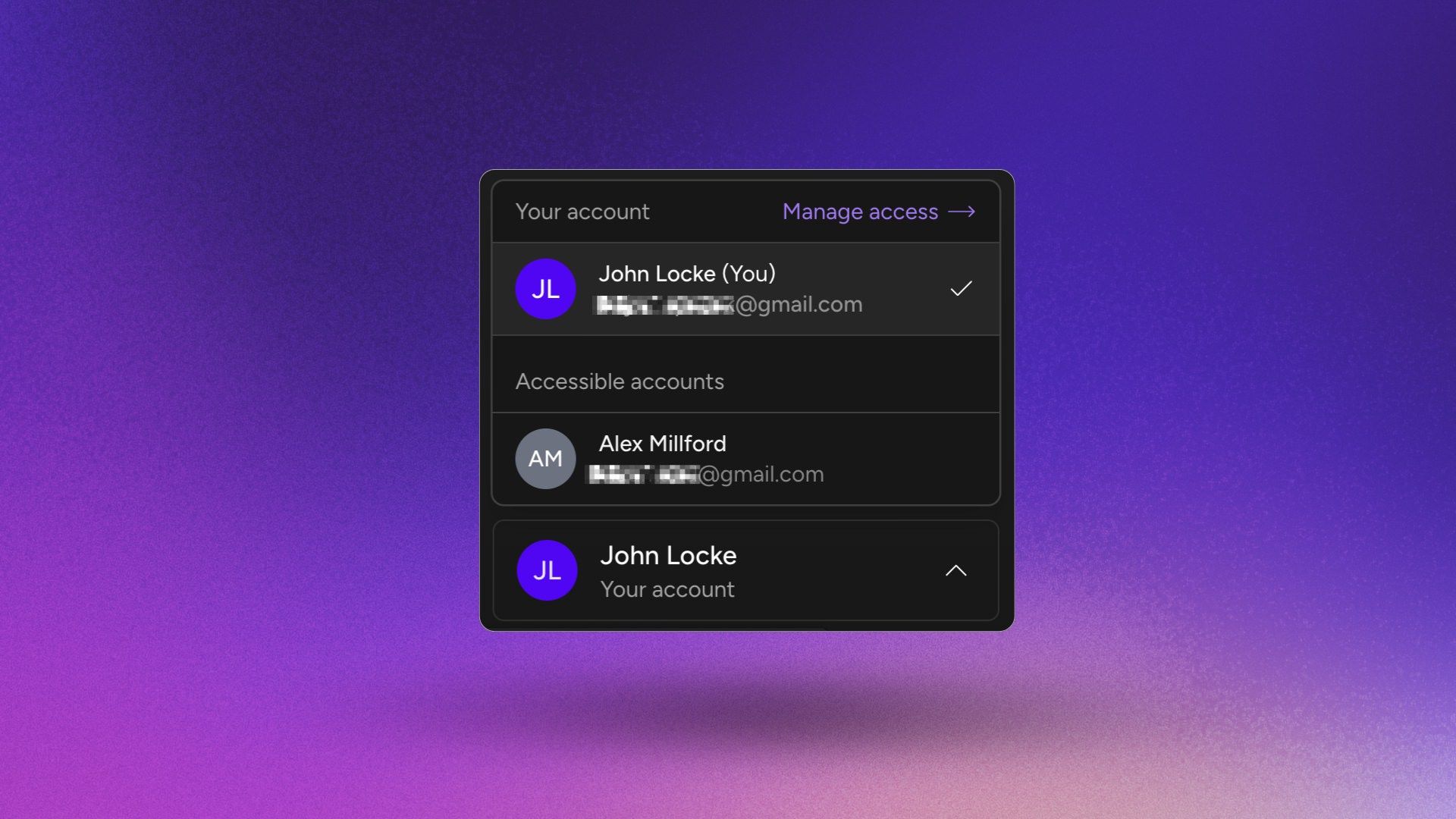
Three permission levels to fit every role:
- View Only – Perfect for clients and stakeholders who need visibility without editing rights. They can view streams, playlists, and schedules, but can’t make any changes.
- Moderator – Built for your content creators and editors who manage daily operations. They can customize streams, manage media, create playlists, schedule content, and configure streaming destinations, but can’t create new streams, manage team members, or access billing.
- Manager – For fully trusted team members who help run your account. They can do everything a Moderator can, plus create streams and manage team permissions (though billing remains in your control and Managers can not see anything billing related).
Permissions can be updated or revoked instantly from your Team Access dashboard, giving you the flexibility to adapt as your team grows and evolves.
UI Changes & Improvements
Additionally, we reorganized the main menu to better work with the new Team Access feature. Your main account controls are now easily accessible by clicking on your name in the lower part of the main menu.
Clicking on your name / profile icon will bring up these options:
- Switching between accounts
- Managing Team Access options
- Your Account Settings
- Billing / Manage Subscription
- Logging out
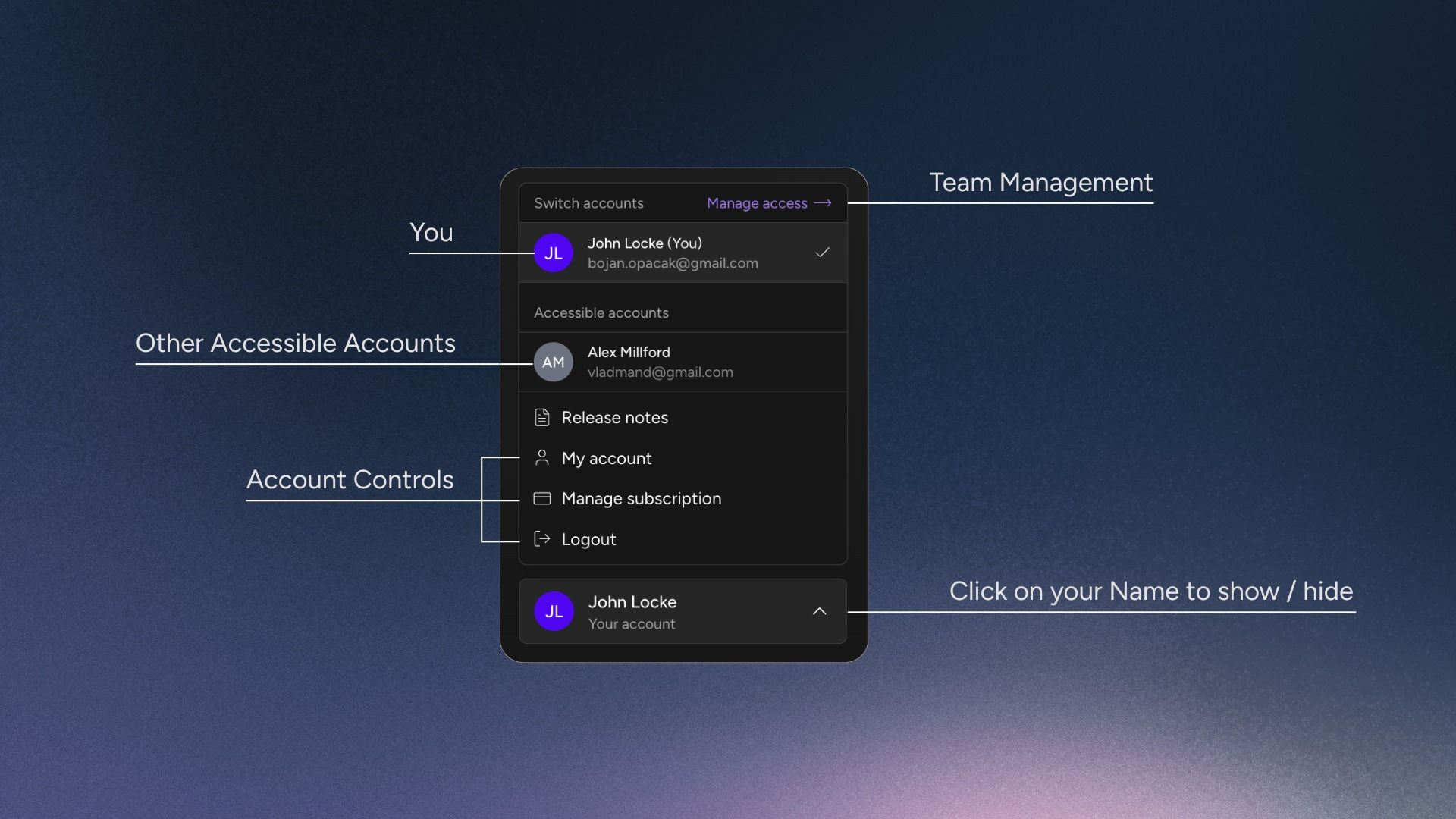
This way, all the account administration links on one place, but out of the way while you are doing your daily work. Everything is easy to reach, but tucked away under your Name / Profile Badge.
Together, Live Studio and Team Access give you something powerful: the freedom to stream however you want, with whoever you want. Automated or live. Solo or collaborative. Your stream, your way.
These updates mark an important milestone for Upstream – Building on our foundation as the go-to 24/7 streaming platform, we are now offering a wider spectrum of streaming features for creators who want to automate, broadcast live, and build with their teams, all in one place – without using multiple tools.
Keep streaming and stay tuned for big updates ahead!