A YouTube Content ID claim can affect a video’s revenue or where people can watch it. A copyright strike follows a copyright takedown and affects your channel’s standing. A claim alone does not give you a strike. First, check which notice you received in YouTube Studio, then choose the right response below.
Copyright claim vs. strike: the key differences
| What changes? | Content ID claim | Copyright strike |
|---|---|---|
| Why it happens | Copyrighted content is identified in your video. | YouTube acts on a copyright removal request that appears valid. |
| Your video | The owner can monetize, track, or block it. | The content is removed. |
| Your channel | Usually unaffected by the claim itself. | A strike is added to the channel. |
| What to check first | The claimed segment and its restrictions. | The removal notice and active strike details. |
YouTube treats Content ID claims and copyright removal requests as different processes.
What is a copyright claim on YouTube?
Content ID scans uploads for matches to files supplied by copyright owners. A match can lead to a claim. Owners can also use manual claims through YouTube’s tools.
A claim may send ad revenue to the owner or block the video in some countries or worldwide. Read its details before you decide what to do. A blocked video does not, by itself, mean you have a copyright strike.
How to check whether you have a claim or a strike
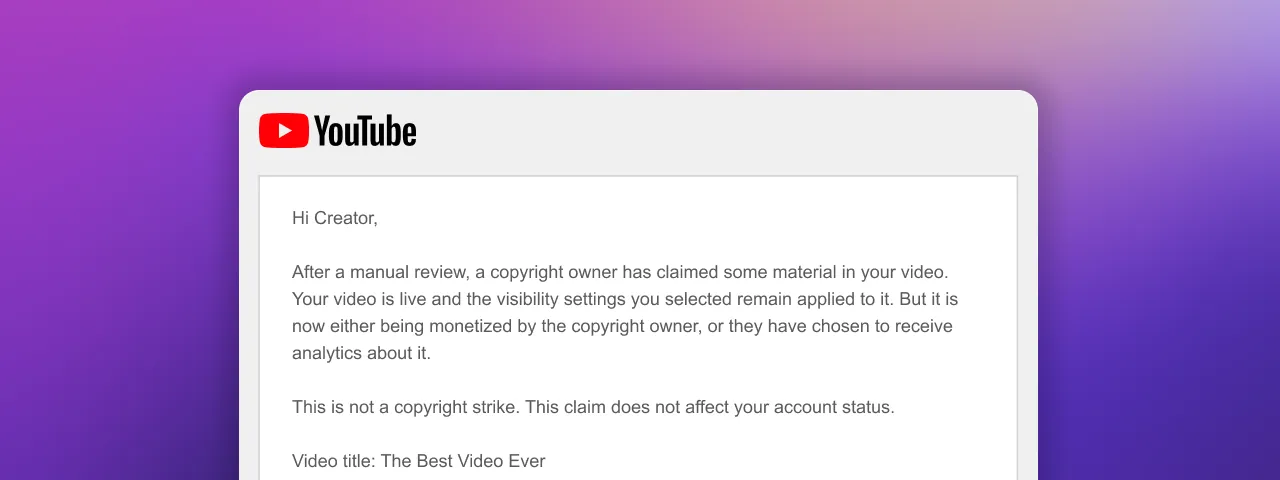
Open YouTube Studio > Content. Find the video, check the Restrictions column, and open See details. YouTube’s current guide uses Claims for a Content ID claim and Copyright – Takedown for a removal request. Labels can differ from older screenshots.
Read who claimed the content, which section is affected, and what restrictions apply. For strikes, also check Active copyright strikes on your Studio dashboard and the removal email.
How to respond to a YouTube copyright claim
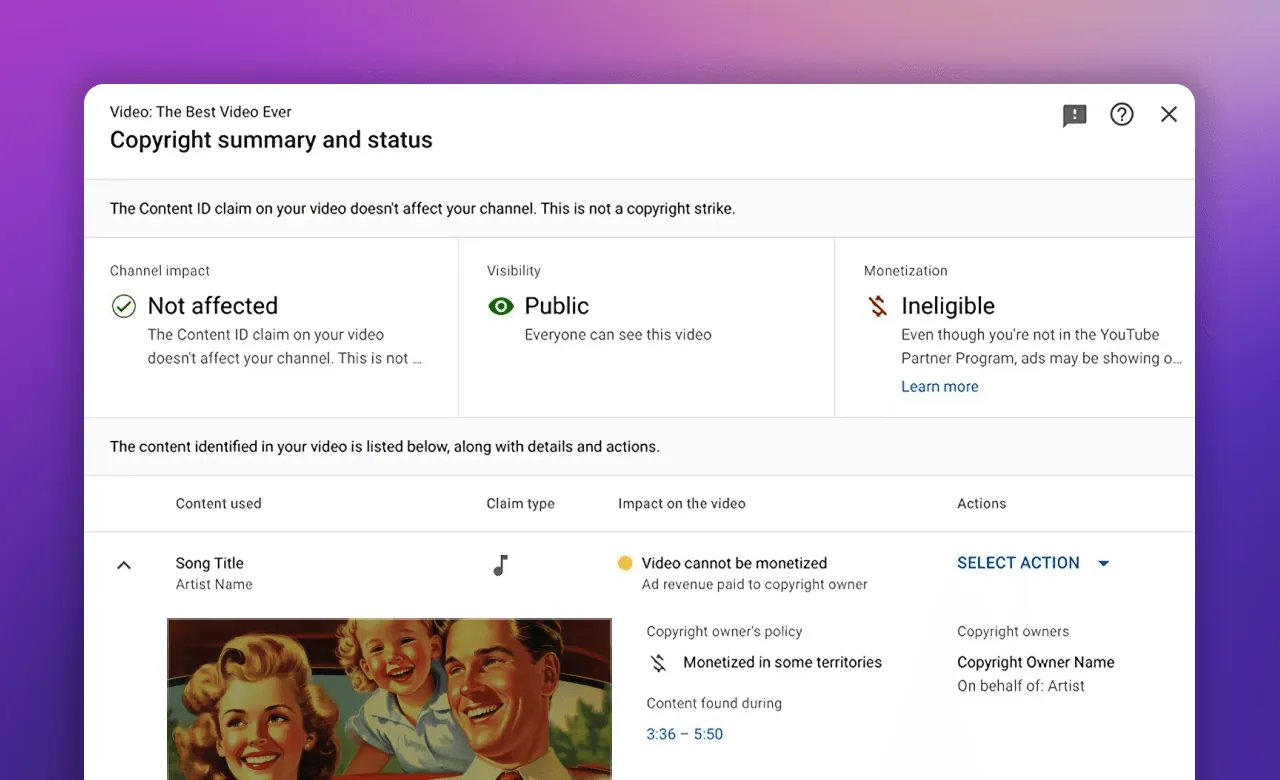
If the claim is valid and you accept its restrictions, you can leave it in place. If you want to remove the claimed material, open the claim details and look under Take action.
- Trim out segment removes the affected part of the video.
- Replace song can swap claimed audio for music from YouTube’s Audio Library.
- Erase song can mute the song or all sound in the affected section.
These options depend on the claim. The claim clears only if the edit successfully removes all the claimed material. Keep a backup and preview the result: YouTube says saved Studio Editor changes cannot be reverted. Follow its guide to removing claimed content.
When should you dispute a claim?
YouTube lists valid reasons such as having the required rights, a mistaken match, or a copyright exception such as fair use. Giving credit, buying a song, or choosing not to earn money from the video is not enough on its own.
To start, open the claim’s details and choose Take action > Dispute. The claimant has 30 days to respond. They may release or reinstate the claim, let it expire, or submit a removal request. A dispute cannot be canceled after submission. Read YouTube’s dispute guidance before filing; seek legal advice if your rights are unclear.
What happens when you get a copyright strike?
A strike follows a legal request to remove content for alleged infringement. YouTube reviews the request and removes the content if the request appears valid. It is not a court ruling on whether your use was lawful.
Three active copyright strikes put your channel and linked channels at risk of termination. Check your exact status in Studio. Copyright strikes are separate from Community Guidelines strikes.
How to resolve a copyright strike
- Complete Copyright School and wait 90 days. This expiry route applies when your channel has fewer than three strikes. Waiting does not restore the removed video.
- Ask the person who submitted the removal request to retract it.
- Submit a valid counter notification if the removal was a mistake or misidentification.
A counter notification is a legal request to restore content. YouTube shares it with the claimant, including the required personal information. An authorized representative, such as an attorney, can submit it for you. Review the requirements before choosing this route.
Can copyright claims turn into strikes?
Claims do not add up into strikes. A copyright owner can submit a separate removal request, including during a dispute. If YouTube accepts that request, the content is removed and a strike follows. The number of Content ID claims alone does not trigger the three-strike rule.
Does deleting a video remove a copyright strike?
Usually, no. Deleting a video after a strike is applied does not clear it. A scheduled removal request is different: YouTube gives you seven days to act, and deleting the content within that window can avoid the strike. Check the deadline in the notice and YouTube’s scheduled-removal rules.
Reduce copyright problems before uploading or going live
Check permission for the music, footage, and other material you use. Keep a record of licenses and their terms. A free download does not tell you what uses are allowed.
For video music, YouTube’s Audio Library offers copyright-safe tracks. Some require an artist credit in the description. Check the license shown for each track.
Live streams need extra care. YouTube scans live content and can interrupt a stream when it detects third-party material. If you have a license, YouTube advises asking the rights holder to add your channel to their Content ID allowlist. See its live-stream copyright guidance.
Before running a stream through Upstream, check the rights for every item in your playlist. Keep those records with the files so you can check a claim against the license.
Policy sources checked October 2, 2026. This guide explains YouTube’s processes and does not decide whether a particular use is lawful.
Keep a live channel running 24/7.
Upload files, build a playlist, and let Upstream run continuous live playout from the cloud without OBS, a VPS, or an always-on computer.